

virt-manager, also known as Virtual Machine Manager, is a graphical tool for creating and managing virtualized guests.
Open virt-manager
virt-manager. Launch the application from the menu and submenu. Alternatively, run the virt-manager command as root.
Optional: Open a remote hypervisor
Create a new guest
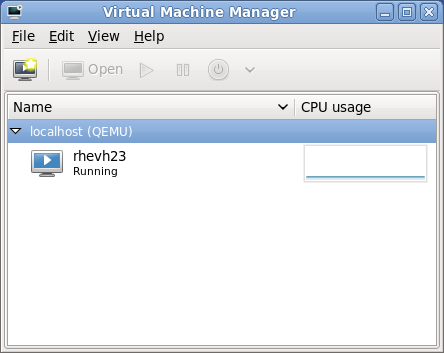
New VM wizard
virt-manager can access the installation media (whether locally or over the network).
Specify name and installation type
_), periods (.), and hyphens (-).

.iso).
Configure installation

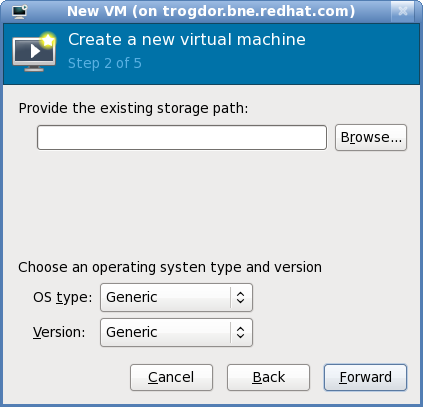
/var/lib/libvirt/images/. If you are using a different location, make sure it is added to your SELinux policy and relabeled before you continue with the installation. Refer to Section 16.2, “SELinux and virtualization” for details on how to do this.
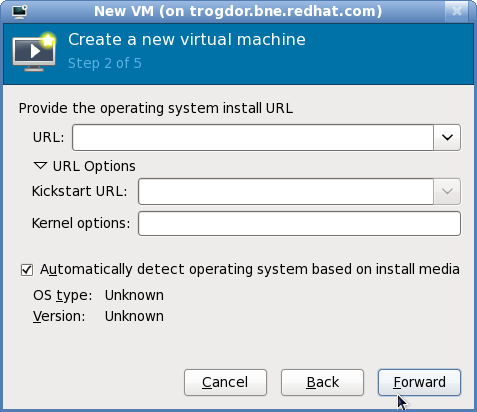
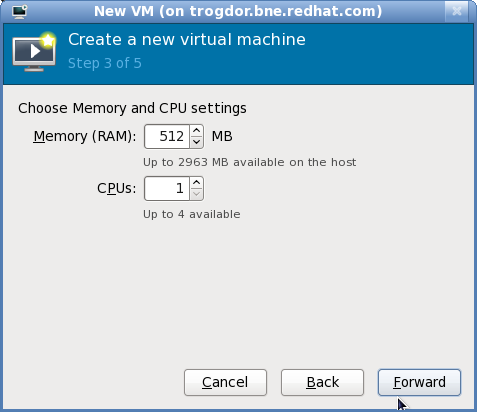
Configure CPU and memory
Configure storage
/var/lib/libvirt/images/ to satisfy default SELinux permissions.

virt-manager will skip this step.
Final configuration

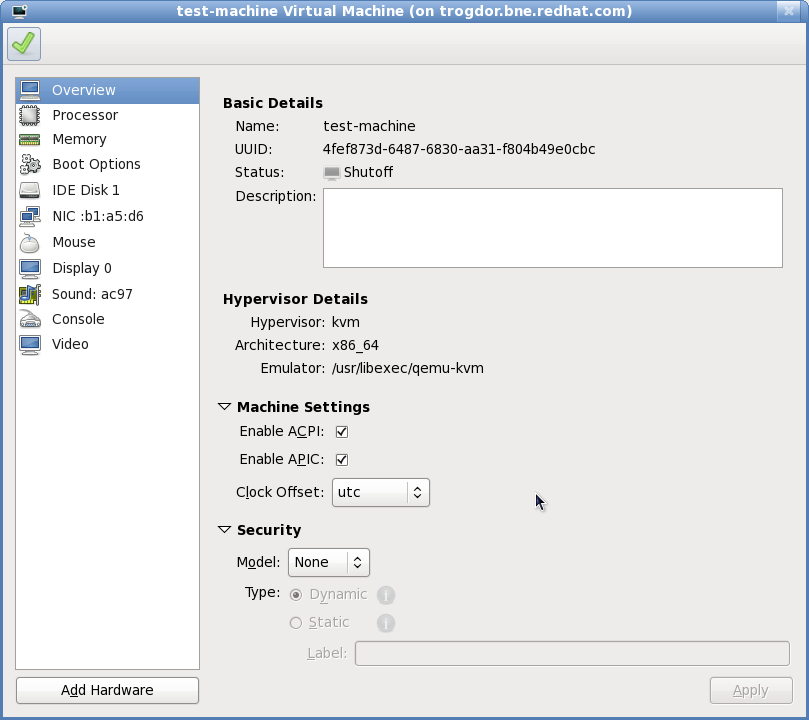
virt-manager will then create the guest with your specified hardware settings.
virt-manager. Chapter 6, Virtualized guest installation overview contains step-by-step instructions to installing a variety of common operating systems.