Play a range within a sound asset
Intermediate Programmer
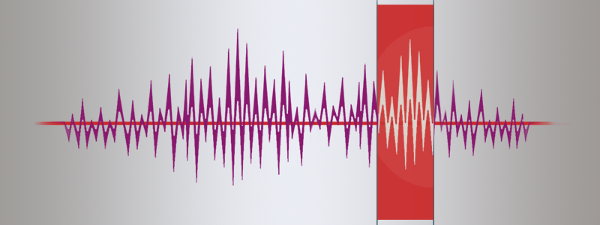
You can have Xenko play only certain portions of a sound asset. This means, for example, that you can create multiple samples from a single sound asset by specifying different ranges in different SoundInstance objects.
You can use the following properties, methods, and structures:
| Property, method, or structure | Function |
|---|---|
| Sound.TotalLength | The total length of the sound. |
| SoundInstance.SetRange(PlayRange) | Sets the time range to play within the sound asset. |
| PlayRange | Time information, including the range's starting point and length. |
| SoundInstance.Position | Gets the current play position as TimeSpan. |
For example:
//Assume sample length is 5 seconds.
var length = mySound.TotalLength;
var begin = TimeSpan.FromSeconds(2);
var duration = TimeSpan.FromSeconds(2);
mySoundInstance.SetRange(new PlayRange(begin, duration));