
Environments and installers
Your administrator can create custom environments for you and your colleagues to access. These custom environments include specific packages and their dependencies.
Likewise, your administrator can make available to you custom project installers and project templates. These project templates will be available when you create a new project.
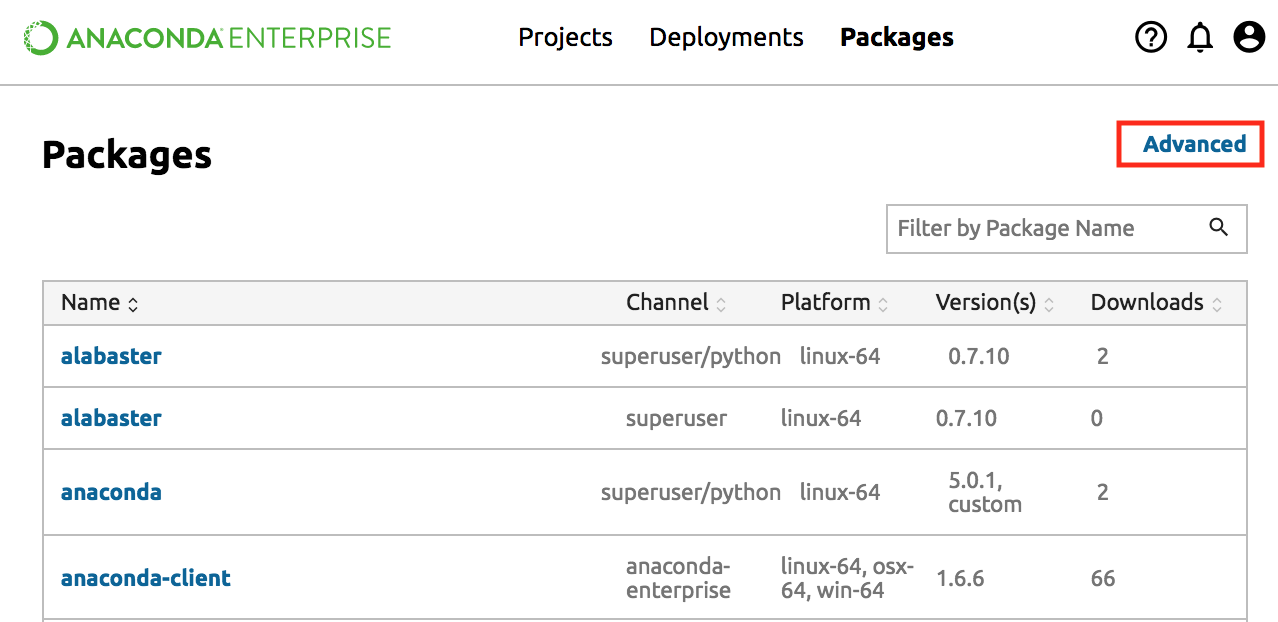
Viewing installers
Select the top Packages menu, then click the far right Advanced link. Scroll to the bottom Installers section.
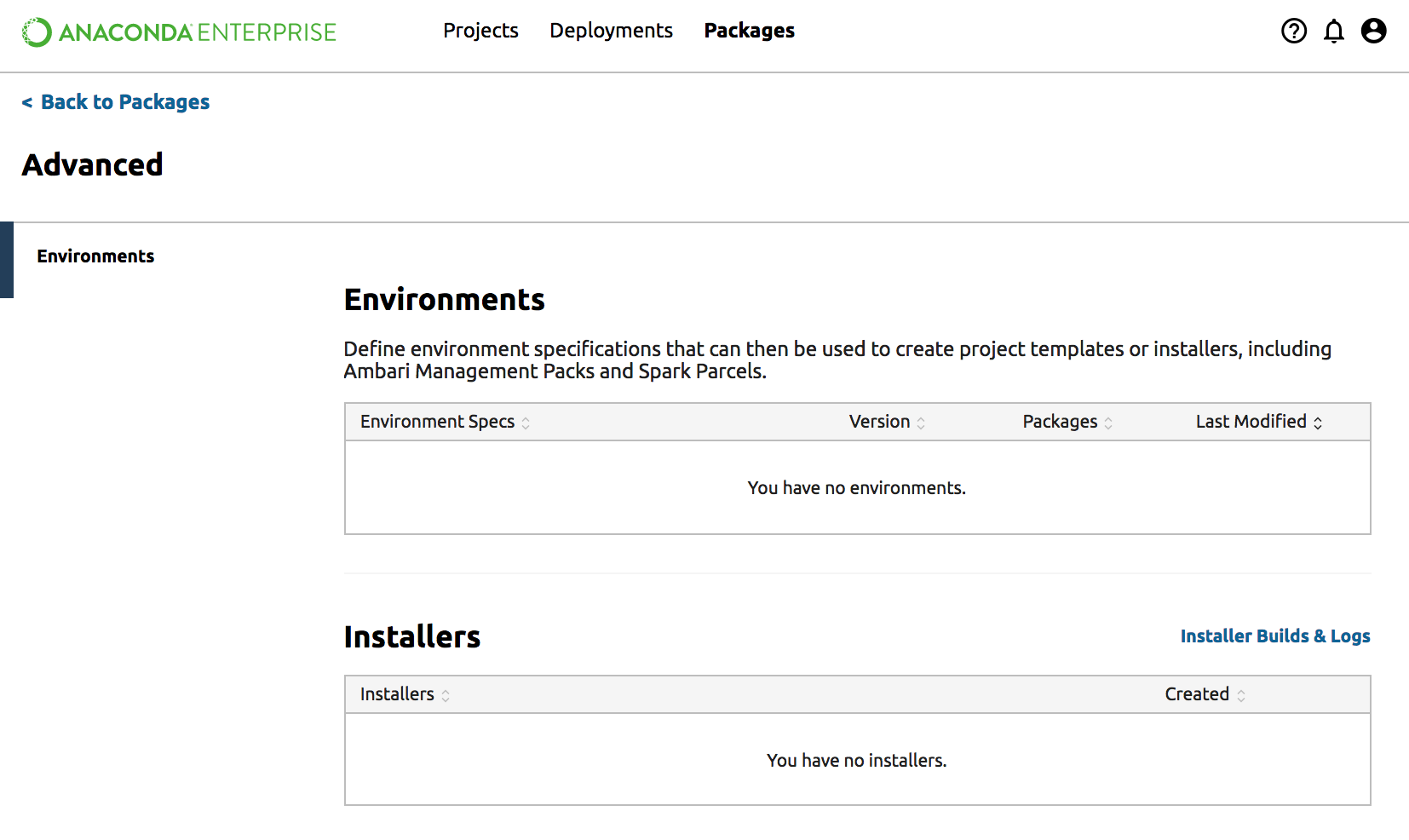
If you do not see an installer that you expected to see, please contact your administrator.
Parcels
The manifest.json file is available at https://repo.anaconda.example.com:30089/api/installers/parcels/manifest.json. NOTE: Replace repo.anaconda.example.com with your actual hostname.