Assets
Beginner
An asset is a representation of an element of your game inside Game Studio. Assets include things like textures, models, and animations.
Some assets require resource files. For example, texture assets need an image file and audio assets need audio files. Other types of assets (such as scenes, physics colliders, and game settings) don't use resource files, and can be created entirely in Game Studio.
You can compile and optimize assets with a special compiler provided by Xenko. Compiled assets are packed together as bundles and can be reused.
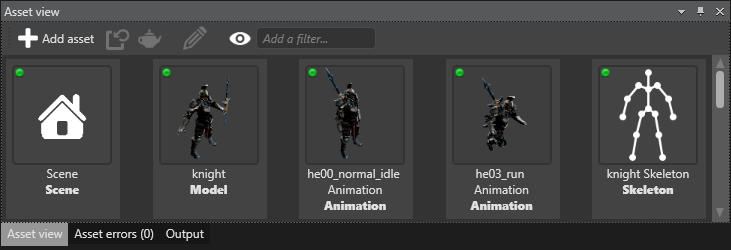
You can:
create and browse assets in the asset view
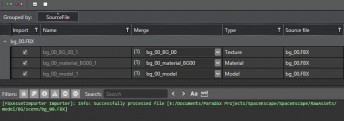
import existing assets, such as FBX files:
edit assets in the property editor:
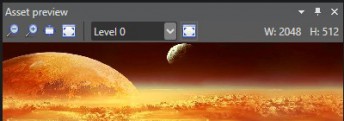
see a live preview in the asset preview: