Visual Studio extension
Beginner
The Xenko Visual Studio extension adds syntax highlighting, live code validation, error checking, and navigation. It also lets you you edit shaders directly from Visual Studio.
You don't need to install the extension to use Xenko, but we recommend it, especially for programmers.
Install the Xenko Visual Studio Extension
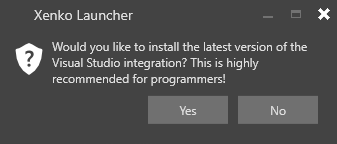
When you install Xenko, Xenko asks if you want to install the Visual Studio extension.
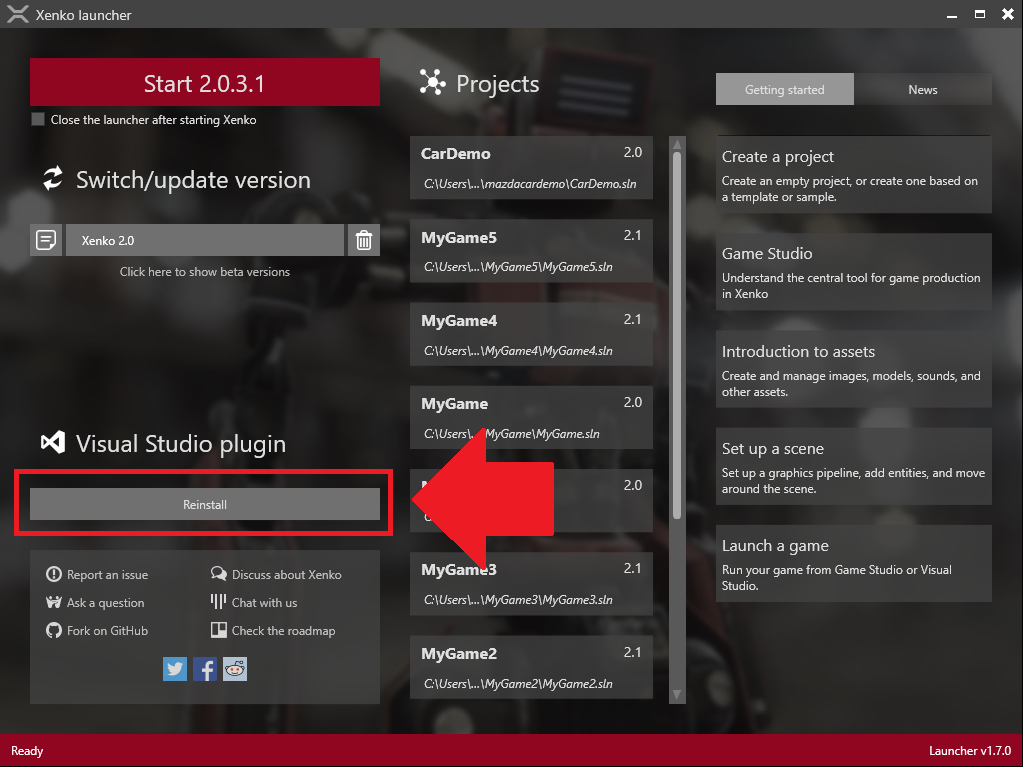
Alternatively, you can install or reinstall the extension at any time in the Xenko Launcher under Plug-in.