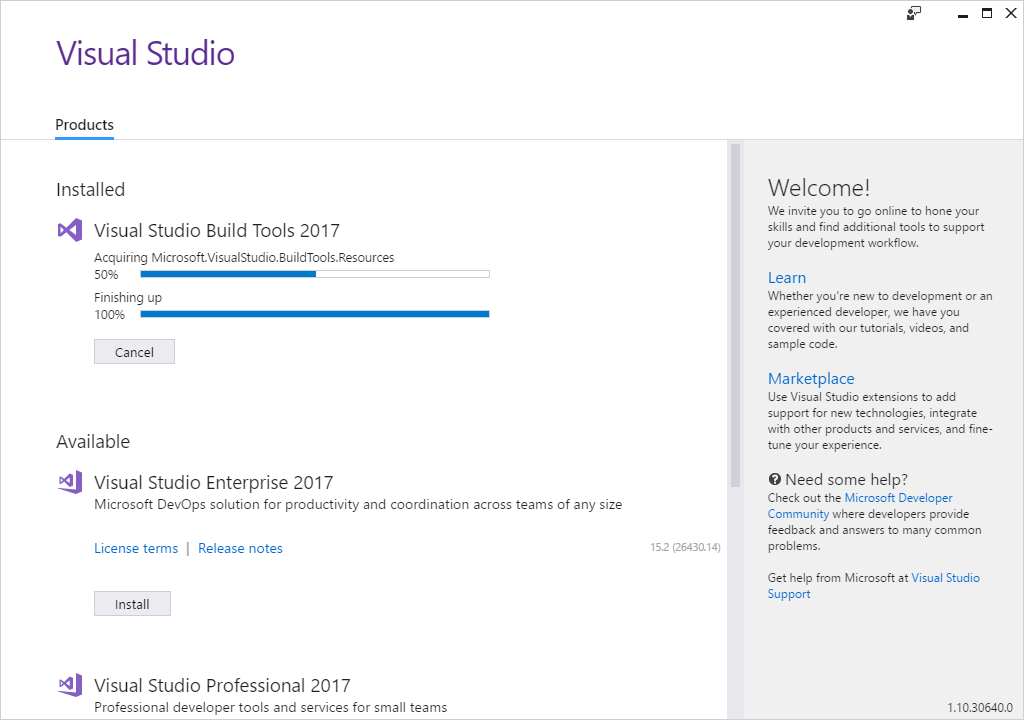
Xenko doesn't run
If you're having trouble running Xenko, make sure you've installed all the prerequisites:
- .NET Framework 4.6.2
- Visual C++ Redistributable 2015 or 2017
- Build Tools for Visual Studio
Alternatively, uninstall Xenko, restart the Xenko installer, and install the prerequisites when prompted.
.NET Framework 4.6.2
To check if this is installed, see Control Panel > Programs > Programs and Features and look for an entry containing .NET 4.6.2.
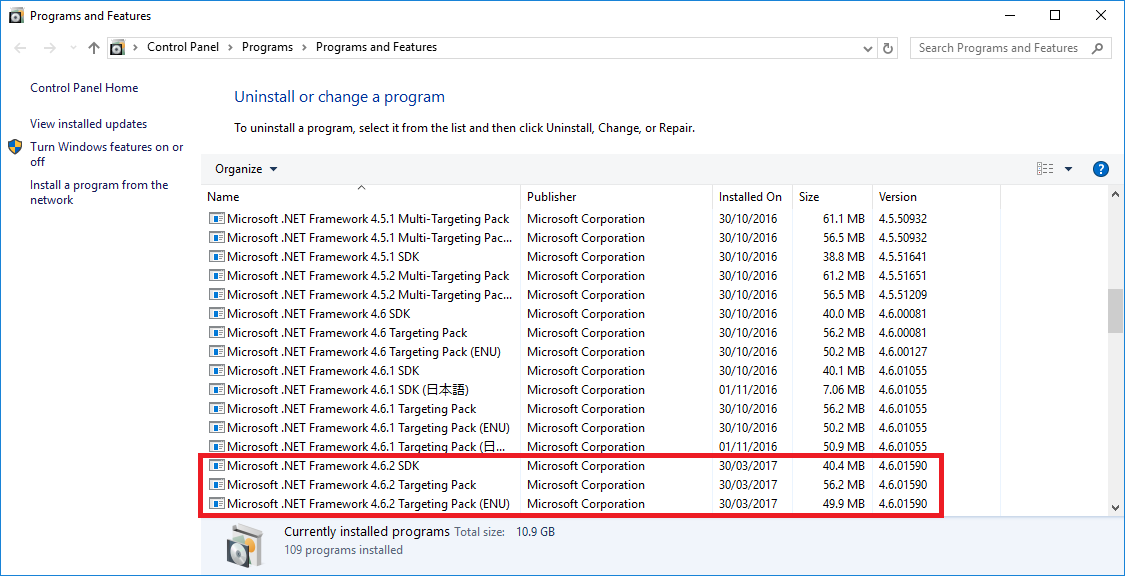
If it's not installed, you can download it from the Microsoft Download Center.
Note
If you install Visual Studio, make sure you also install the .Net Framework support. Just the Visual Studio base installation isn't enough.]
Visual C++ Redistributable 2015 or 2017
To check if this is installed, see Control Panel > Programs > Programs and Features and look for 2015 Redistributable or 2017 Redistributable.
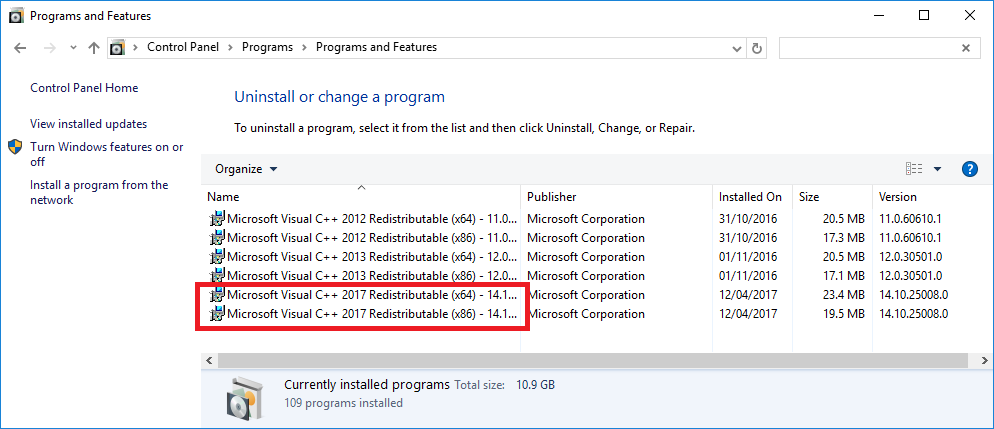
If it's not installed, you can download the 2017 Redistributable from Visual Studio Downloads (under Other Tools and Frameworks).
Build Tools for Visual Studio
If you don't have Visual Studio installed, you need to install Build Tools for Visual Studio. You can download this from Visual Studio Downloads (under Other Tools and Frameworks).
Note
Windows uses the Visual Studio installer to install the Visual C++ Redistributable and Build Tools for Visual Studio prerequisites. If you don't need Visual Studio, don't worry – it doesn't install it.