
Logging out
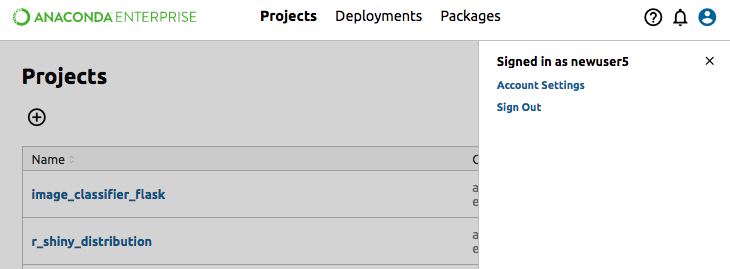
- In the top-right corner of the Anaconda Enterprise screen, click your user icon (small portrait).
- In the menu that appears, select Sign Out.
Running editing sessions and deployments will remain live even after you log out, so that people you have shared them with can still access your work.