 |
TrinityCore
|
|
TrinityCore
|
#include <Table.h>
Classes | |
| class | Entry |
| class | Iterator |
| class | Node |
Private Types | |
| typedef Table< Key, Value, HashFunc, EqualsFunc > | ThisType |
Private Member Functions | |
| void | checkIntegrity () const |
| void * | alloc (size_t s) const |
| void | free (void *p) const |
| void | resize (size_t newSize) |
| void | copyFrom (const ThisType &h) |
| void | freeMemory () |
| bool | remove (const Key &key, Key &removedKey, Value &removedValue, bool updateRemoved) |
| Entry * | getEntryPointer (const Key &key) const |
Private Attributes | |
| size_t | m_size |
| Node ** | m_bucket |
| size_t | m_numBuckets |
| MemoryManager::Ref | m_memoryManager |
An unordered data structure mapping keys to values.
There are two ways of definining custom hash functions (G3D provides built-in ones for most classes):
class Foo {
public:
    std::string     name;
    int             index;
    static size_t hashCode(const Foo& key) {
         return HashTrait<std::string>::hashCode(key.name) + key.index;
    }
 };
template<> struct HashTrait<class Foo> {
static size_t hashCode(const Foo& key) { return HashTrait<std::string>::hashCode(key.name) + key.index; }
};// Use Foo::hashCode Table<Foo, std::string, Foo> fooTable1;
 // Use HashTrait<Foo>
 Table<Foo, std::string>      fooTable2;
Key must be a pointer, an int, a std::string or provide overloads for:
   template<> struct HashTrait<class Key> {
       static size_t hashCode(const Key& key) { return reinterpret_cast<size_t>( ... ); }
   };
and one of
   template<> struct EqualsTrait<class Key>{
        static bool equals(const Key& a, const Key& b) { return ... ; }
   };
bool operator==(const Key&, const Key&);
G3D pre-defines HashTrait specializations for common types (like int and std::string). If you use a Table with a different type you must write those functions yourself. For example, an enum would use:
   template<> struct HashTrait<MyEnum> {
       static size_t hashCode(const MyEnum& key) const { return reinterpret_cast<size_t>( key ); }
   };
And rely on the default enum operator==.
Periodically check that debugGetLoad() is low (> 0.1). When it gets near 1.0 your hash function is badly designed and maps too many inputs to the same output.
|
private |
|
inline |
Creates an empty hash table using the default MemoryManager.
|
inlinevirtual |
Destroys all of the memory allocated by the table, but does not call delete on keys or values if they are pointers. If you want to deallocate things that the table points at, use getKeys() and Array::deleteAll() to delete them.
|
inline |
Uses the default memory manager
|
inlineprivate |
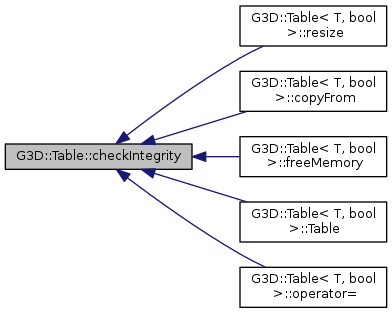
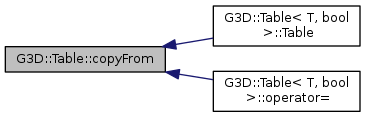
 Here is the caller graph for this function:
|
inline |
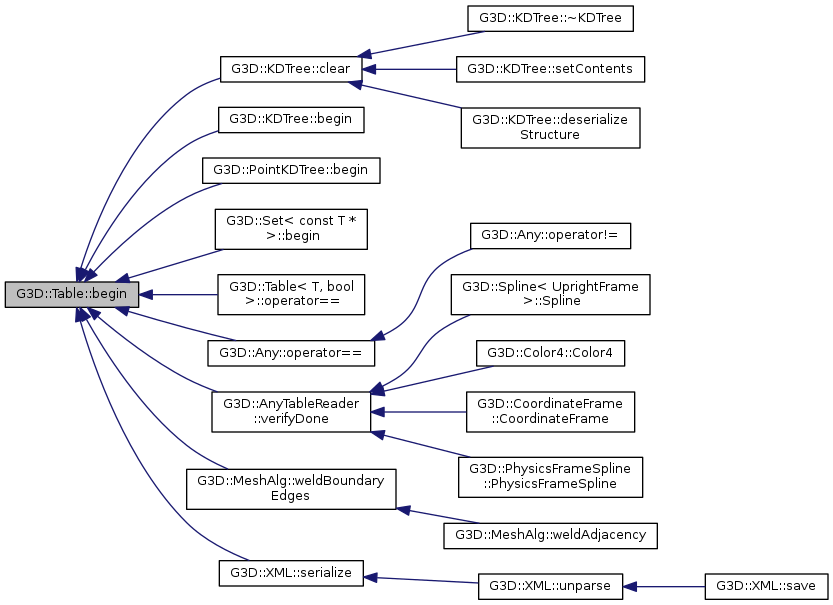
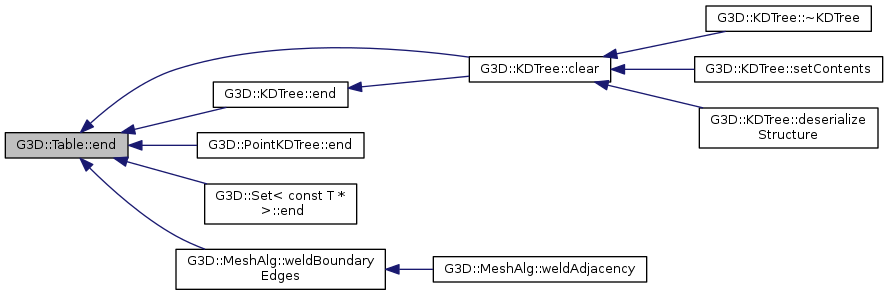
C++ STL style iterator method. Returns the first Entry, which contains a key and value. Use preincrement (++entry) to get to the next element. Do not modify the table while iterating.
Here is the caller graph for this function:
|
inlineprivate |
Here is the caller graph for this function:
|
inline |
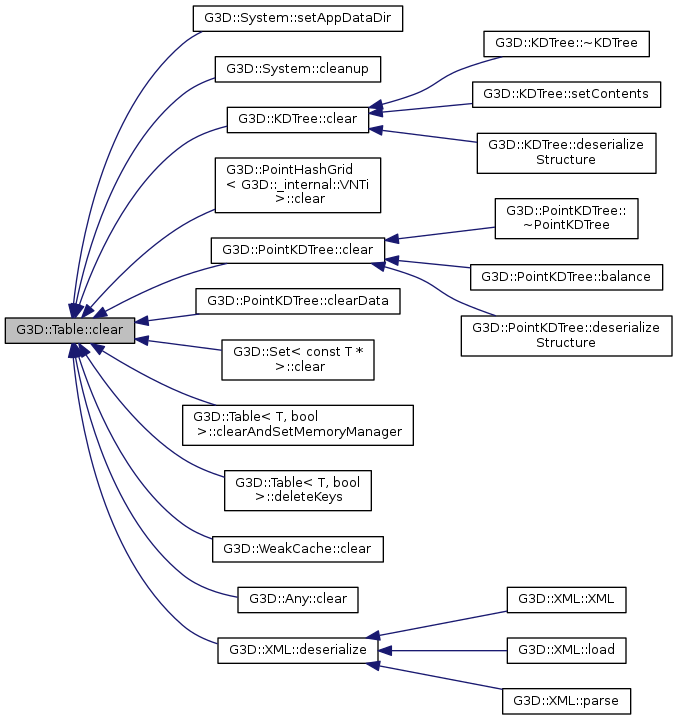
Removes all elements. Guaranteed to free all memory associated with the table.
Here is the caller graph for this function:
|
inline |
Changes the internal memory manager to m
Here is the caller graph for this function:
|
inline |
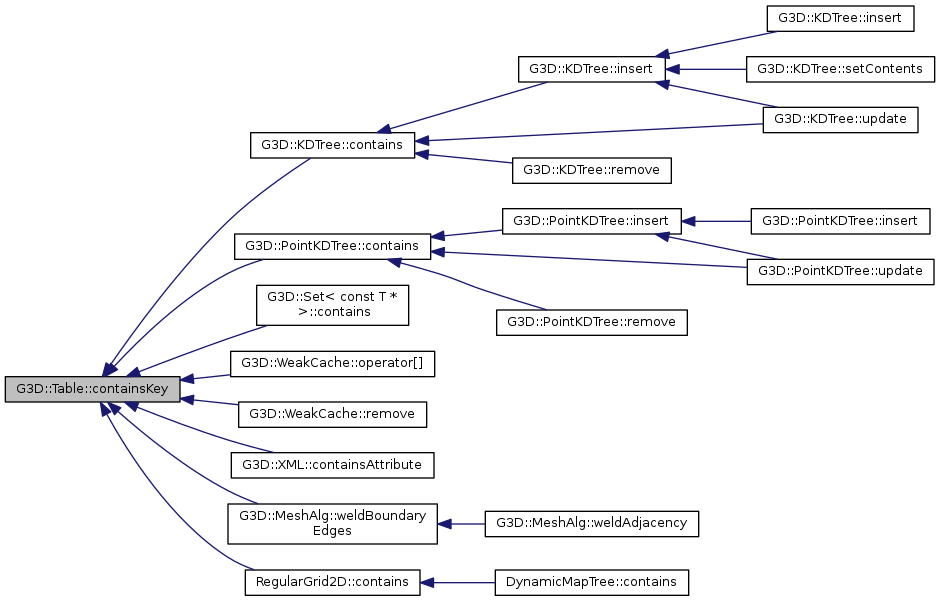
Returns true if key is in the table.
Here is the caller graph for this function:
|
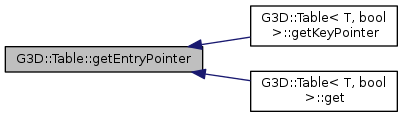
inlineprivate |
Here is the caller graph for this function:
|
inline |
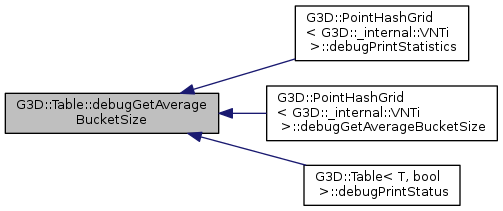
Returns the average size of non-empty buckets.
Here is the caller graph for this function:
|
inline |
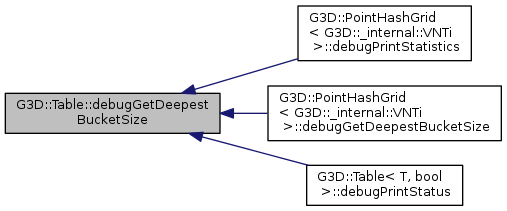
Returns the length of the deepest m_bucket.
Here is the caller graph for this function:
|
inline |
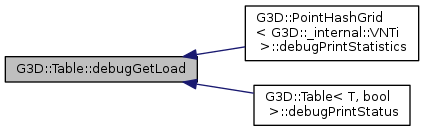
A small load (close to zero) means the hash table is acting very efficiently most of the time. A large load (close to 1) means the hash table is acting poorly– all operations will be very slow. A large load will result from a bad hash function that maps too many keys to the same code.
Here is the caller graph for this function:
|
inline |
Returns the number of buckets.
|
inline |
|
inline |
Calls delete on all of the keys and then clears the table.
|
inline |
Calls delete on all of the values. This is unsafe– do not call unless you know that each value appears at most once.
Does not clear the table, so you are left with a table of NULL pointers.
|
inline |
|
inlineprivate |
Here is the caller graph for this function:
|
inlineprivate |
Frees the heap structures for the nodes.
Here is the caller graph for this function:
|
inline |
|
inline |
If the key is present in the table, val is set to the associated value and returns true. If the key is not present, returns false.
|
inline |
Returns the current value that key maps to, creating it if necessary.
Here is the caller graph for this function:
|
inline |
| created | True if the element was created. |
|
inline |
Called by getCreate() and set()
| created | Set to true if the entry was created by this method. |
Here is the caller graph for this function:
|
inline |
|
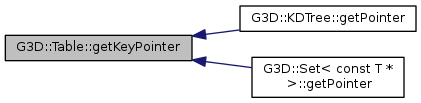
inlineprivate |
Here is the caller graph for this function:
|
inline |
If a value that is EqualsFunc to member is present, returns a pointer to the version stored in the data structure, otherwise returns NULL.
Here is the caller graph for this function:
|
inline |
Returns an array of all of the keys in the table. You can iterate over the keys to get the values.
Here is the caller graph for this function:
|
inline |
|
inline |
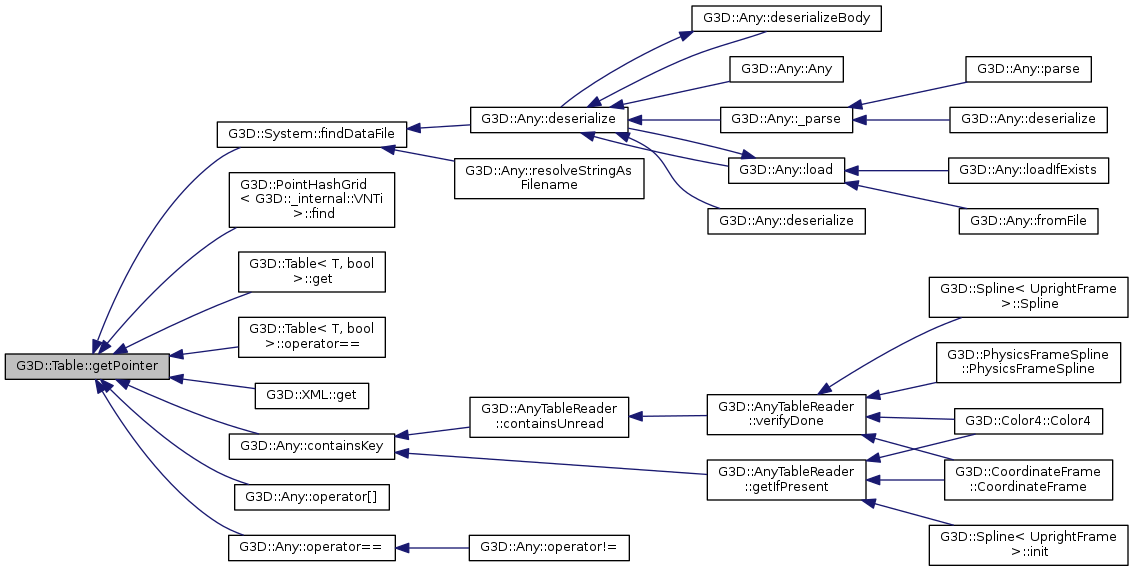
Returns a pointer to the element if it exists, or NULL if it does not. Note that if your value type is a pointer, the return value is a pointer to a pointer. Do not remove the element while holding this pointer.
It is easy to accidentally mis-use this method. Consider making a Table<Value*> and using get(key, val) instead, which makes you manage the memory for the values yourself and is less likely to result in pointer errors.
Here is the caller graph for this function:
|
inline |
|
inline |
Will contain duplicate values if they exist in the table. This array is parallel to the one returned by getKeys() if the table has not been modified.
|
inline |
|
inline |
|
inline |
|
inlineprivate |
Helper for remove() and getRemove()
Here is the caller graph for this function:
|
inline |
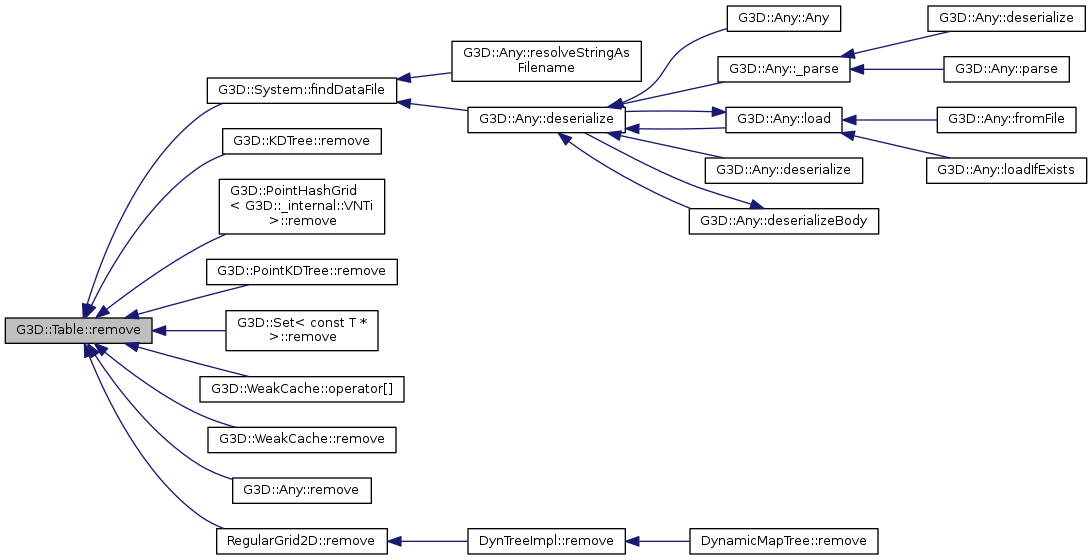
Removes an element from the table if it is present.
|
inlineprivate |
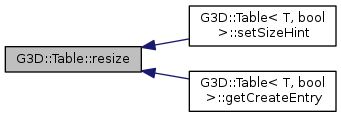
Re-hashes for a larger m_bucket size.
Here is the caller graph for this function:
|
inline |
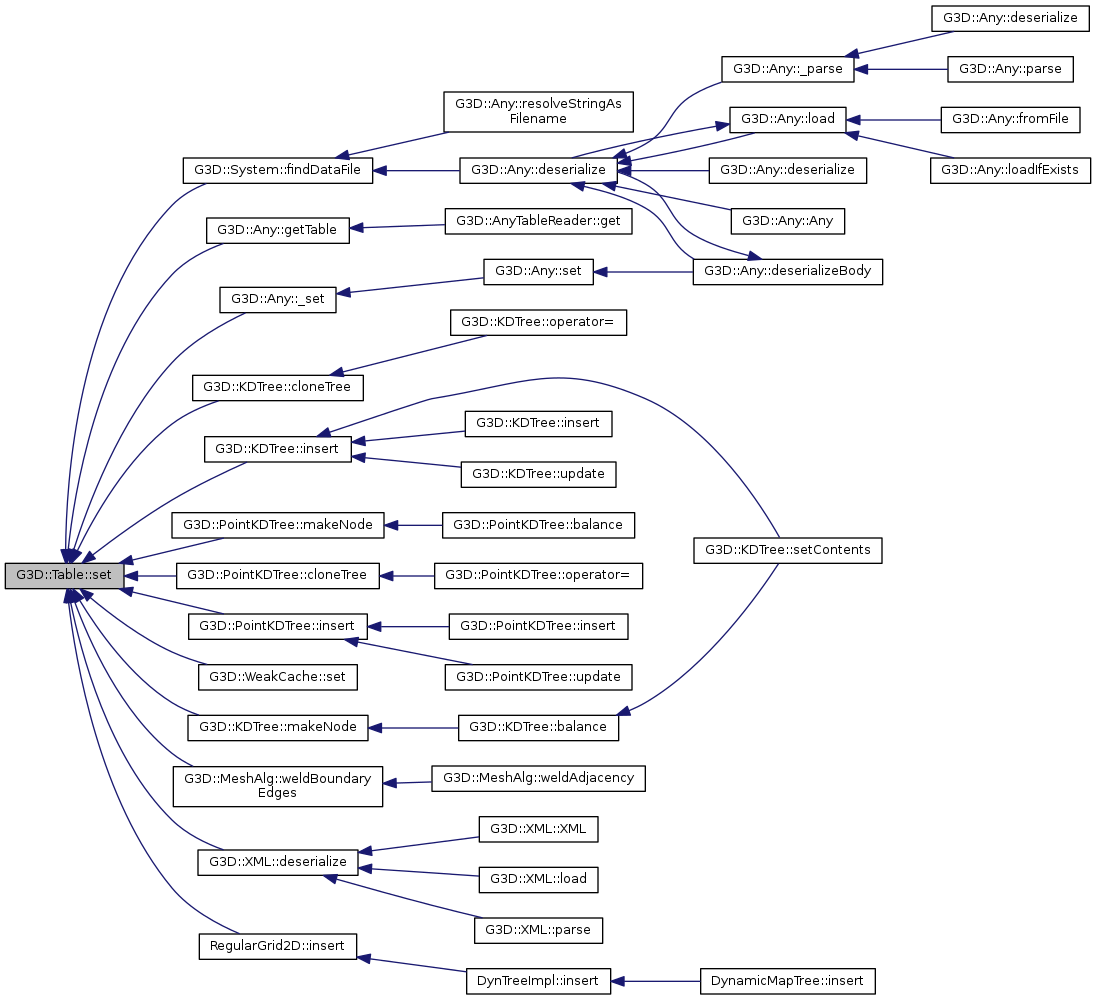
If you insert a pointer into the key or value of a table, you are responsible for deallocating the object eventually. Inserting key into a table is O(1), but may cause a potentially slow rehashing.
Here is the caller graph for this function:
|
inline |
Recommends that the table resize to anticipate at least this number of elements.
Here is the caller graph for this function:
|
inline |
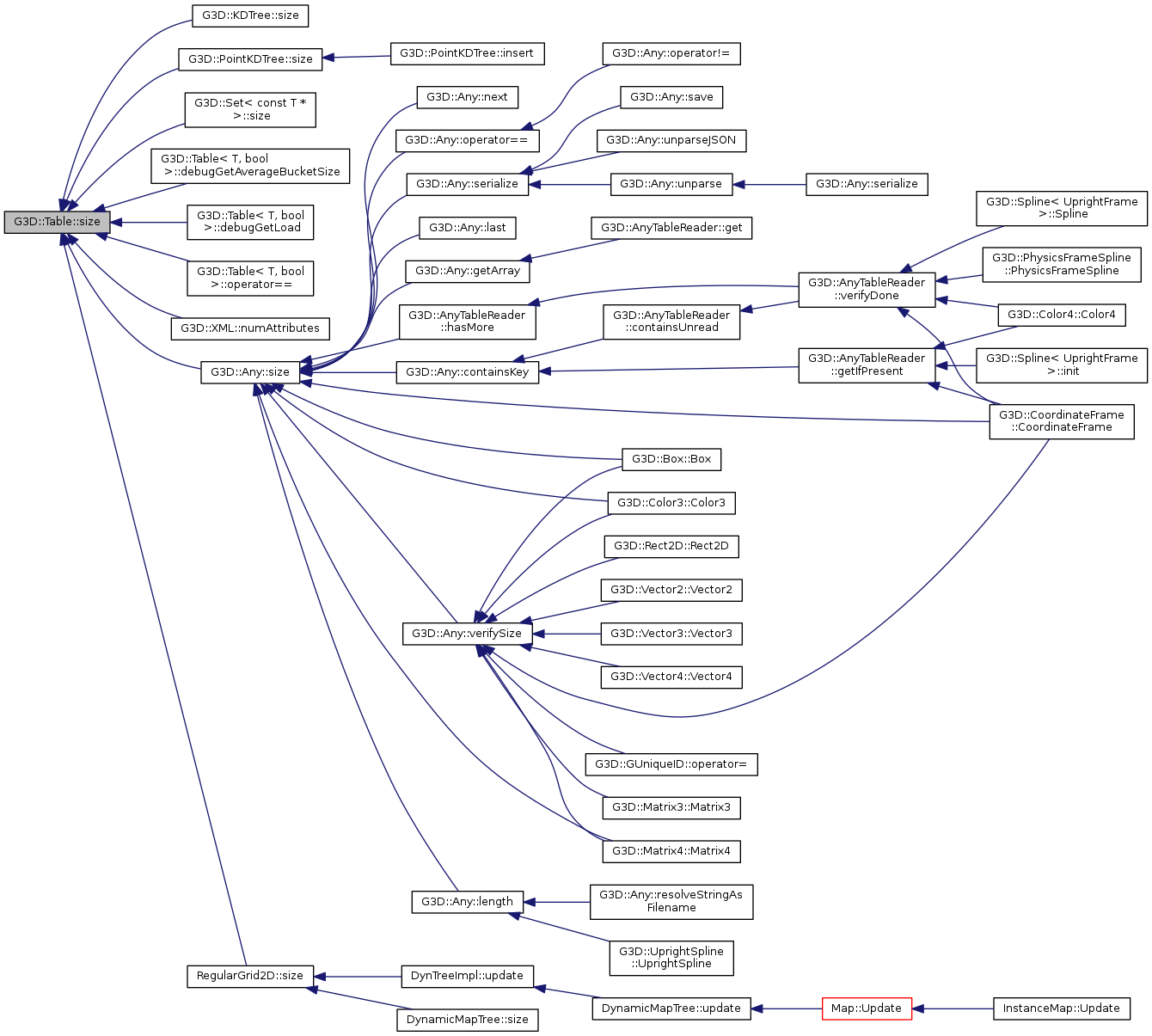
Returns the number of keys.
Here is the caller graph for this function:
|
private |
|
private |
|
private |
Length of the m_bucket array.
|
private |
Number of elements in the table.
 1.8.8
1.8.8