Import sprite sheets
Beginner Designer
You can import sprite sheets (image files containing sprites) just like any other kind of asset.
Drag the sprite sheet file from Explorer to the Game Studio asset view.
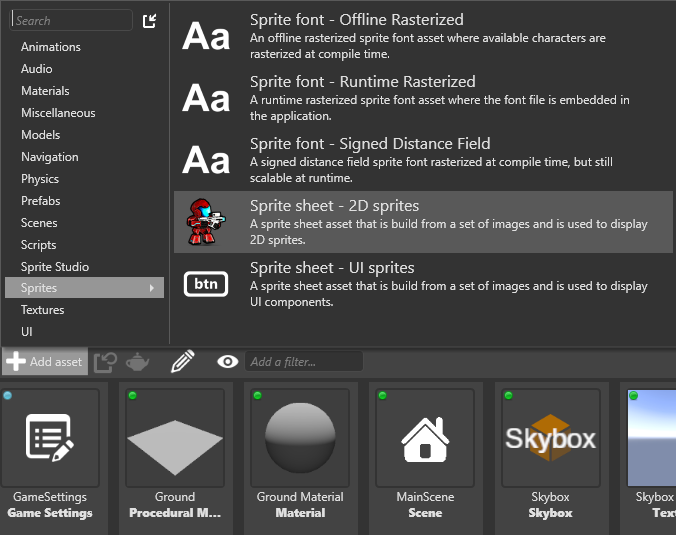
Alternatively, in the asset view, click Add asset.
Choose a preset for the sprite sheet.
If you want to use the sprite sheet for UI elements such as menu buttons, select Sprite sheet - UI sprites. This lets you set borders for the sprite (see Set sprite borders). Otherwise, select Sprite sheet - 2D sprites.
Note
You can change this any time. For more information, see Edit sprites.
Game Studio adds a sprite sheet asset.