
Sharing a deployment
With Anaconda Enterprise, you can select the users, groups or roles with whom you want to share access to a deployment. You can also view or remove access from the users, roles and groups with whom you previously shared access to a deployment.
NOTE: Your administrator creates the roles and groups with whom you can share.
To share a deployment:
From the top navigation bar, click Deployments.
Select the deployment you want to share.
In the left navigation bar, click Share.
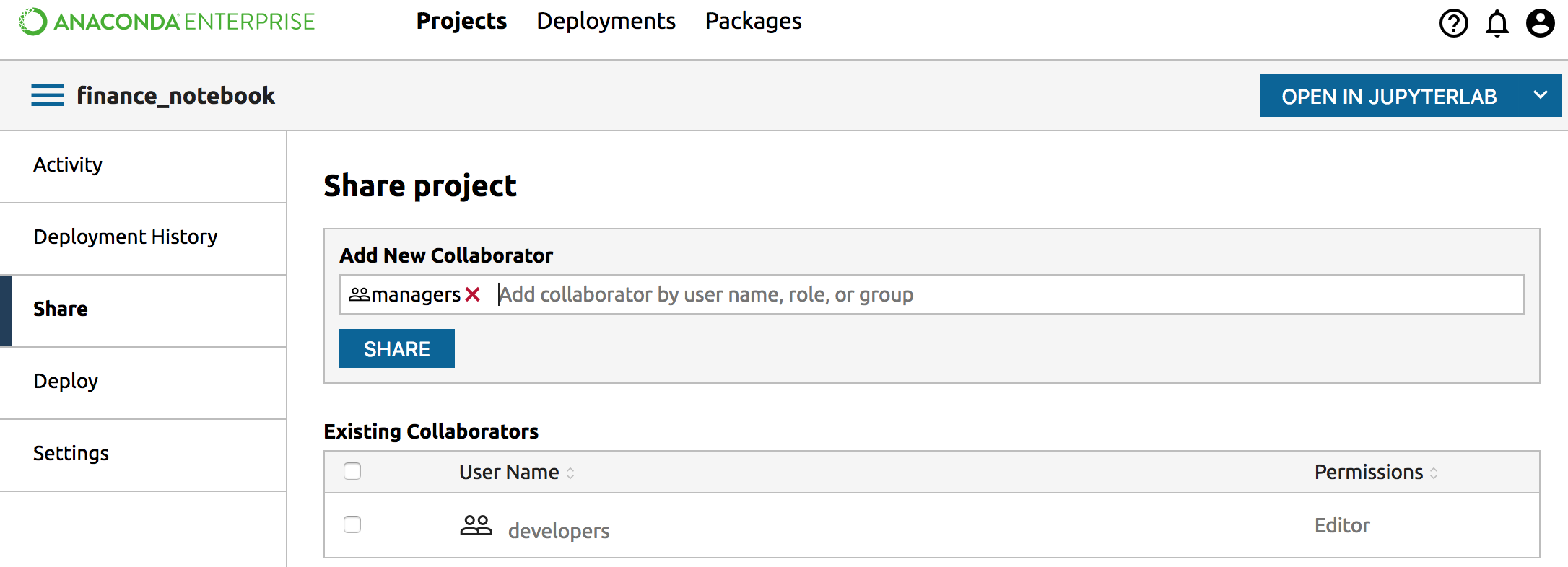
In the Share pane, search for and select the users, groups, or roles that you want to share your deployment with.
Click the Share button.
The selected users can see your deployment when they log in to Enterprise.