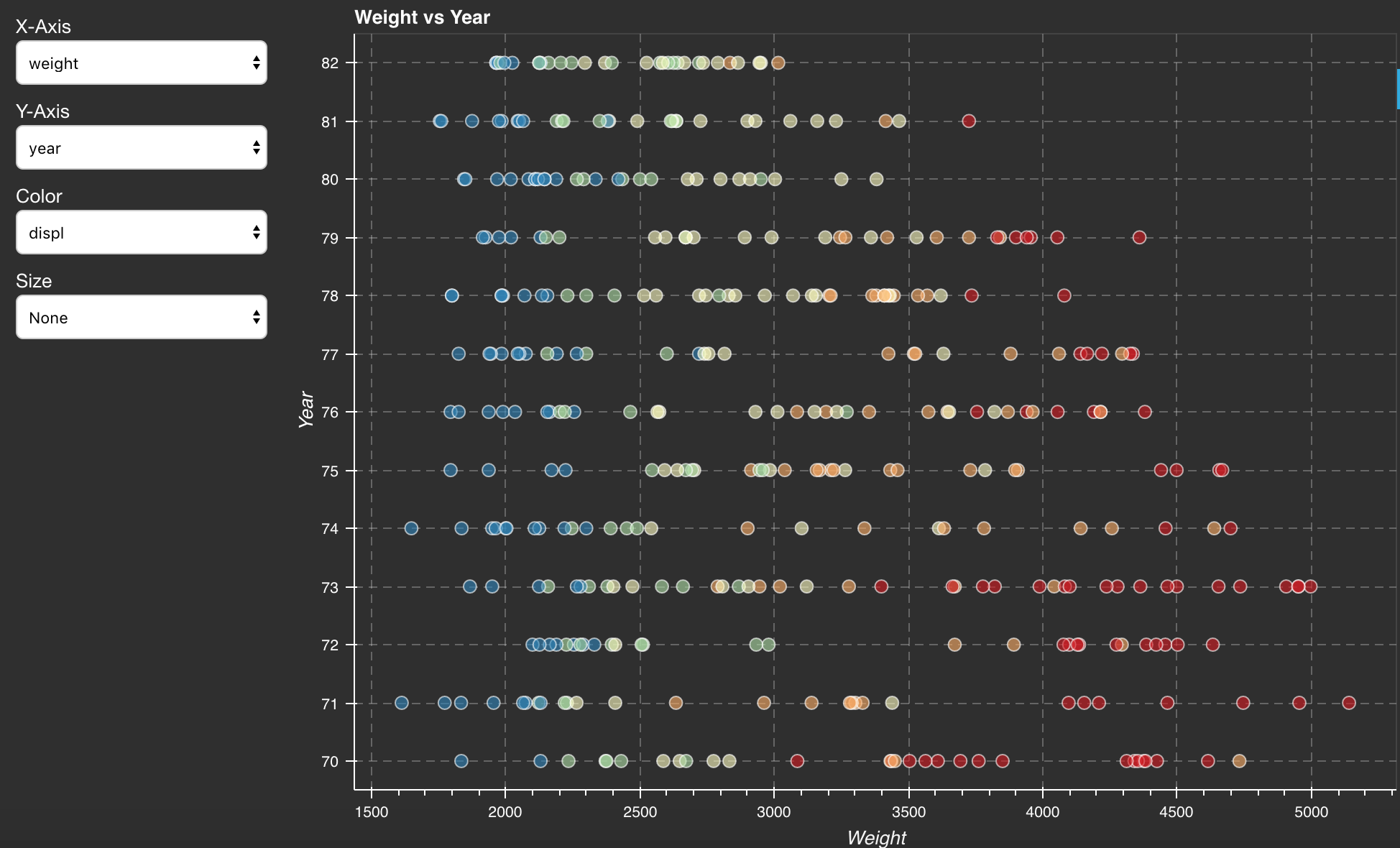
Interact with a Bokeh App
After deploying a project, you are ready to interact with your Deployment. The following example is a Bokeh app for data clustering.
From the Projects list, click the Sample Projects link.
Find the project named “data_clustering” and click the “Save to My Projects” link.
Return to the Projects page, click the project “data_clustering” to open the Project Detail page.
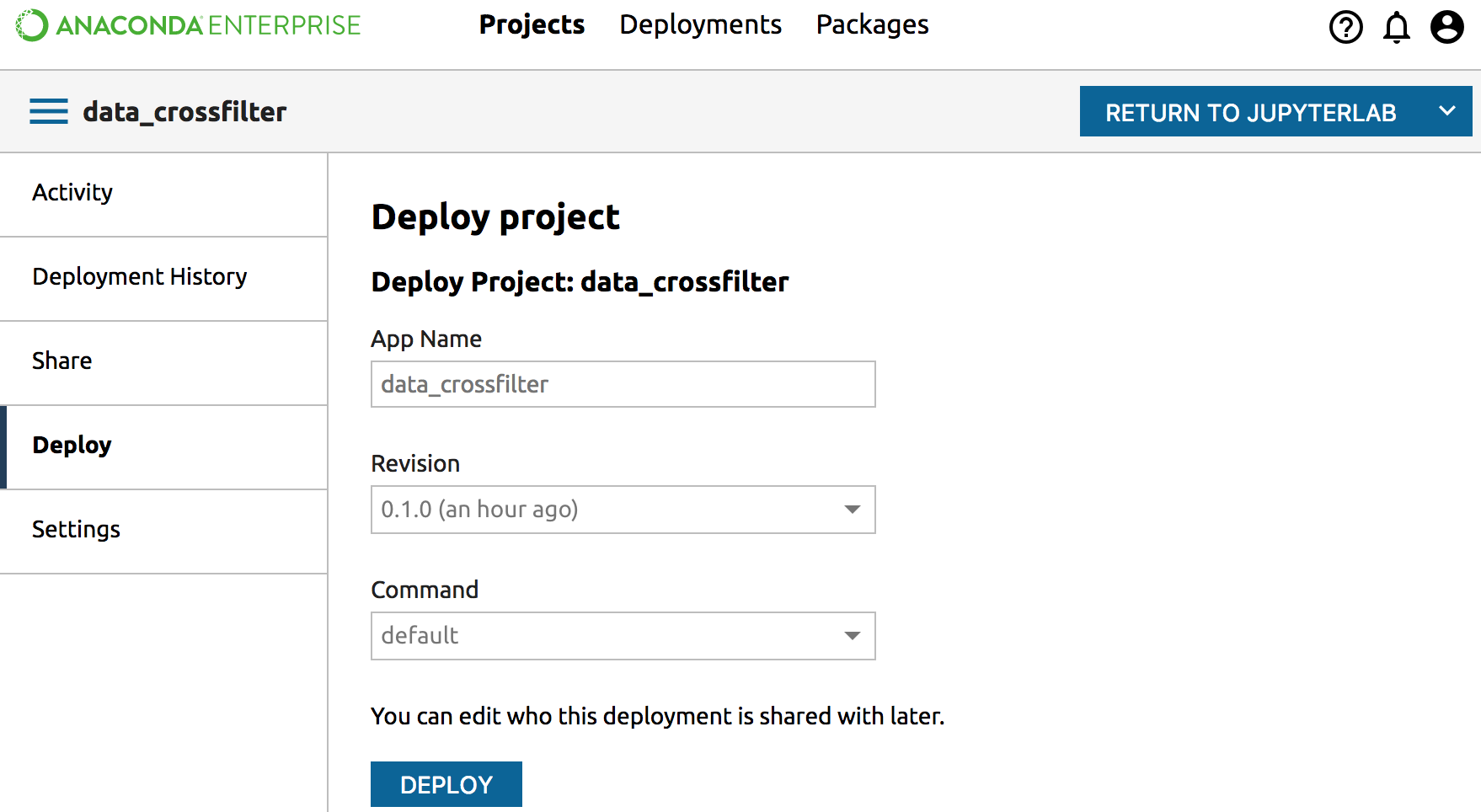
Click the left Deploy tab, then click the Deploy button to deploy the project. Click the Done button when finished.
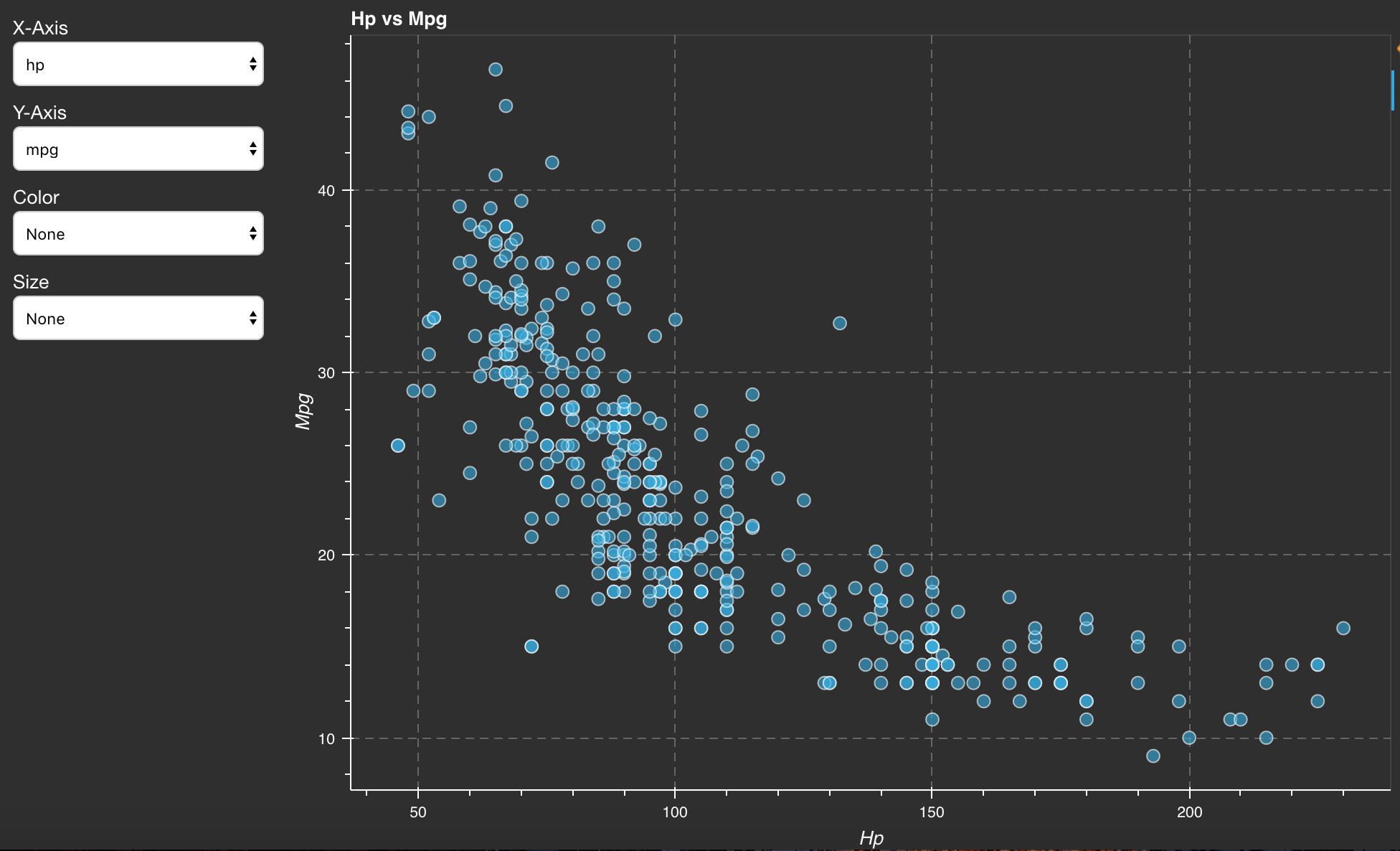
Now you can interact with the data clustering Bokeh App by selecting different datasets and algorithms. You can also change the number of clusters and the number of data samples.
Mini Batch K-Means Algorithm:
Mean-shift Algorithm: