
Terminating a deployment
Terminating a deployment:
- Stops the deployment from running.
- Removes the deployment from the deployment server.
- Makes the deployment unavailable to you and any users you had shared it with.
- Frees all of its resources.
Terminating a deployment does not affect the original project from which the deployment was created. It affects only the deployment.
To terminate a deployment:
Go to the Deployments list and select your deployment.
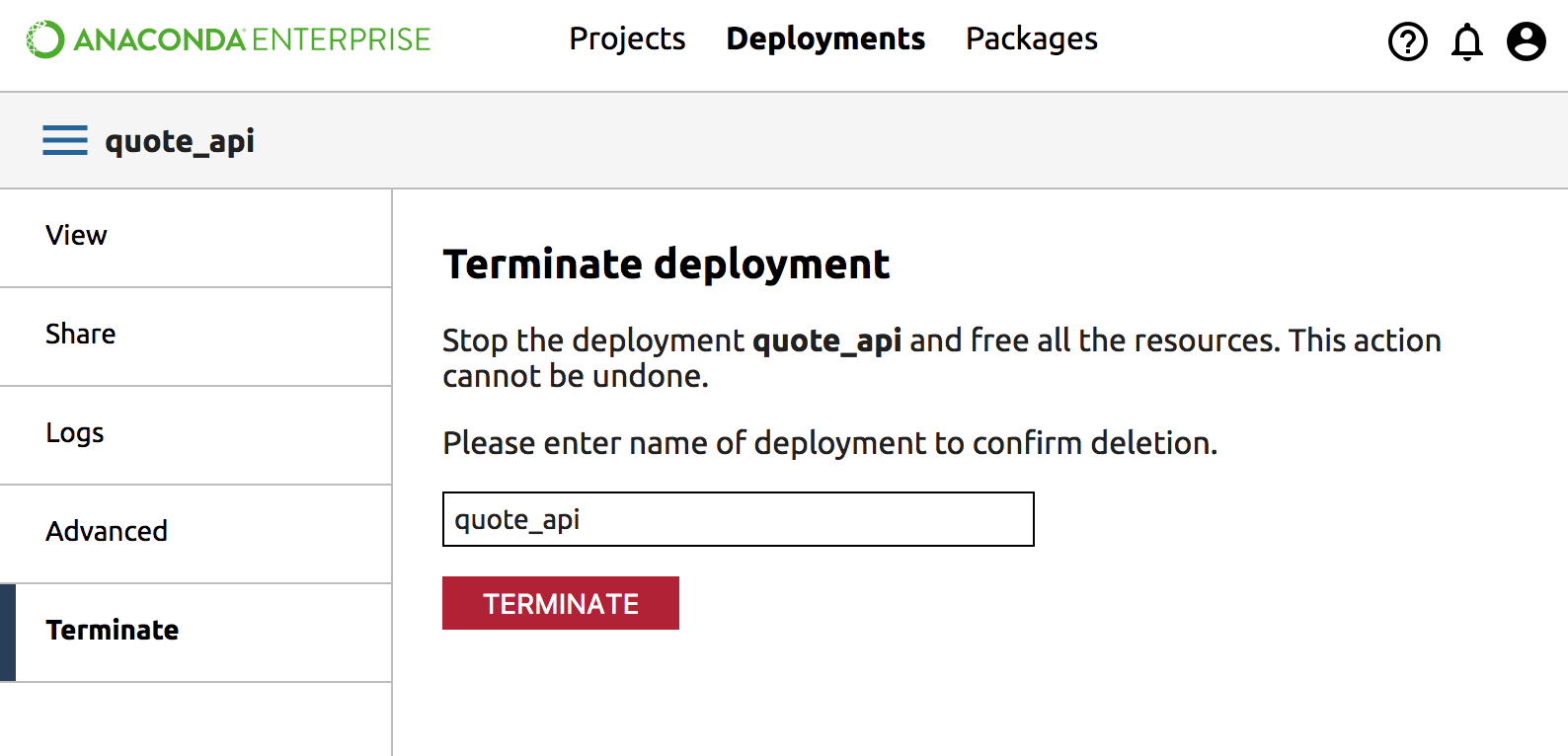
From the left navigation bar, click Terminate.
Confirm that you want to stop the deployment in the Terminate pane by typing the name of the deployment to confirm, or copy and paste the name of the deployment shown at the top of the pane.
NOTE: If you have shared the deployment with a collaborator you will also be terminating their deployment.
Click the Terminate button.
The deployment stops, and its resources are returned to the system. You will be returned to the list of deployments.