
View deployment logs
Anaconda Enterprise keeps an extensive log of everything that occurs to your deployments.
To view a deployment’s log in Anaconda Enterprise:
From the top navigation bar, click Deployments to view a list of all deployments.
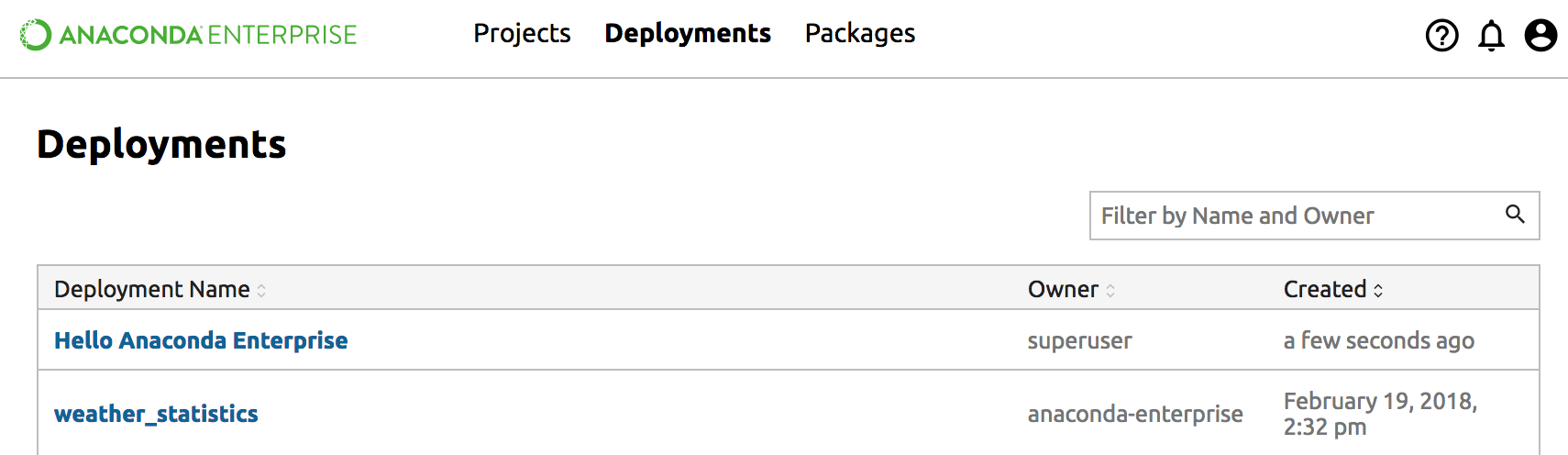
Click the name of the deployment you want to view.
In the left column, click Logs, then click the Fetch Logs button.
If you want a copy of the log, highlight the log text and copy it with normal keyboard or mouse shortcuts such as Control-C or Command-C. You can paste the text of the log into any text editor with normal keyboard or mouse shortcuts such as Control-V or Command-V.