
Deploying a project
After you have either:
- Saved a sample project.
- Uploaded a deployable Anaconda Project.
- Created an Anaconda Project, added a deployment command and committed a deployable revision.
- Been added as a collaborator on someone else’s deployable Anaconda Project.
You are ready to deploy your project:
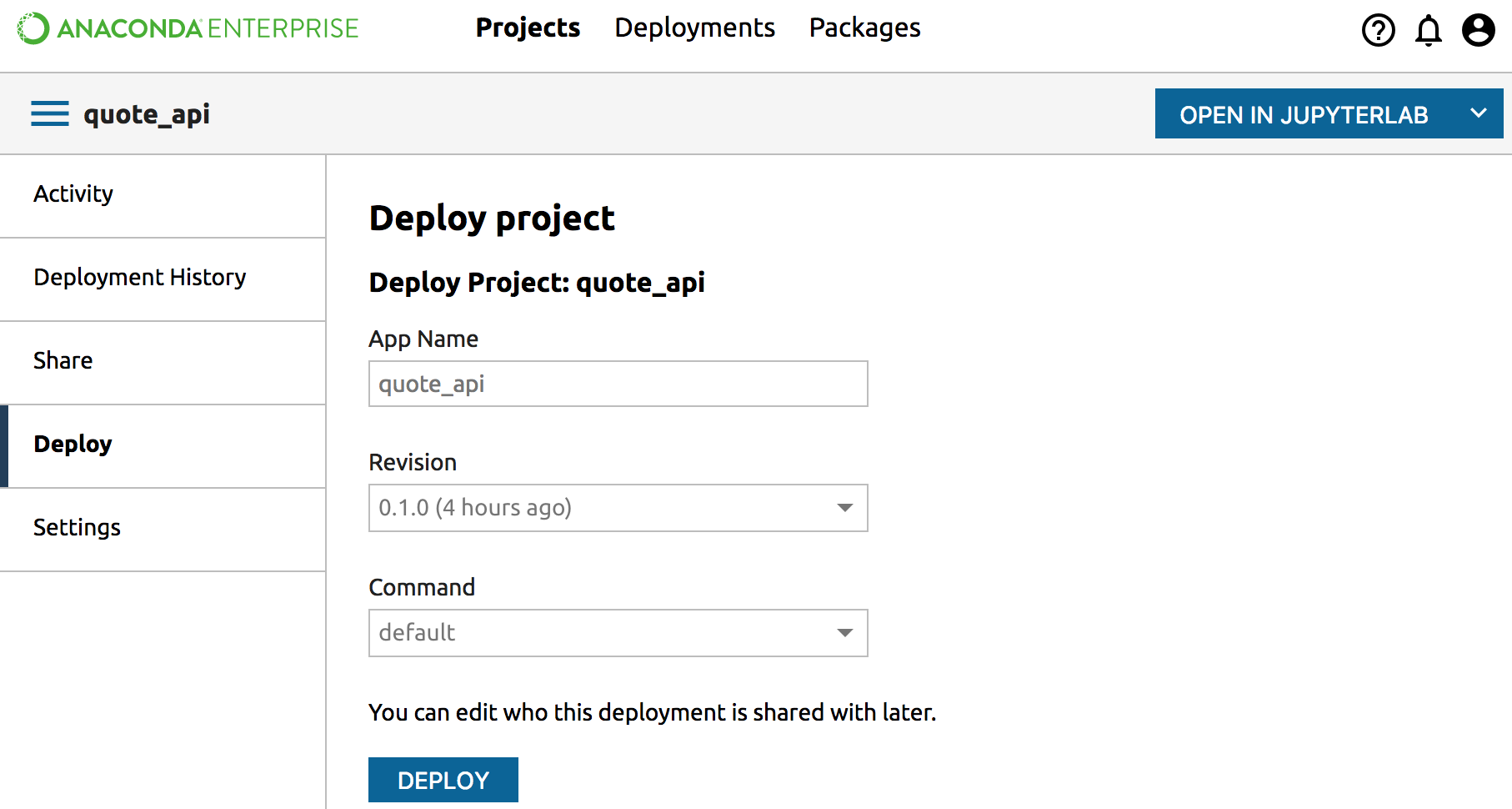
From the Project list, click the name of the project you want to deploy. Then from the Project Detail page of the project that you want to deploy, click the Deploy tab.
In the Deploy pane, enter a name for the deployment to be created (optional).
From the dropdown box, select the deployment command that you want to run.
NOTE: If there is no deployment command, you cannot create a deployment. Contact the project owner to add a deployment command.
Click the Deploy button.
As soon as the build starts you can click the Done button to navigate to your new deployment.
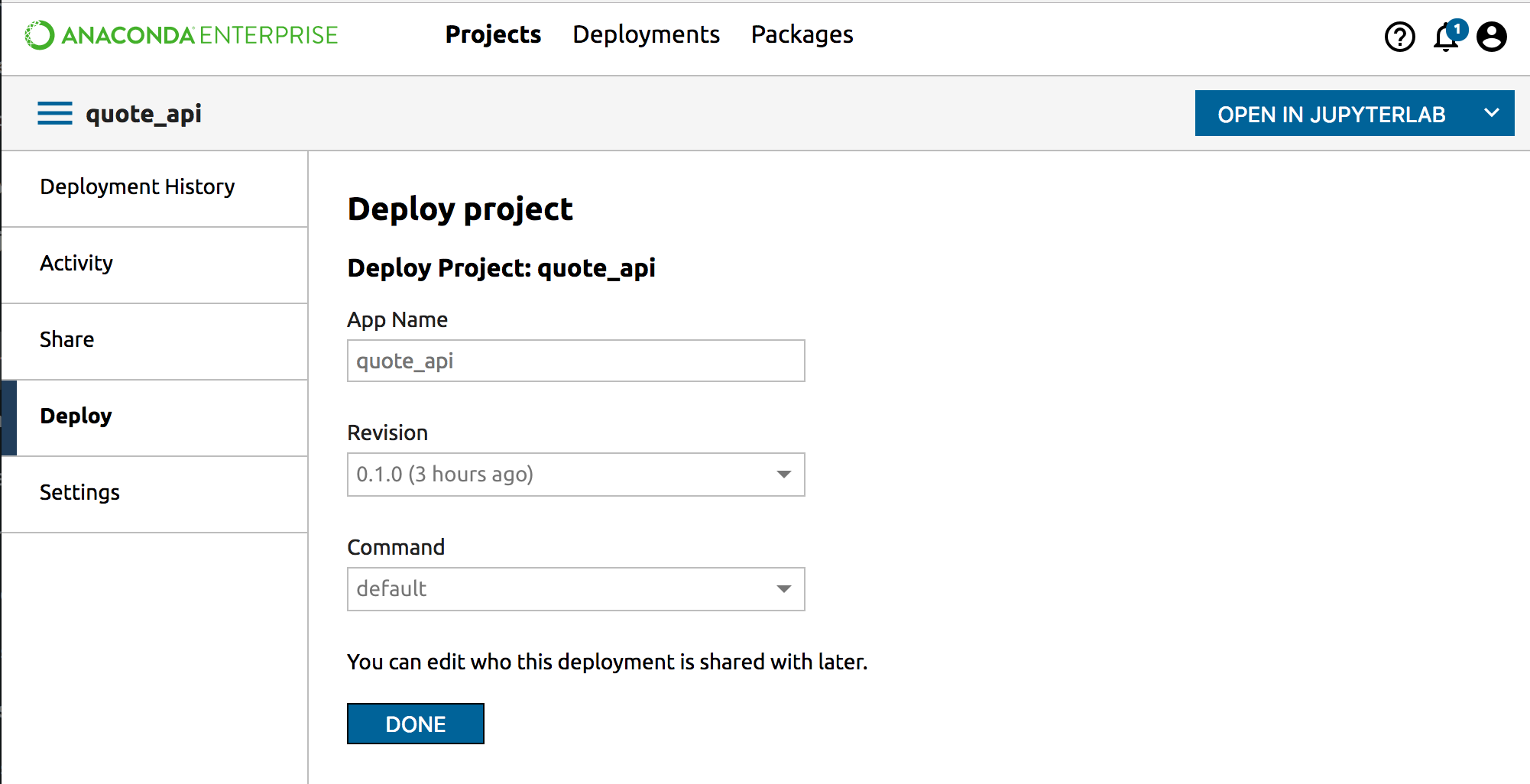
The build may take a few minutes to complete as it obtains and builds all the dependencies that the deployment needs. You will see periodic status updates.
NOTE: You can create multiple deployments from a single data science project. Each running deployments can be a different version, and can be shared with a different set of users.