
Creating New Users
To create a user click on Users in the left menu bar.
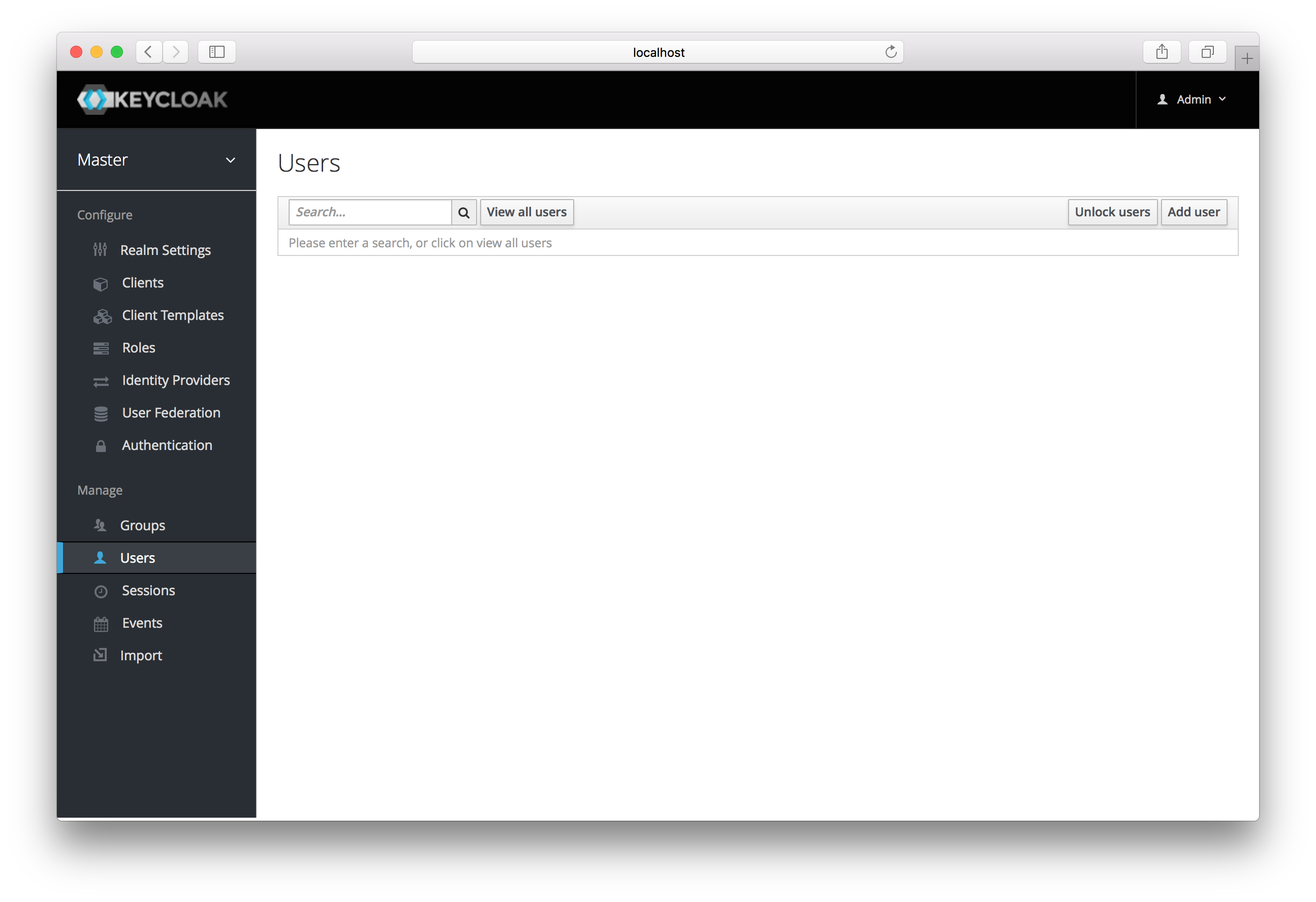
Users
This menu option brings you to the user list page. On the right side of
the empty user list, you should see an Add User button. Click that
to start creating your new user.
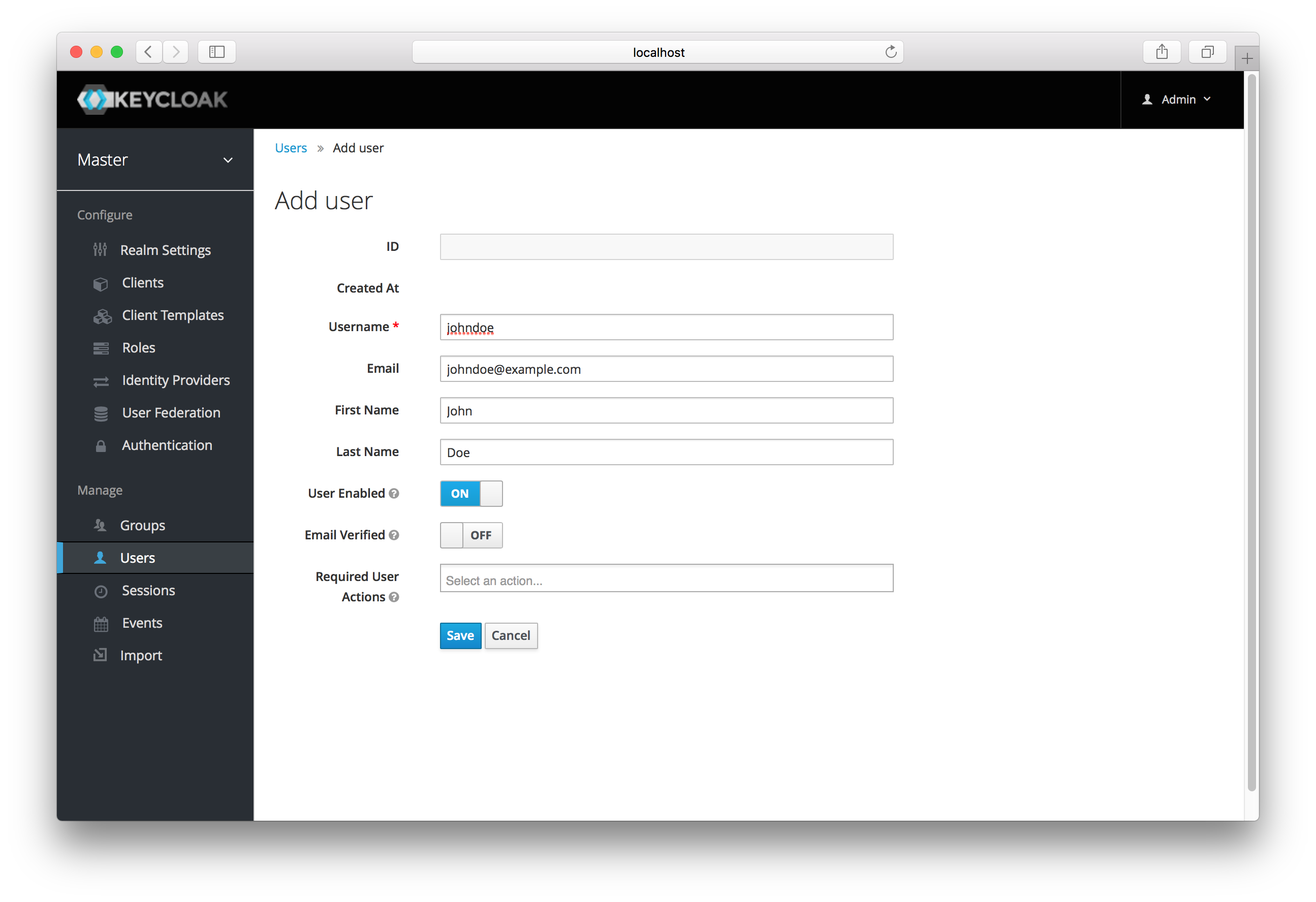
Add User
The only required field is Username. Click save. This will bring you
to the management page for your new user.