
Searching For Users
If you need to manage a specific user, click on Users in the left
menu bar.
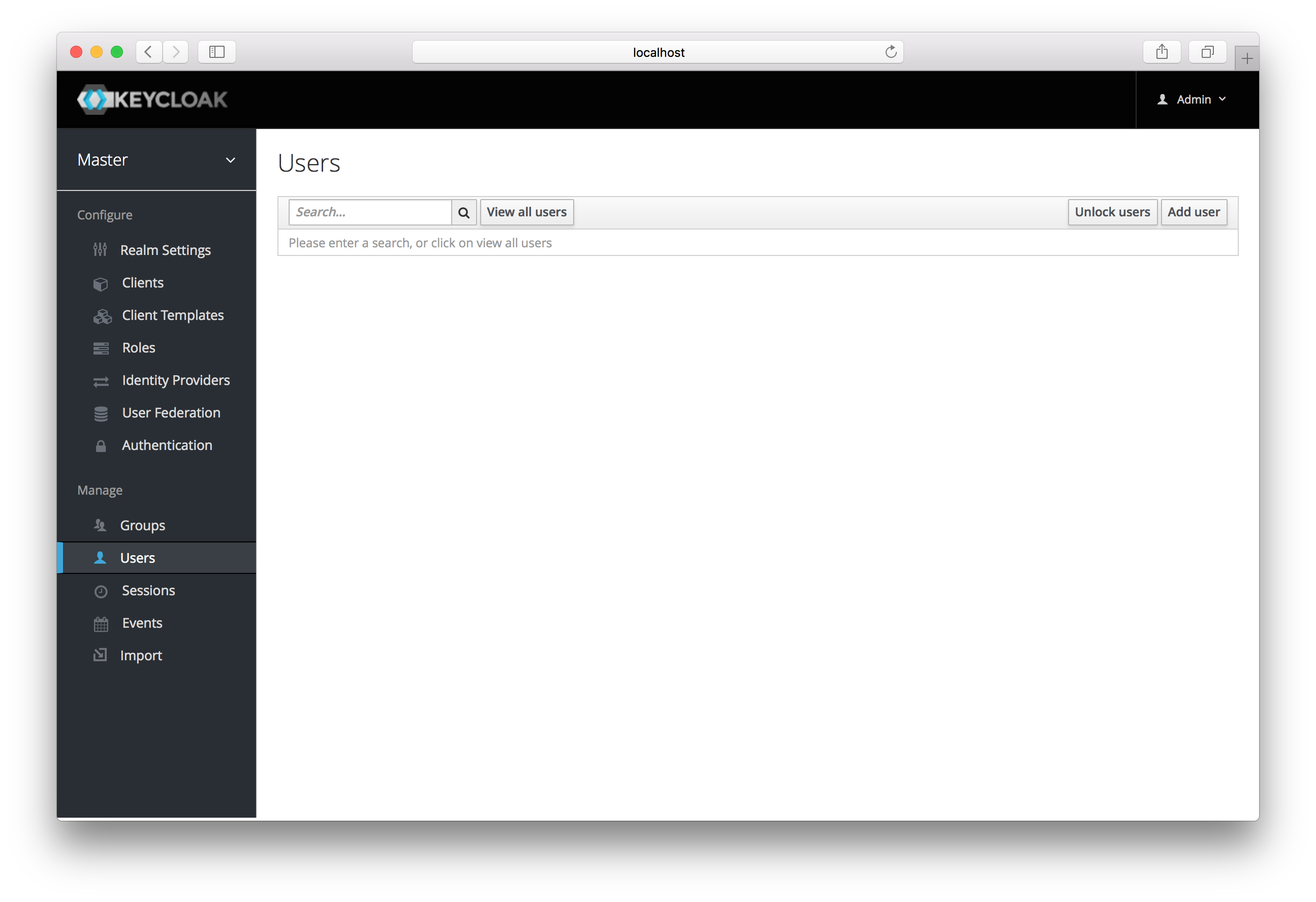
Users
This menu option brings you to the user list page. In the search box you
can type in a full name, last name, or email address you want to search
for in the user database. The query will bring up all users that match
your criteria. The View all users button will list every user in the
system. This will search just the local user database and
not the federated database (such as LDAP) because some backends like LDAP
don’t have a way to page through users. So if you want the users from
federated backend to be synced into the local database you
need to either:
- Adjust search criteria. That will sync just the backend users matching the criteria into the local database.
- Go to
User Federationtab and clickSync all usersorSync changed usersin the page with your federation provider.