
User Registration
You can enable user self registration in the authentication center.
When enabled, the login page has a registration link the user can click
on to create their new account. Enabling registration is pretty simple.
Go to the Realm Settings left menu and click it. Then go to the
Login tab. There is a User Registration switch on this tab. Turn
it on, then click the Save button.
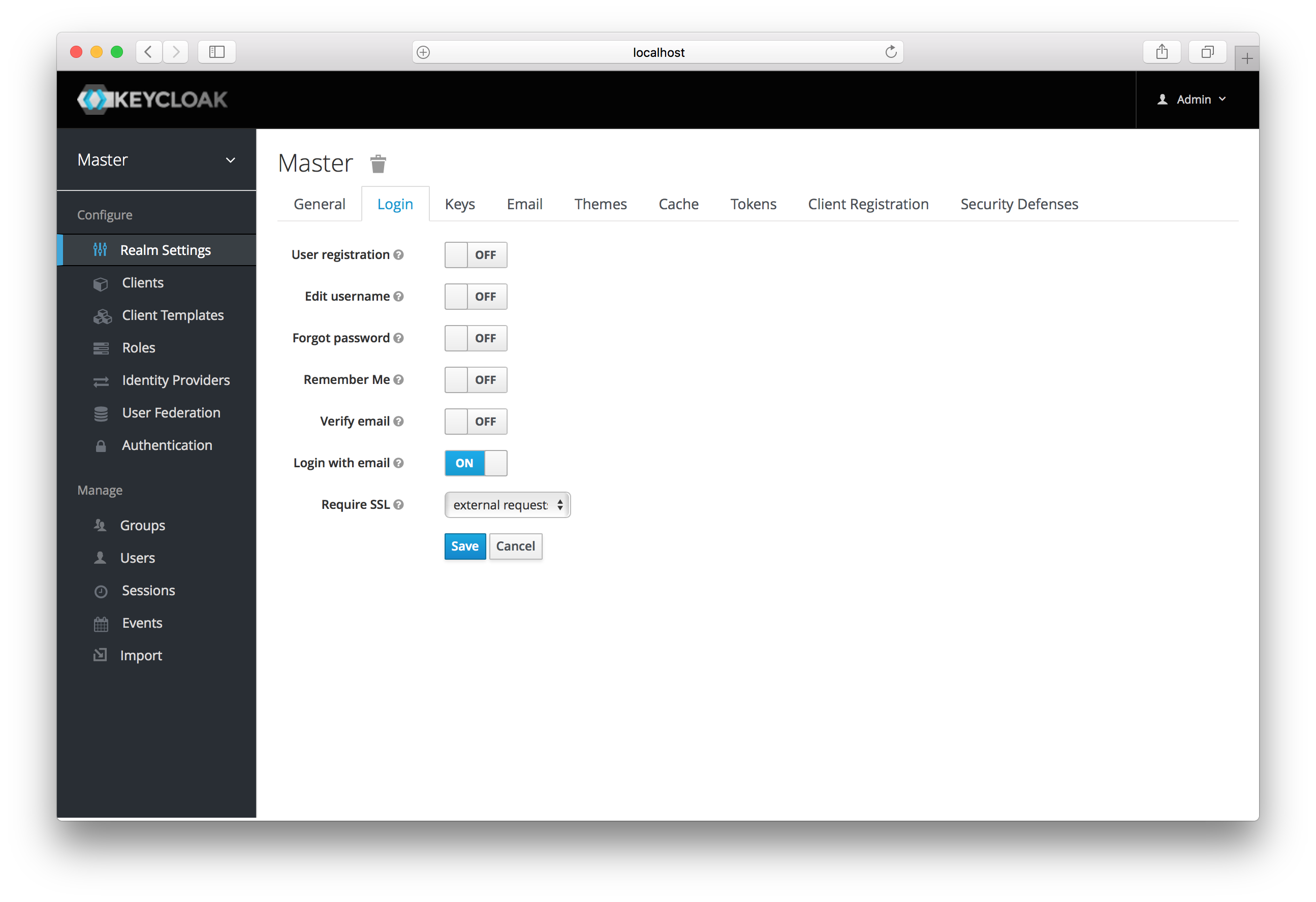
Login Tab
After you enable this setting, a Register link should show up on the
login page.
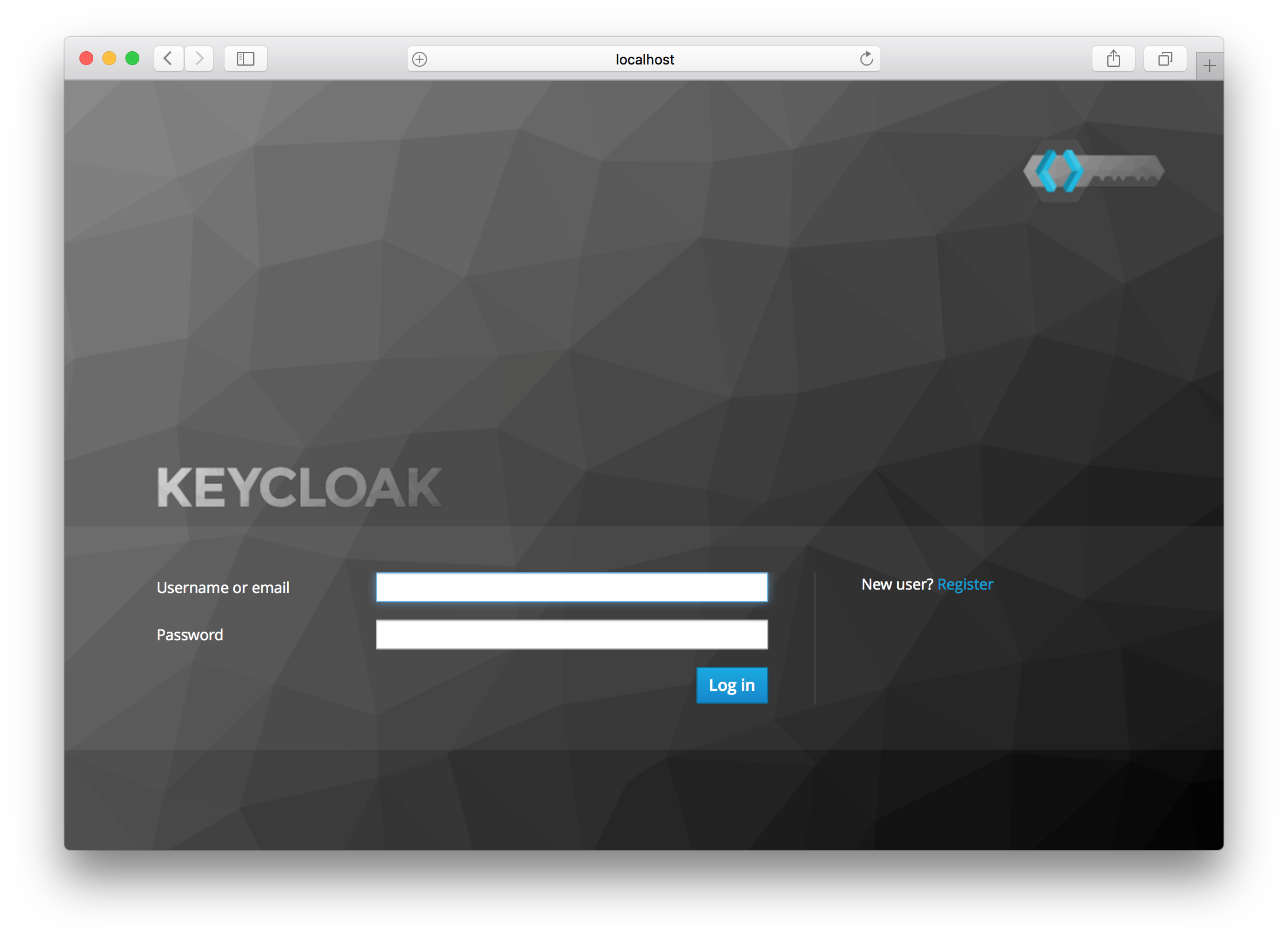
Registration Link
Clicking on this link will bring the user to the registration page where they have to enter in some user profile information and a new password.
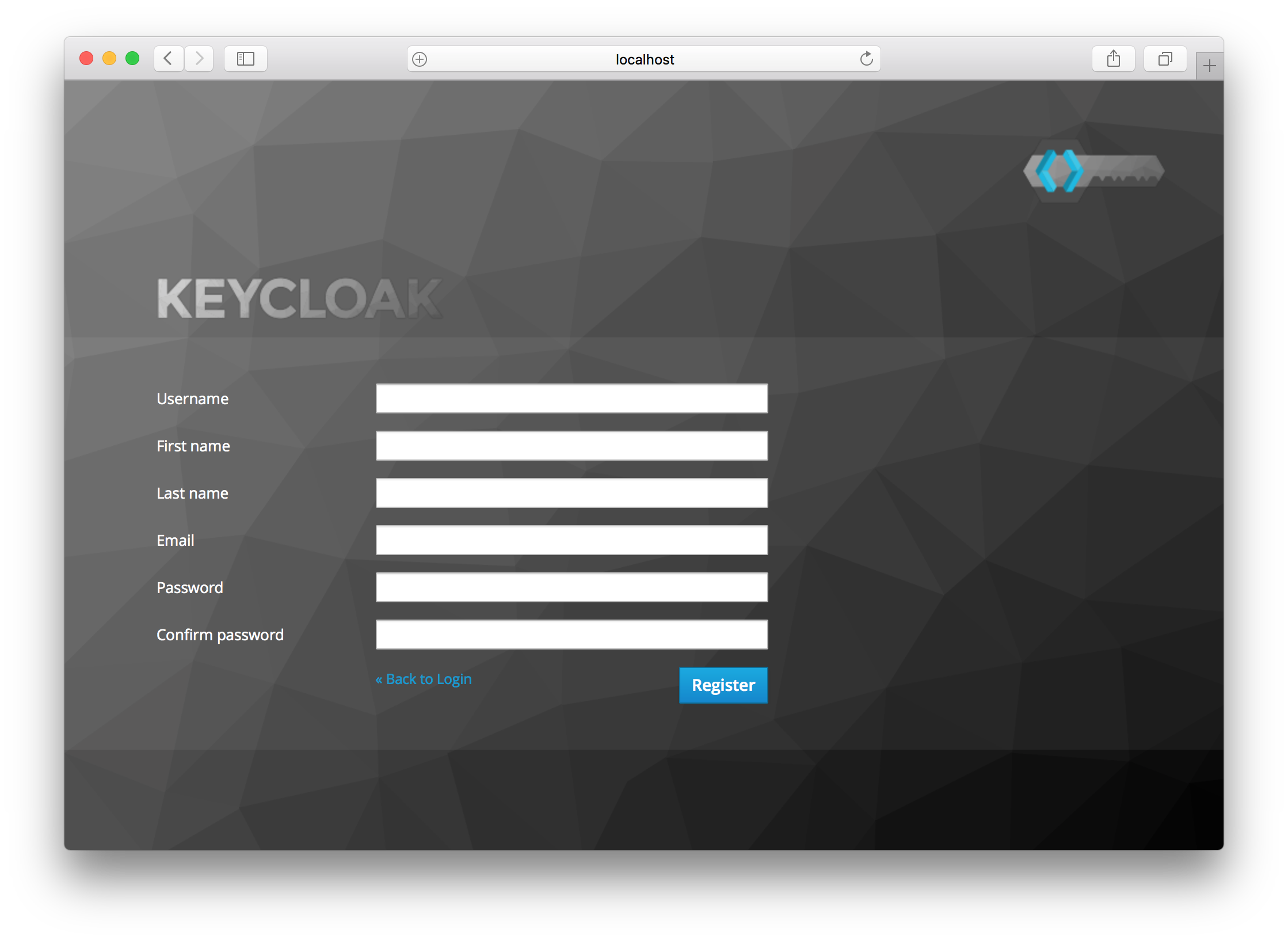
Registration Form
You can change the look and feel of the registration form as well as removing or adding additional fields that must be entered. See the Server Developer Guide for more information.