Important
This report is only available in the Enterprise Edition.
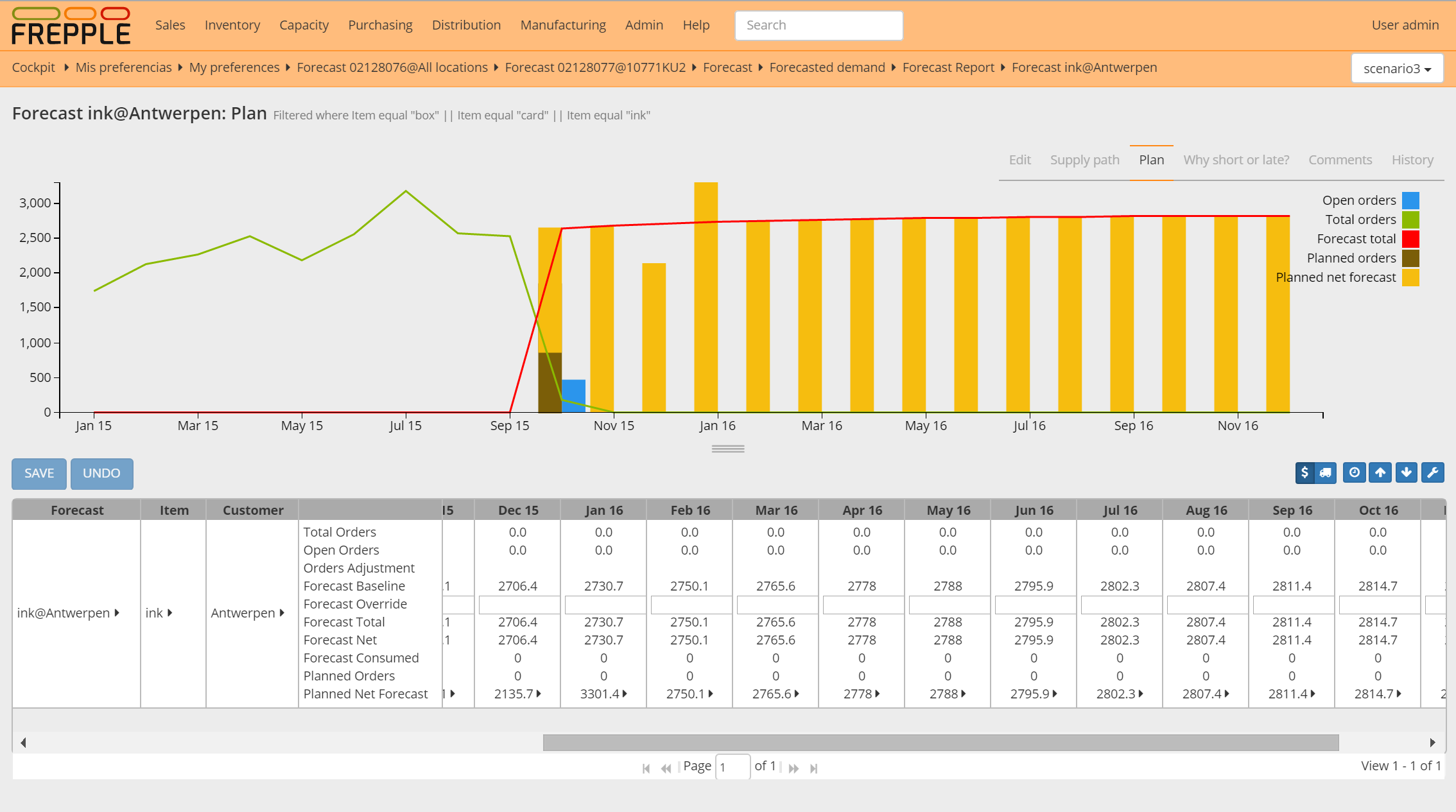
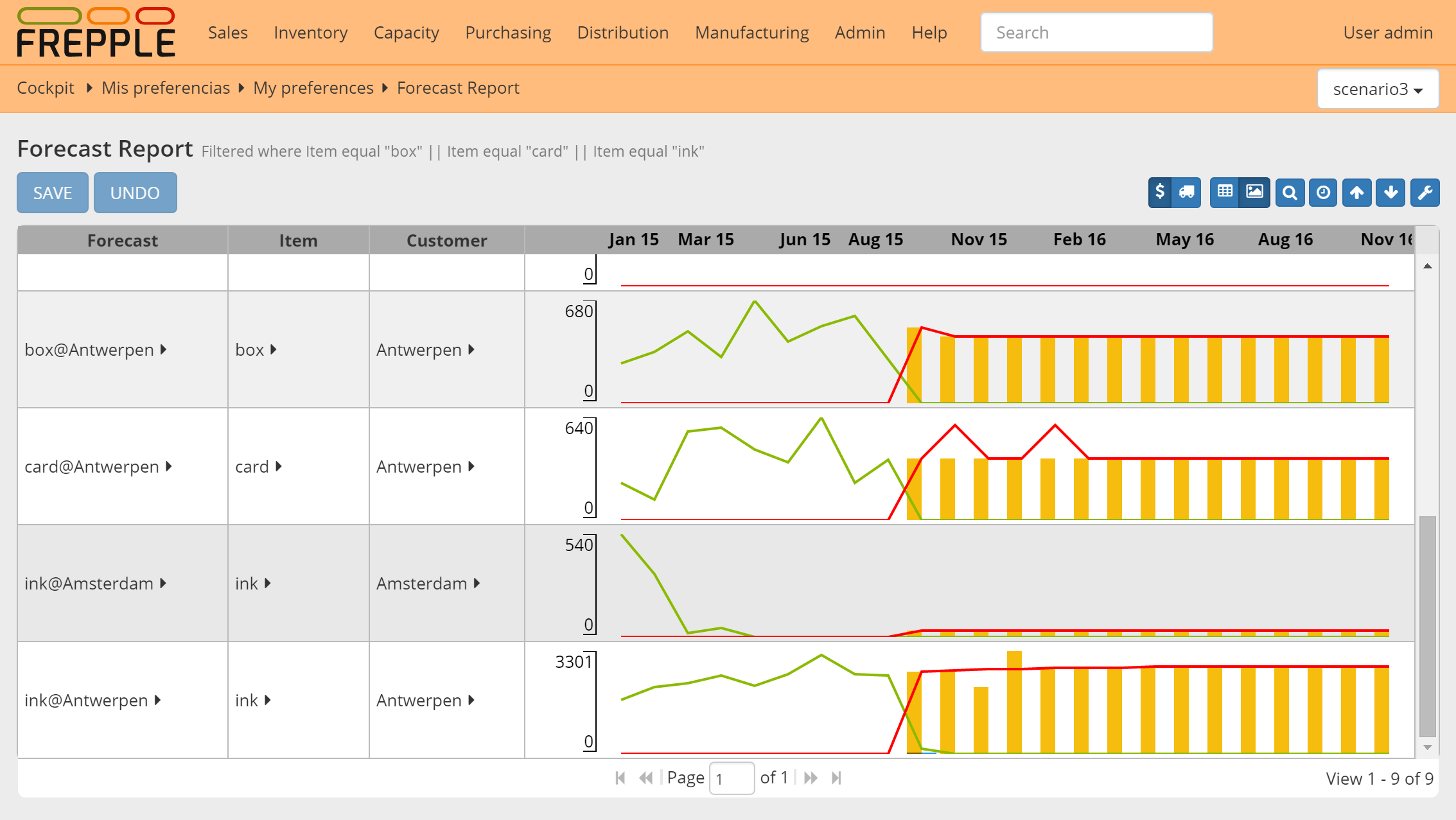
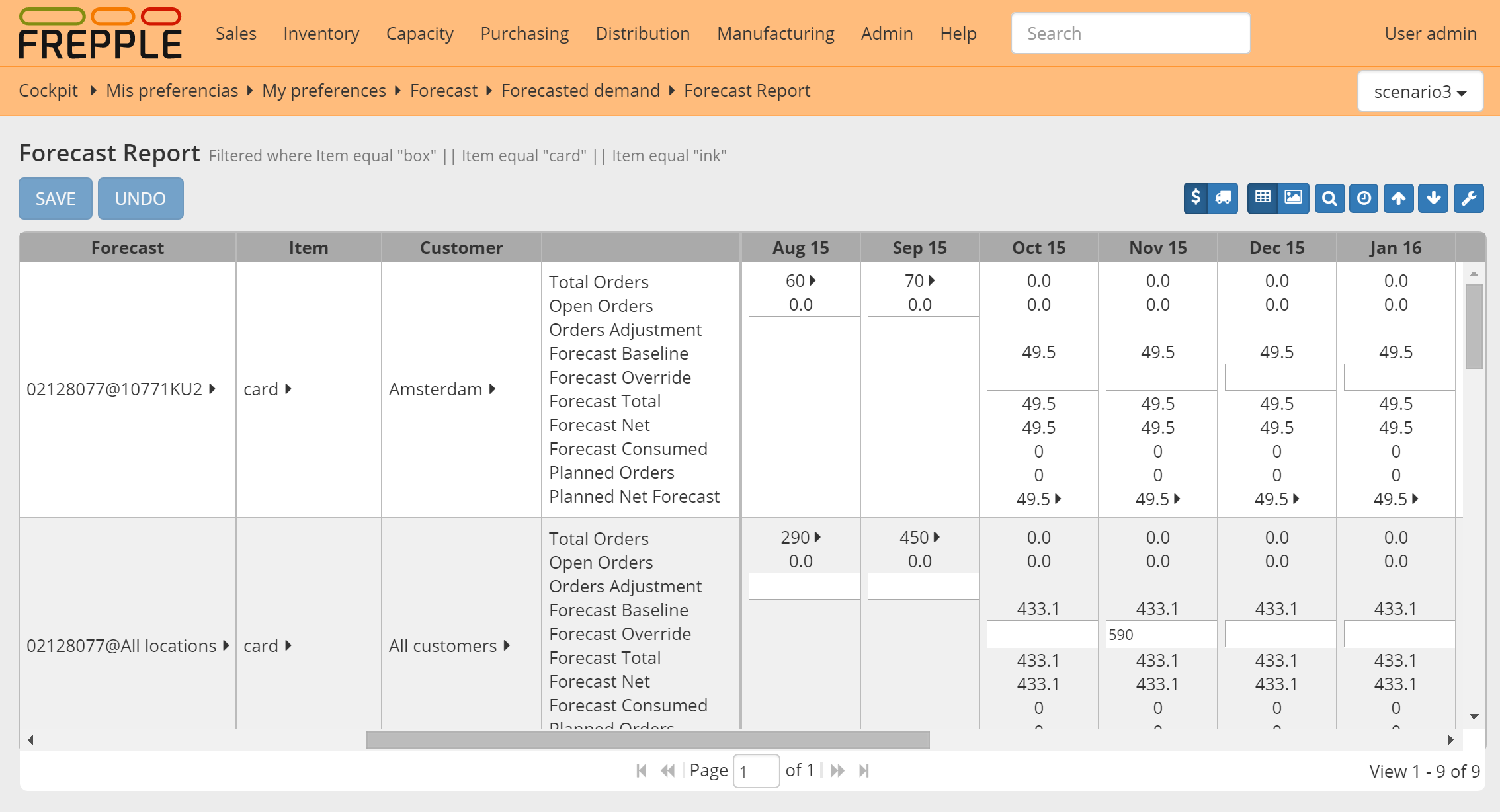
This report provides a convenient way to review and enter forecast numbers. When entering forecast numbers, the numbers will be disaggregated to the planning buckets.
| Field | Description |
|---|---|
| Forecast | Name of the forecast |
| Item | Forecasted item. |
| Customer | Forecasted customer. |
| Location | Forecasted location. |
| Total Orders | Quantity of orders in the time bucket, includes both open and closed orders. |
| Open Orders | Quantity of open orders in the time bucket. |
| Orders Adjustment | Manual adjustment added to the total order quantity.
This adjustment can be applicable for a) removing exceptional demand
outliers from the demand history, or b) intializing the forecast for a new
product with the demand history of a similar, existing product.
The forecast calculations add the order adjustment and the total orders
as the demand history input for the calculation.
|
| Forecast Baseline | Statistical forecast generated by the system. |
| Forecast Override | Manual adjustment of the forecast.
If a value is entered in this row, it completely replaces the baseline
forecast proposed by the system.
|
| Forecast Total | Sum of the baseline forecast and the forecast adjustment. |
| Forecast Net | Forecast quantity not yet consumed by orders. |
| Forecast Consumed | Forecast quantity already consumed by orders. |
| Planned Orders | Quantity of orders planned in this time bucket. |
| Planned Net Forecast | Quantity of net forecast planned in this time bucket. |