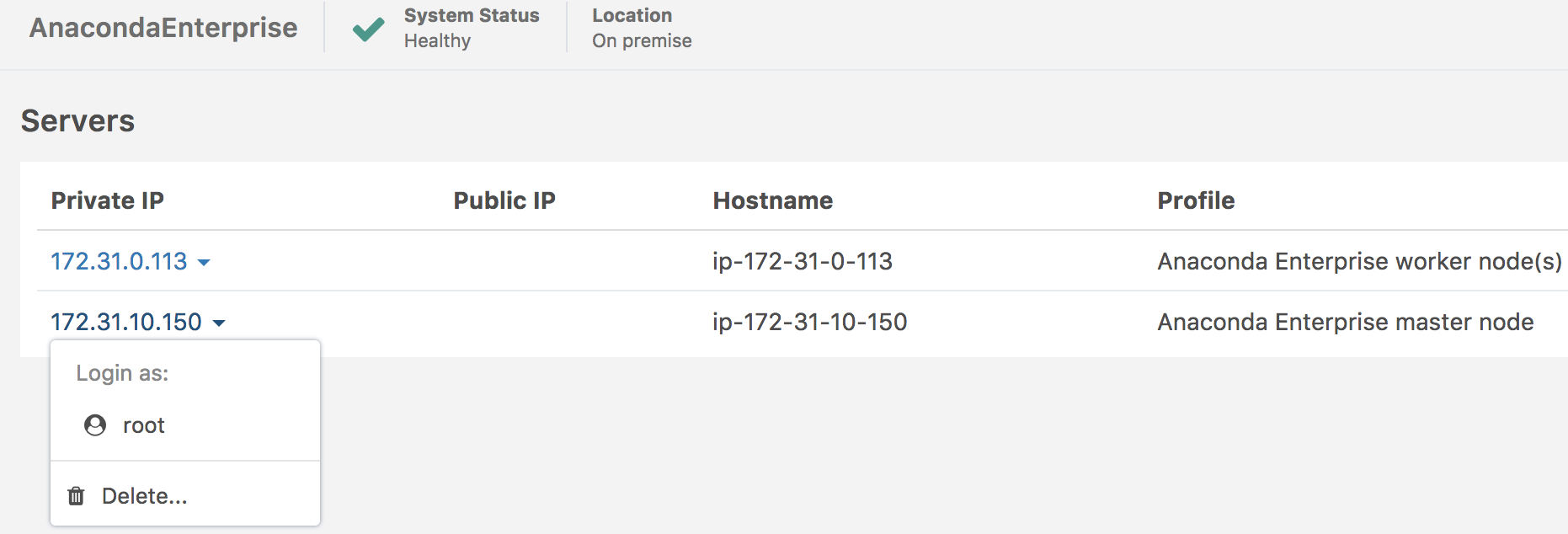
Add or manage servers
You can view, add, edit and delete servers from Anaconda Enterprise from the Operations Center’s Servers menu.
To manage the servers on your system, open the Operations Center, then from the left navigation click the Servers link.
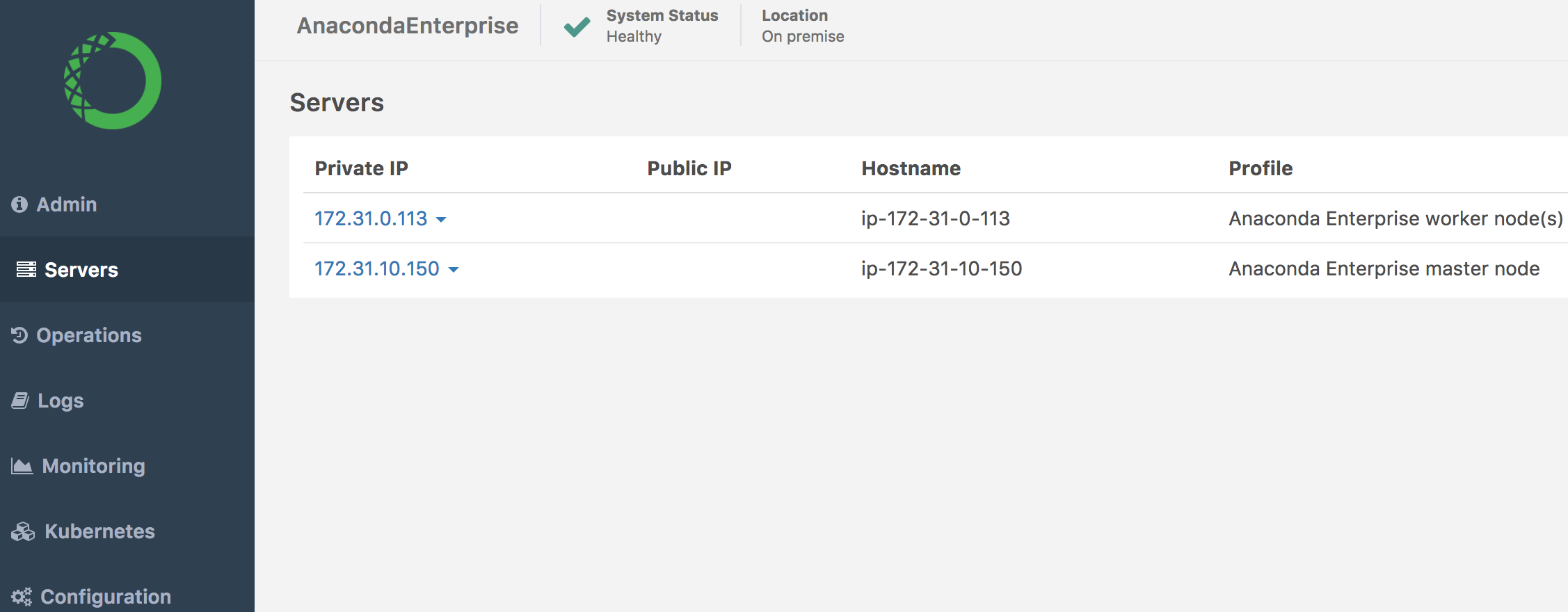
The IP address, public IP, Hostname and profile of each node on your system is identified.
View existing servers
A list of worker and master node servers is displayed in the body of the page.
Modify existing servers
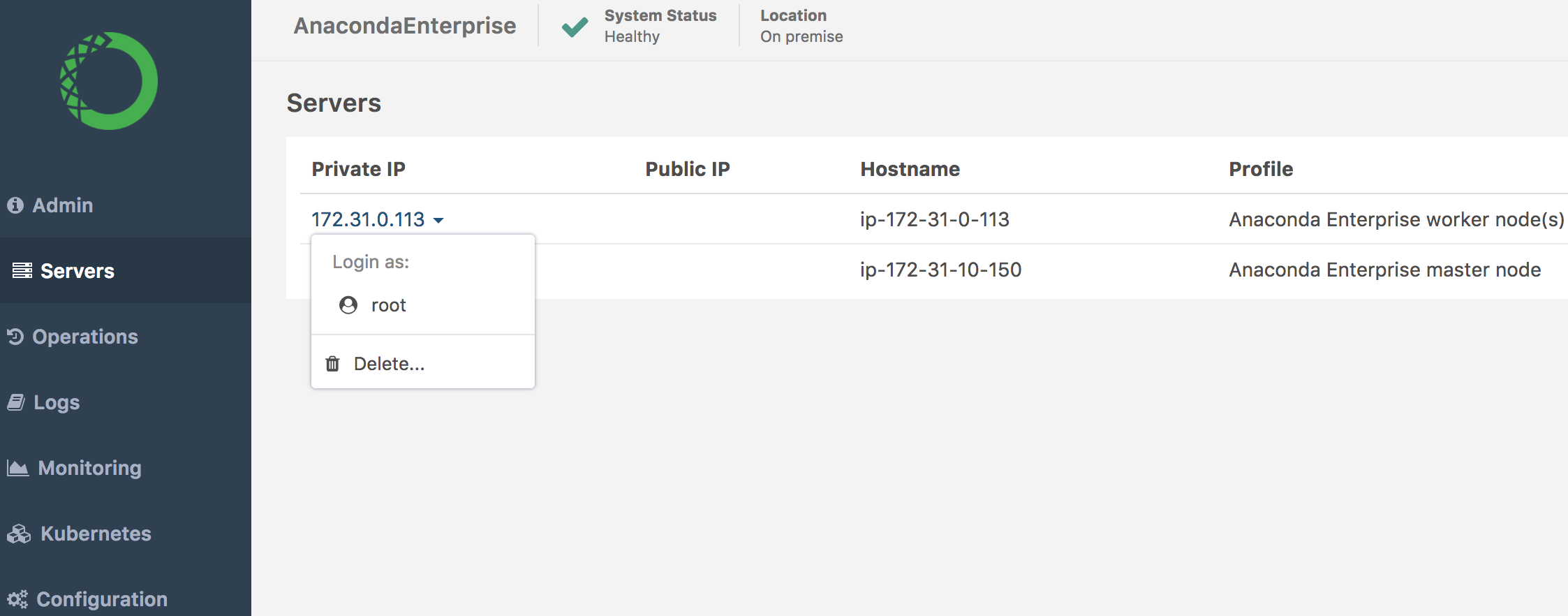
You can log onto any existing server on the system and make modifications. Select the IP address of the server you want to modify, and click Log on as Root.
When you are finished, close the console by clicking the X icon.
Add existing servers
Add existing servers by clicking the Add Existing button at the top right.
You will be prompted to select a profile of a master node or worker node. Choose one, then click the Continue button.
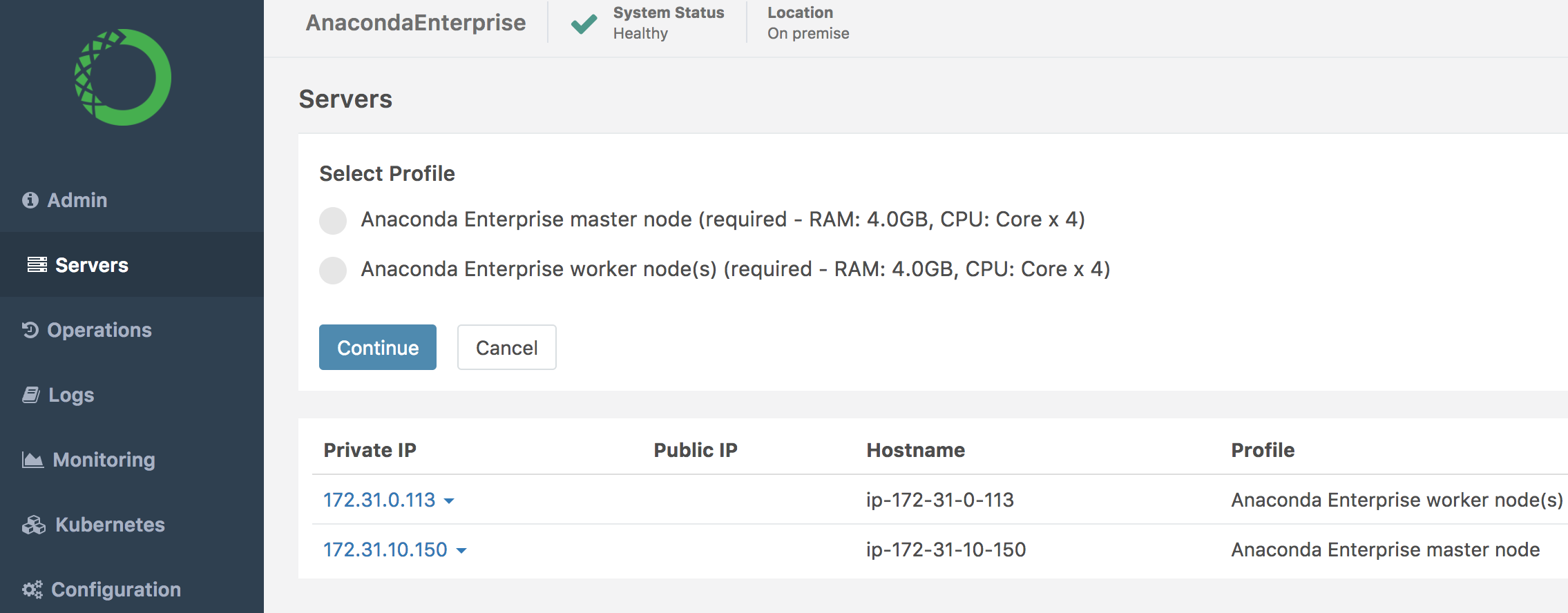
A pane opens containing the command you need to add the server.
Open a terminal window, then copy and paste the command into terminal.
When you refresh the page, your server will automatically appear in the list.
Delete existing server
Delete an existing server by selecting the IP address of the server you want to delete. Then from the drop-down menu that appears, select Delete.