
Monitoring metrics retention
Set the length of time that you retain high and medium resolution metrics, and long term metrics.
To set a metrics retention period, from any page of the Operations Center click the icon next to your username to open the Settings menu, then from the drop-down menu that appears, select Settings.
From the left navigation menu, click the Monitoring link.
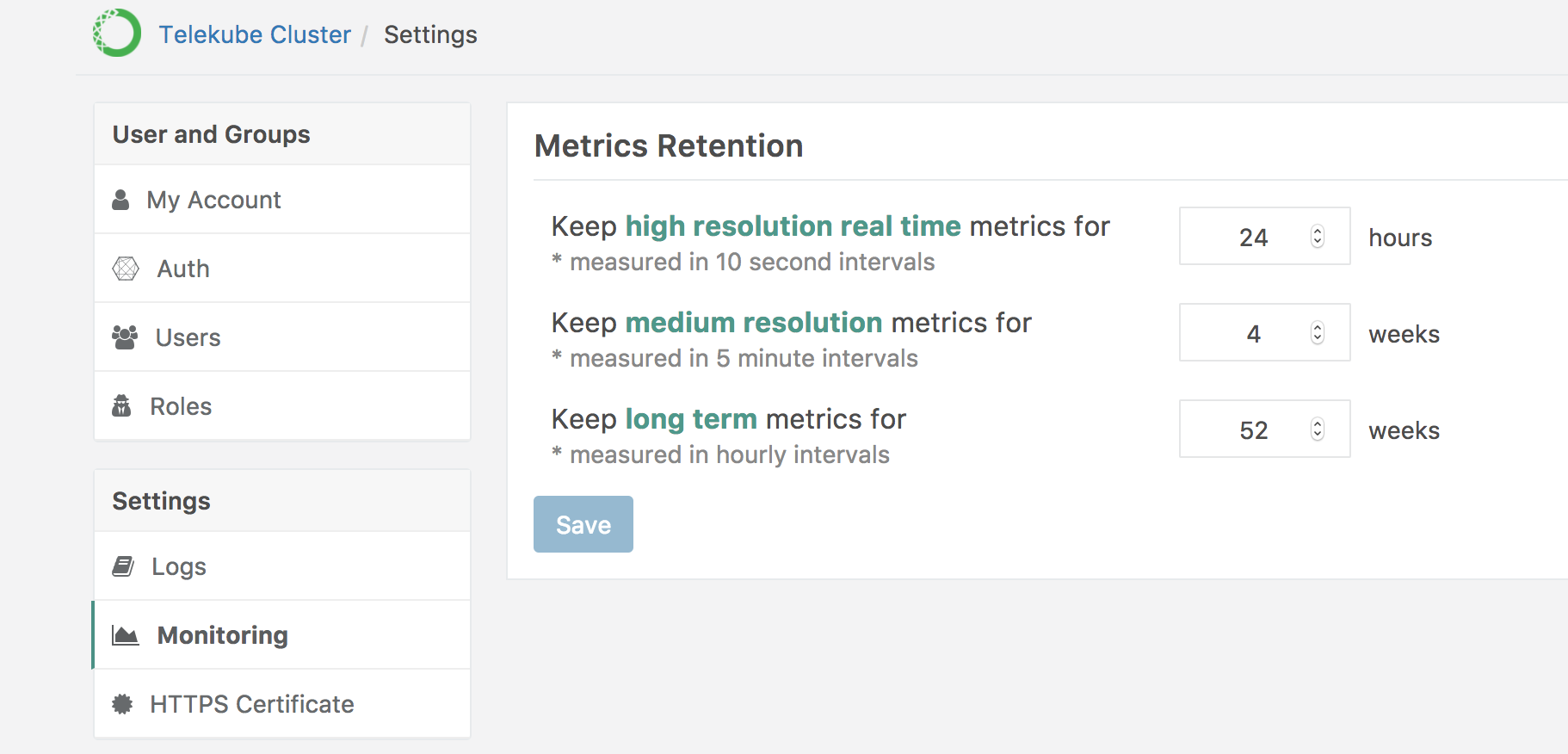
Enter a value for length of time to keep high resolution real time metrics, medium resolution metrics, and long term metrics, then click the Save button.