
Monitor operations
You can monitor the status or progress of a cluster installation from the Operations Center.
Open the Operations Center, then from the left navigation click the Operations link.
A list of current operations and their status displays.
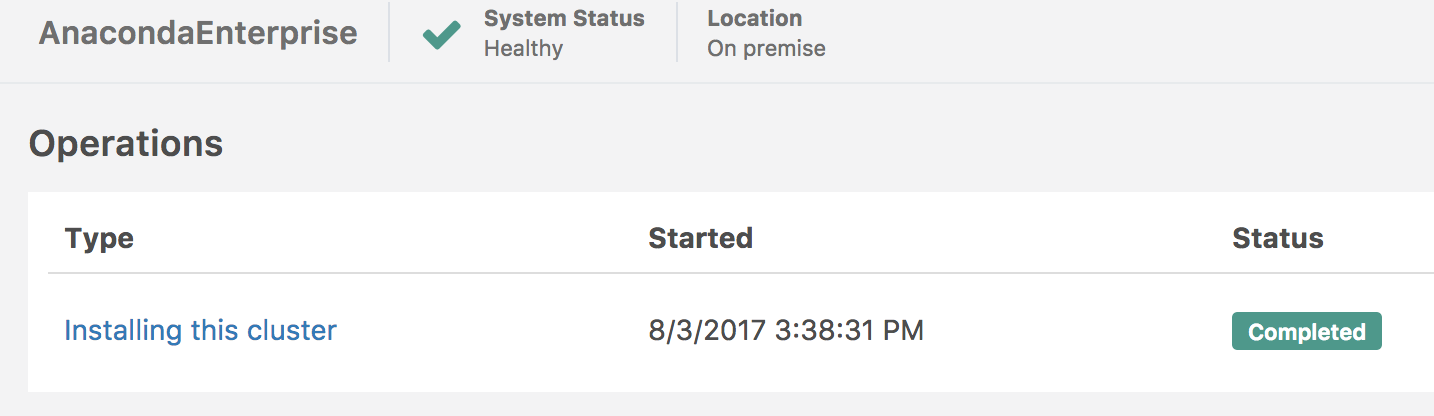
Click an operation to select and monitor it, or click the Logs button at the far right of an operation to view its log.