
View Anaconda Enterprise info
To view the Anaconda Enterprise version number or download a debugging report, open the Operations Center, then from the left navigation click the Admin link.
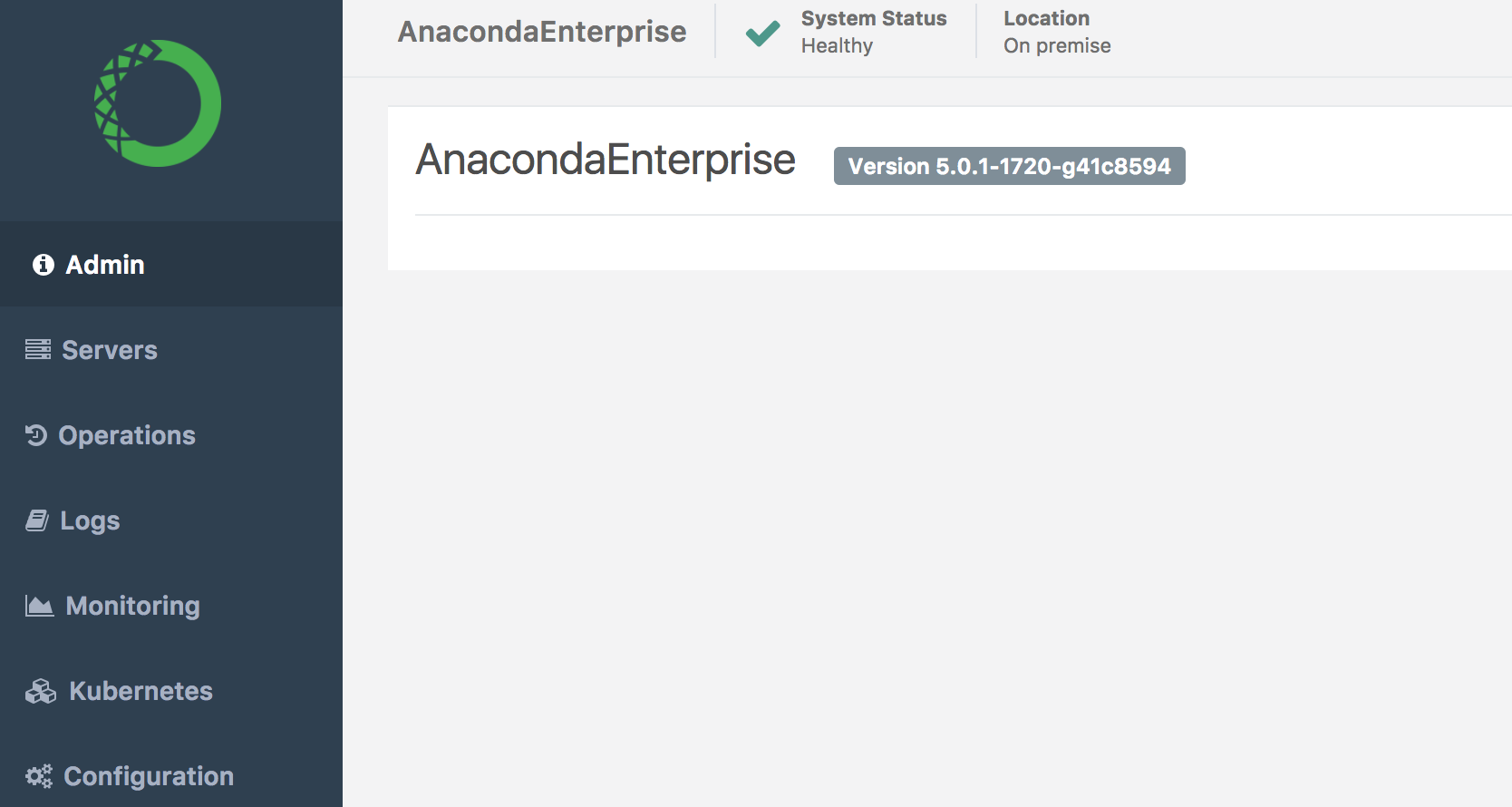
View version number
Your Anaconda Enterprise version number is displayed in the body of the page.
Download debug report
Click the Download Debug Info button at the top right.
The report downloads to your computer in .tar.gz format.