
View system logs
You can view and filter system logs from the Operations Center.
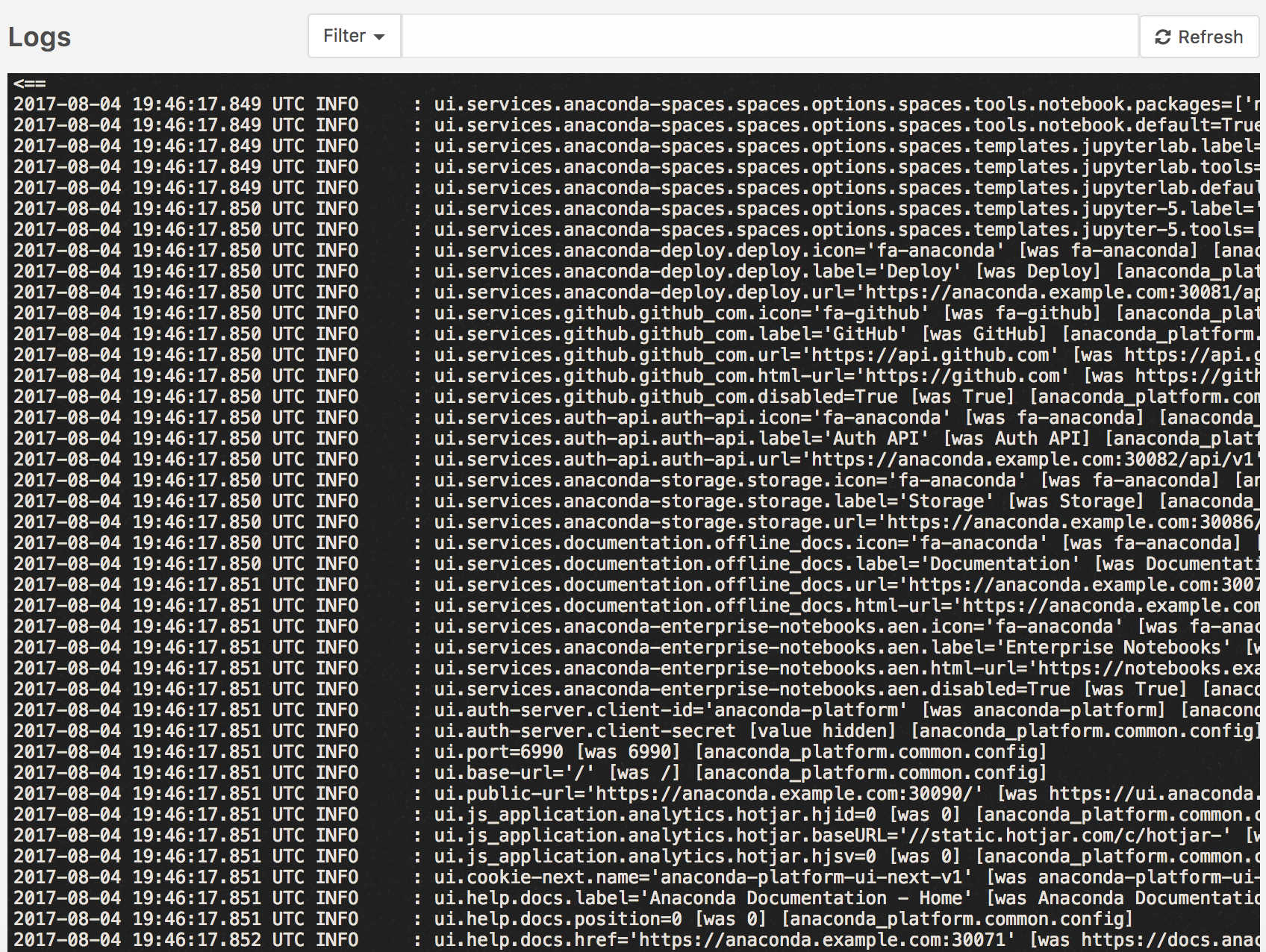
To view logs, open the Operations Center, then from the left navigation click the Logs link.
The complete system log displays.
Filter system logs
You can filter the logs for a specific container or pod.
Click the Search box at the top of the page, type the name or ID of the
container or pod you want to view as pod:<pod-id> and click the Refresh button.
EXAMPLE: pod:ap-spaces-3430848090-m3k9j
You may also see the logs for a pod by clicking Kubernetes on the left menu, clicking Pods, clicking the name of a pod, and clicking Logs.