
Monitor Kubernetes
View and monitor the status of your Kubernetes nodes, pods, services, jobs, daemon sets and deployments from the Operations Center.
Open the Operations Center, then from the left navigation click the Kubernetes link.
From the top tabs, select the item you wish to view.
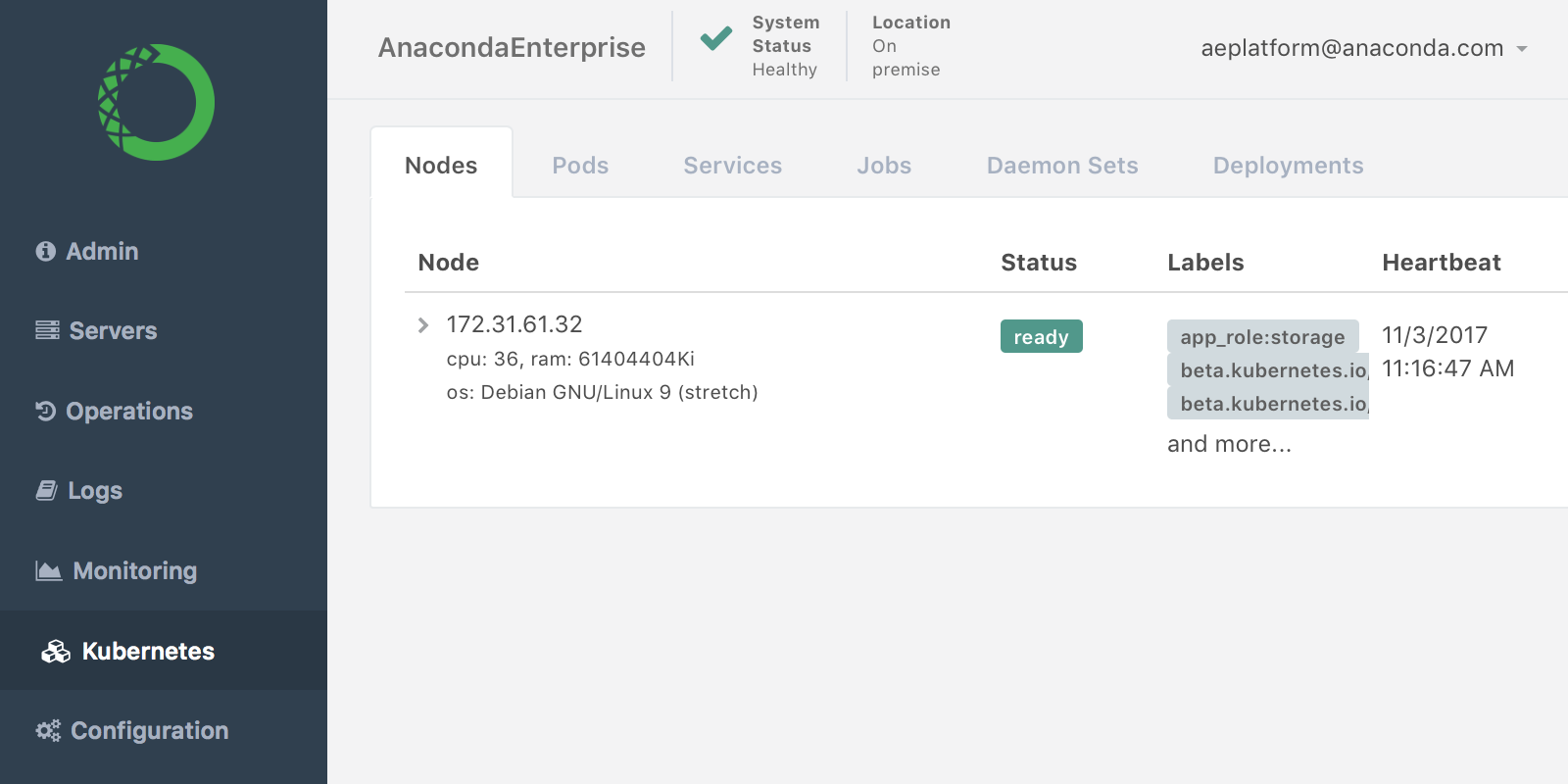
Nodes
The Node list includes the current status (Running, Stopped or Ready), the name of the label, and last time accessed. Click any node name to see its underlying code.
Pods
Click the name of any pod for more information.
Quickly locate any item by typing a few letters or numbers of its name, container name, pod IP address or host IP address in the top right Search box.
You can also search in the same Search box by status Running or Stopped.
Services
Click the name of any service for more information and to see its underlying code.
Jobs
See a list of jobs by name, desired, status or age.
Daemon Sets
See list of daemon sets by name, desired, current, ready, misscheduled or age.
Deployments
See list of deployments by name, desired, current, up-to-date, available, and age.