
Forwarding logs
Logs can be forwarded to an IP address and port via TCP or UDP. You will need to know the destination IP addresses and a protocol (TCP or UDP).
Forward logs via TCP or UDP
To forward logs, from any page of the Operations Center, open the Settings menu by clicking the icon next to your username, then from the drop-down menu that appears, select Settings.
Then from the left navigation menu, click the Logs link.
To create a log forwarder configuration, Click the Create button. A Log Forwarders page opens:
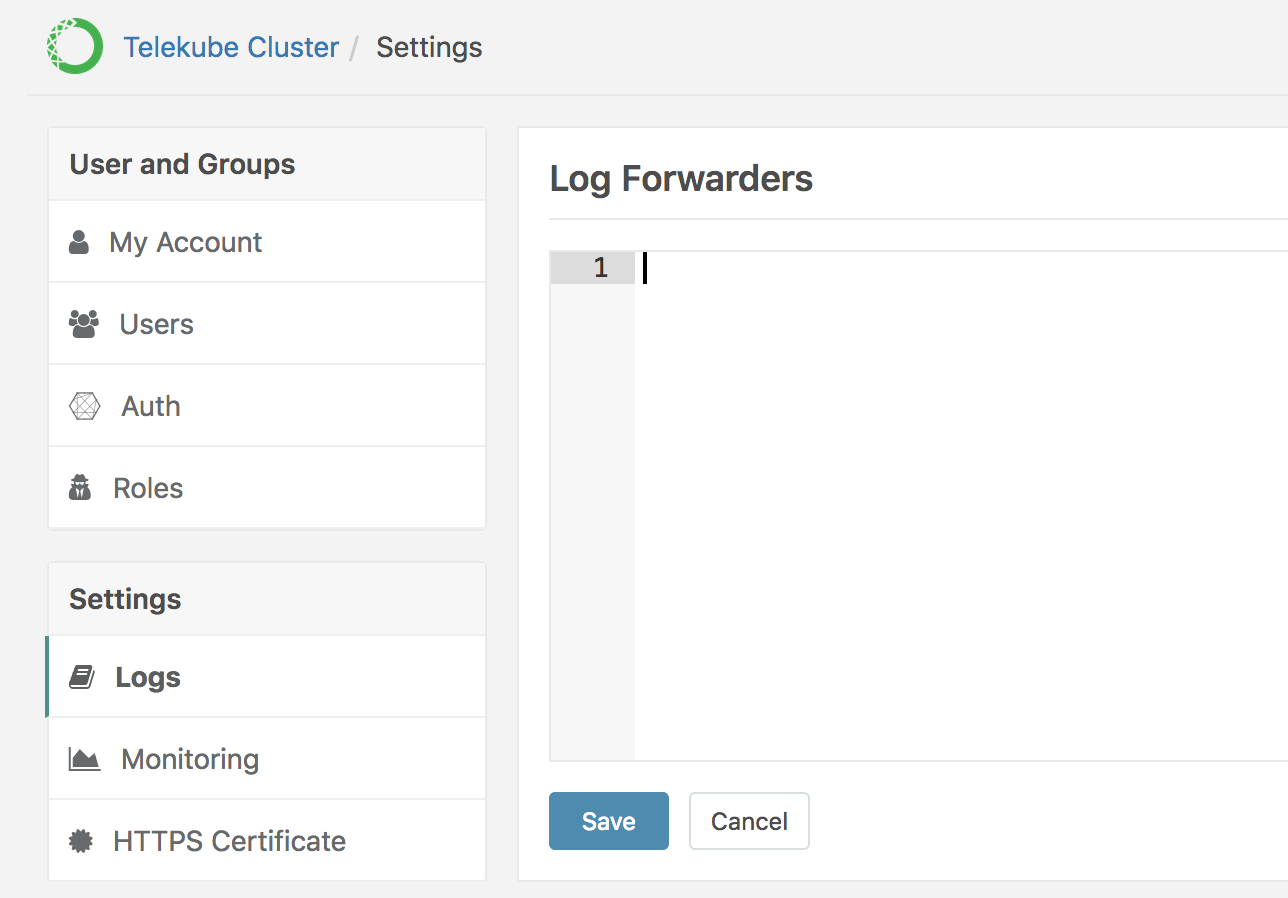
Below is a sample log forwarder configuration:
kind: logforwarder
version: v2
metadata:
   name: forwarder1
spec:
   address: 192.168.100.1:514
   protocol: udp
Note that the protocol field is optional and defaults to tcp.
After you have created the resource file, click the Save button.