
My account
You can change your Admin user account password for the Operations Center from the Settings menu.
To change your password from any page in the Operations Center, at the top right next to your username, click the triangle icon and from the drop-down menu select Settings.
This brings you to the Change Password page.
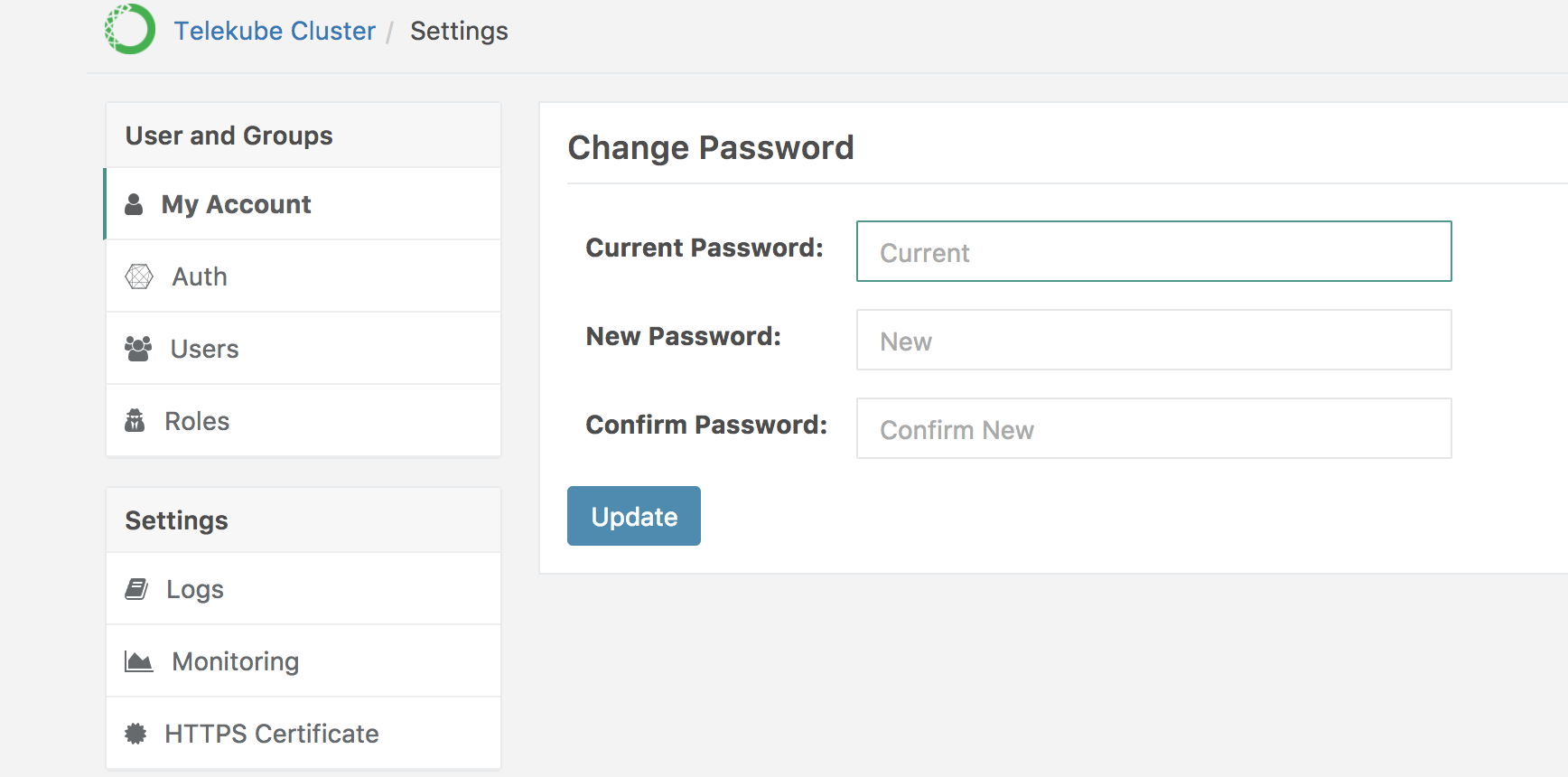
Enter your current password, then enter a new password and confirm by entering the new password again.
Click the Update button.