Copying a project
To make a copy of your existing project, first download and then upload the project.
TIP: Sample projects can be copied by clicking the Save to My Projects link.
In Jupyter lab or Classic Notebook, open the project you want to copy.
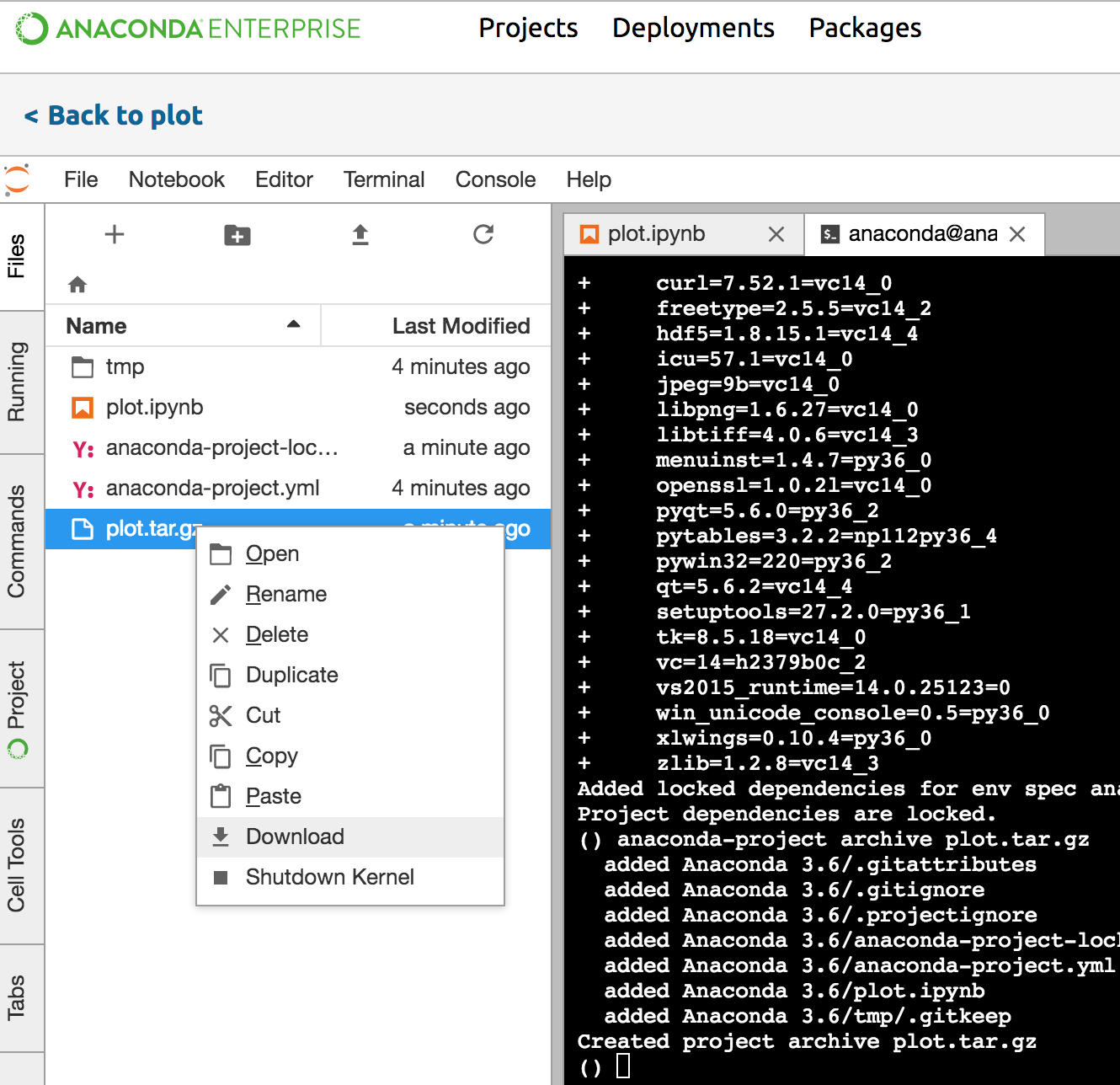
Open the Terminal and run the following command to lock your project dependencies:
anaconda-project lock
Archive your project:
anaconda-project archive PROJECTNAME.tar.gz
Right click the archived project file from the home page to download to your local file system.
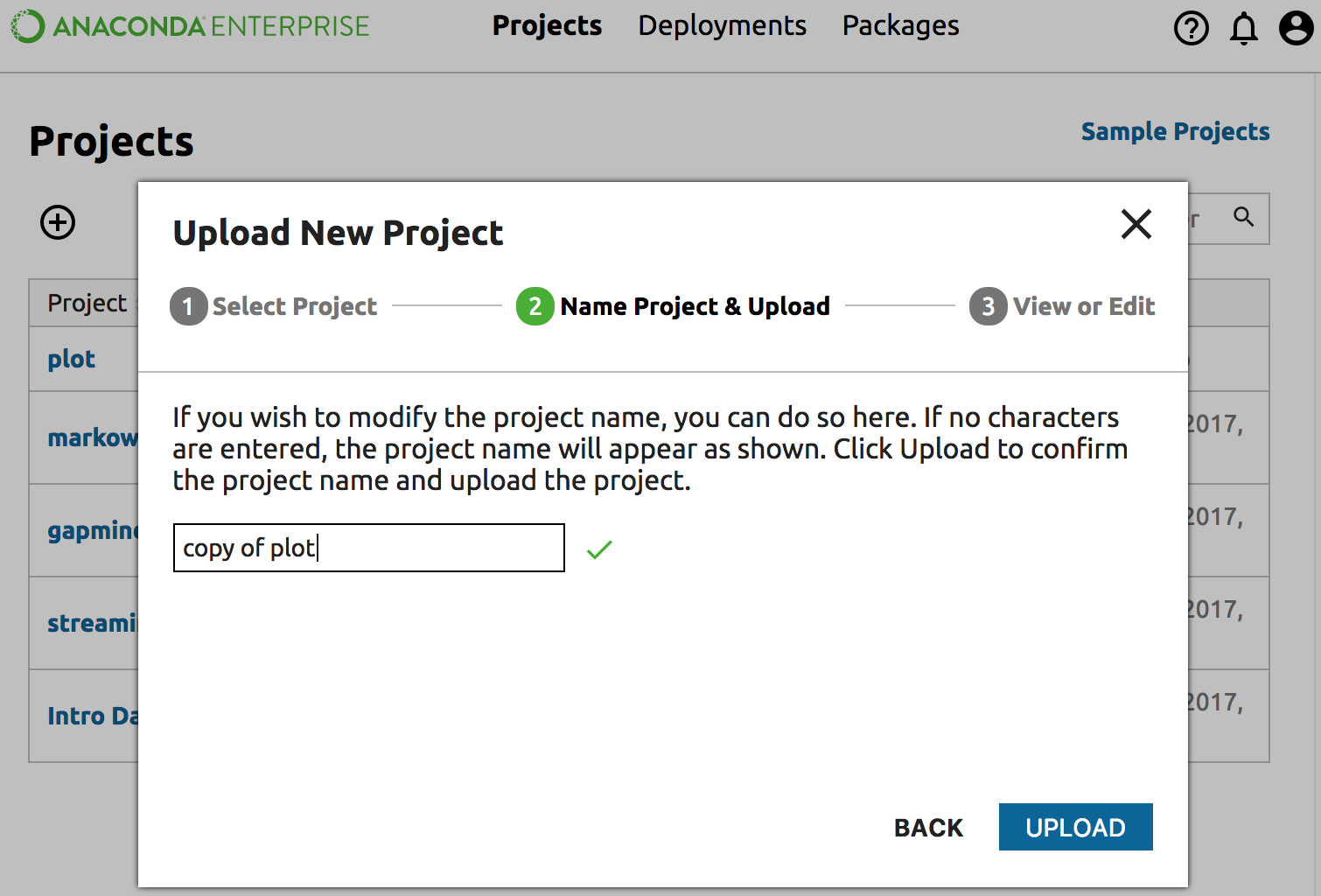
To upload the project, from the Projects page, click the top left Add (+) button and select Upload Project.
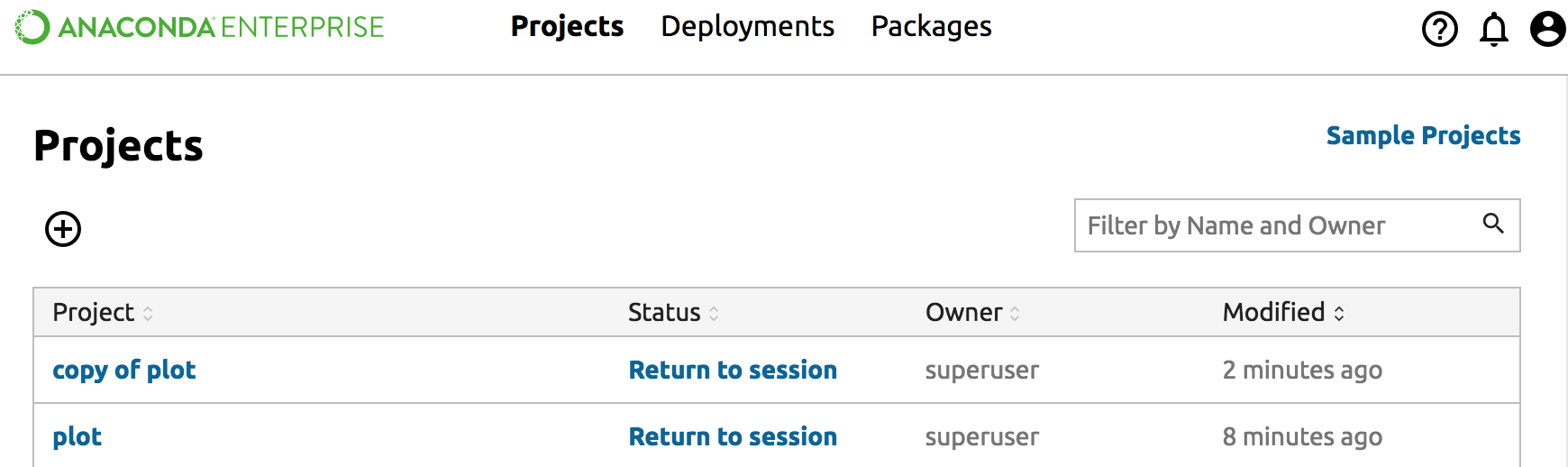
You will see the uploaded project in the Projects page.