Viewing a list of your projects
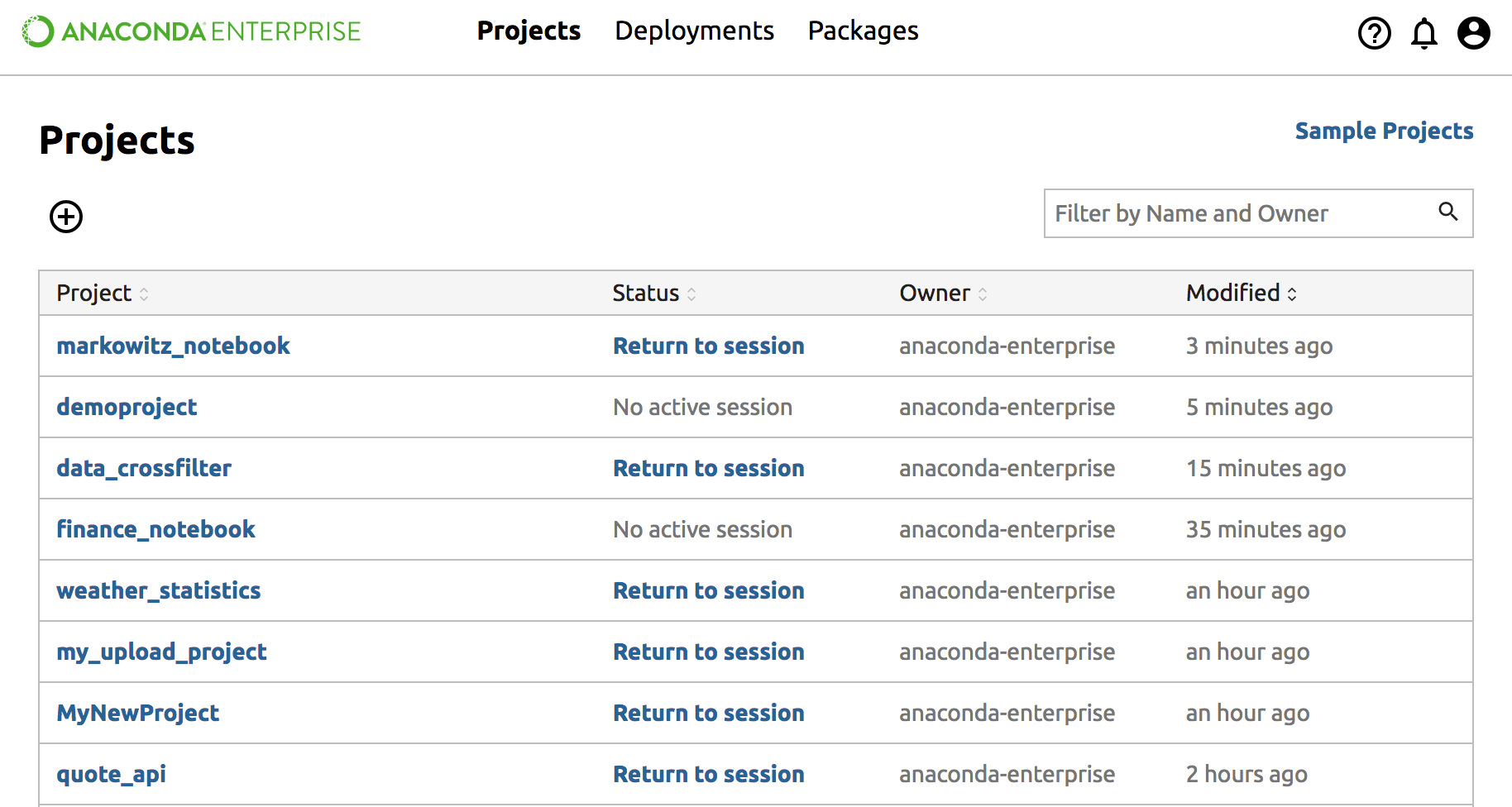
The project list is the default view of Anaconda Enterprise after logging in.
To view a list of your projects and projects that have been shared with you, from the top navigation bar, click Projects.
- Click on a project in this list, to manage the project from the Project Detail page.
- Click the Add(+) button at the top left to Create or Upload an Anaconda Project.
- Click Sample Projects at the top right to save or download example projects.