
Linking an environment to a notebook
Link an environment to a notebook from inside an editing session.
NOTE: To link an environment to a notebook, the environment must contain the notebook package. To learn more about how to add packages to environments see Setting an environment for a project.
In JupyterLab
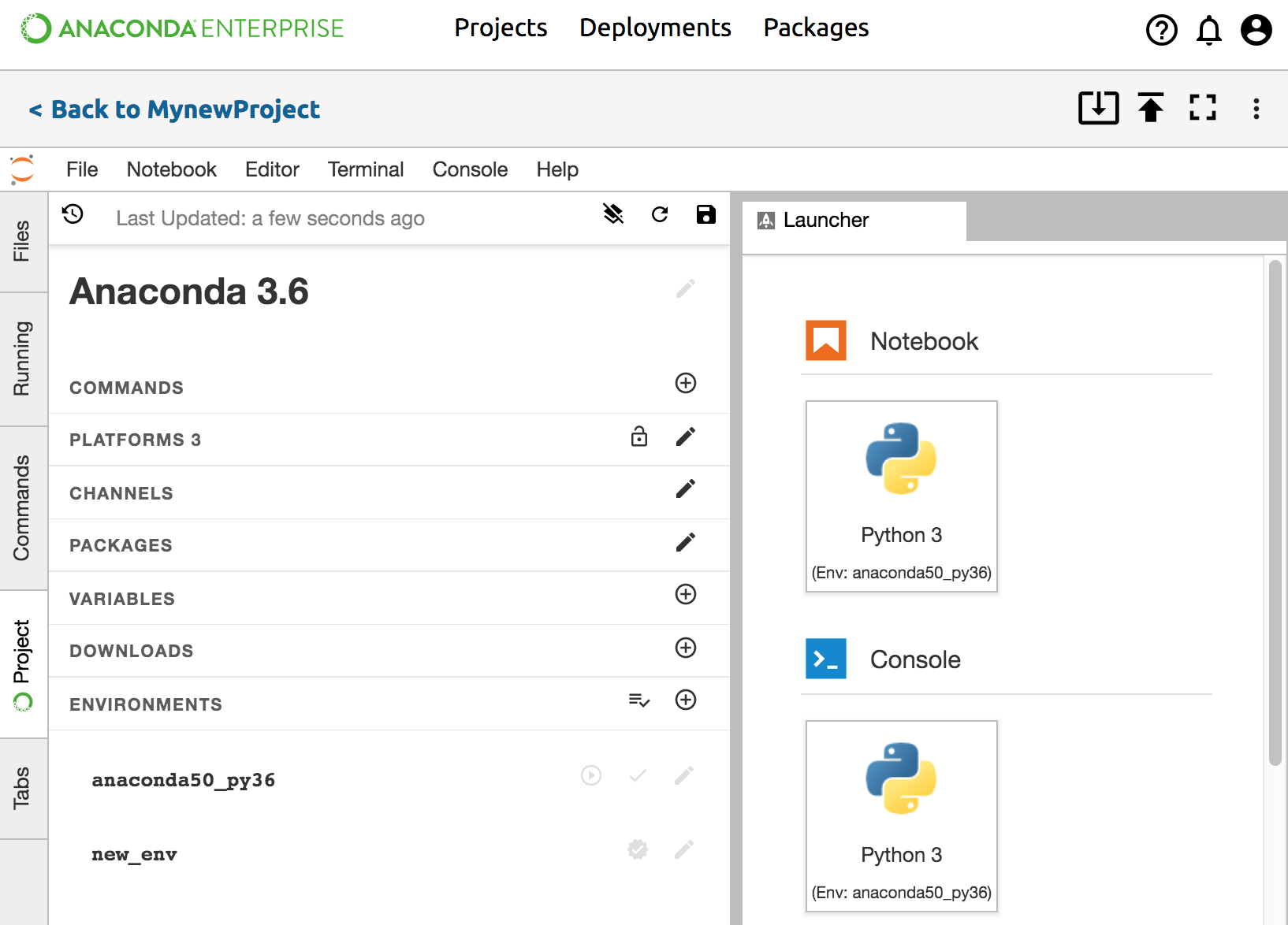
Start a new notebook from Launcher. To open Launcher, click the left Files tab, then click the Add (+) button.
If you have more than one environment, you will have the option of using any environment that has the notebook package in it. Choose which kernel to use, such as “[env-name] Python 3” or “[env-name] Python 2”. “env-name” refers to the name of the environment. You can change the kernel later.
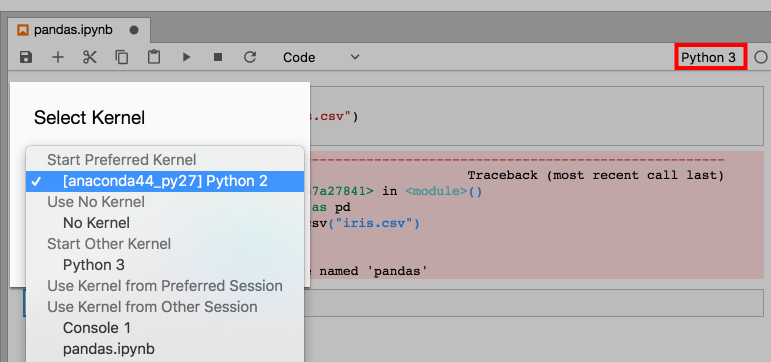
Open an existing notebook from the left Files tab. At the top right corner of the notebook is the name of the kernel you are using. To change the kernel environment, click the existing kernel name to open the Select Kernel dialog box, then select a “[env-name] Python 3” or “[env-name] Python 2” kernel. “env-name” refers to the name of the environment.
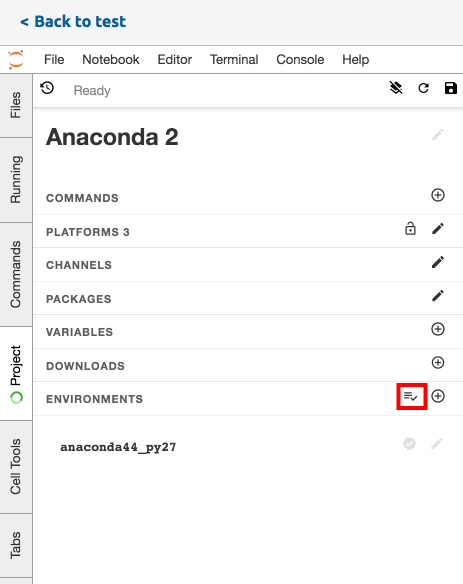
TIP: If the environment isn’t available, go to the left side Project tab to find the environment section and click the “Prepare All Environments” button.
In Jupyter Classic
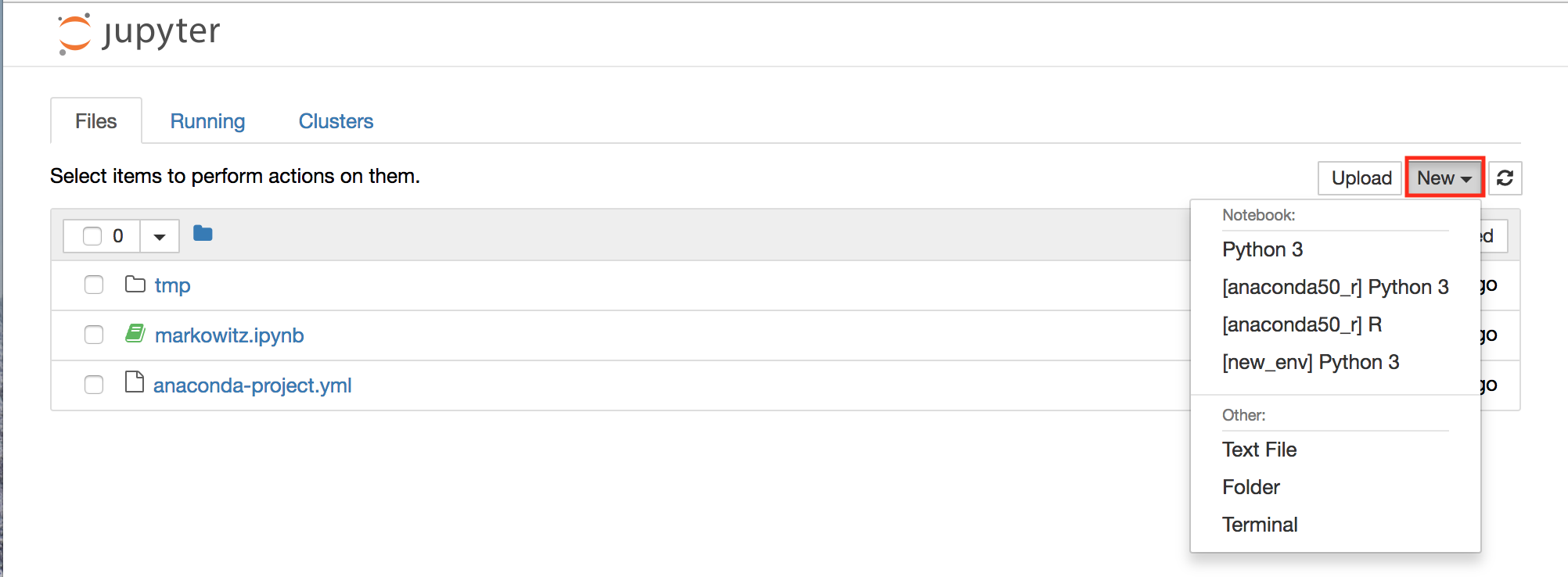
Start a new notebook from the New dropdown in the upper right. From the New button select a kernel, such as “[env-name] Python 3” or “[env-name] Python 2”. “env-name” refers to the name of the environment.
Open an existing notebook from the Files tab. At the top right of the notebook is the name of the kernel you are using. To change the kernel environment click the Kernel tab, then select a “[env-name] Python 3” or “[env-name] Python 2” kernel. “env-name” refers to the name of the environment.
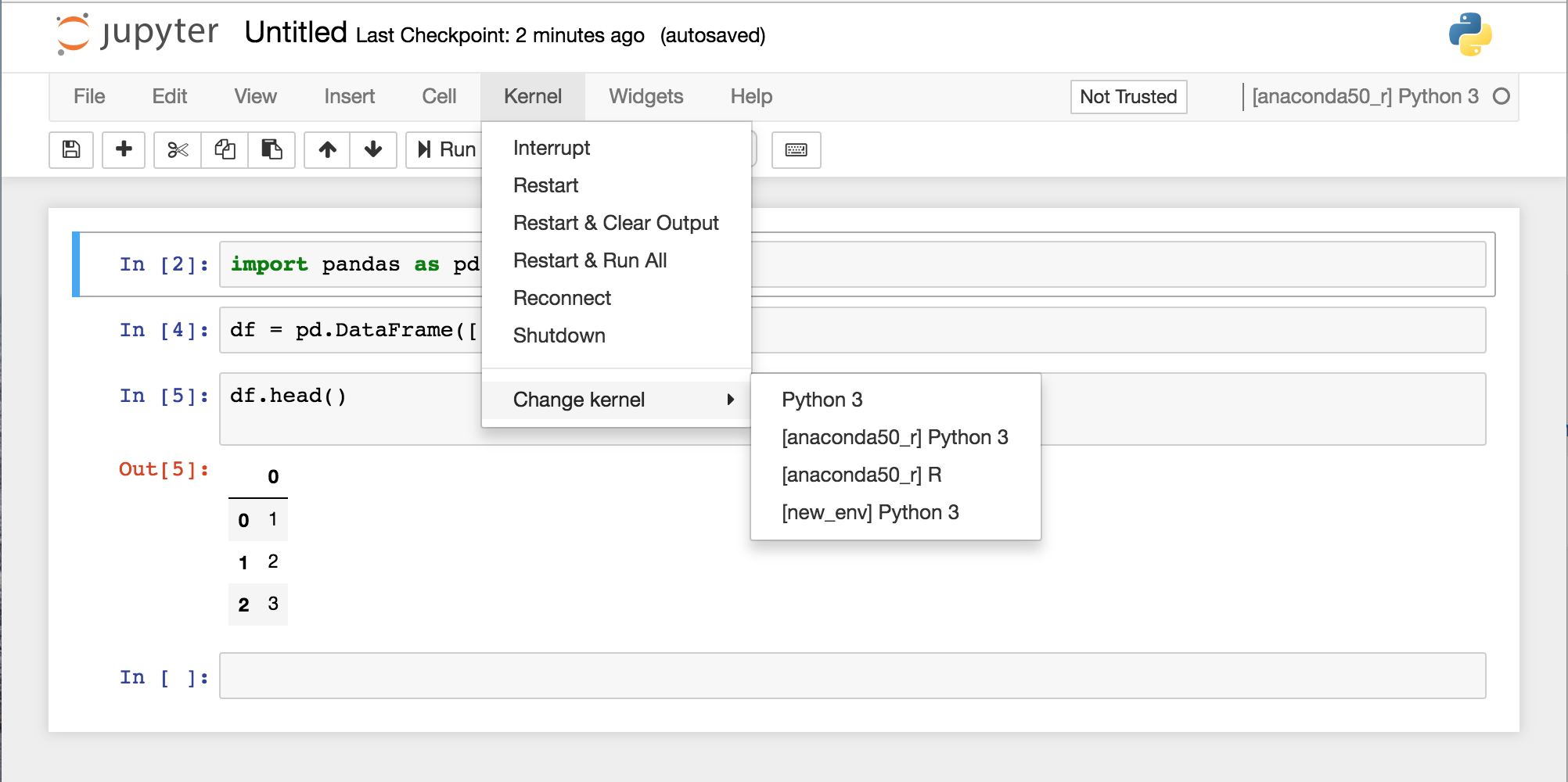
TIP: If the environment isn’t available, open a terminal and run the command
anaconda-project prepare.