
Creating a new project
Everything you do in Anaconda Enterprise begins with an Anaconda Project. The project encapsulates all your related data science assets so they are easily portable.
All Project setup is automated, and done from the Enterprise web interface.
To create a new project:
From the Projects page, click the top left Add (+) button and select New Project.
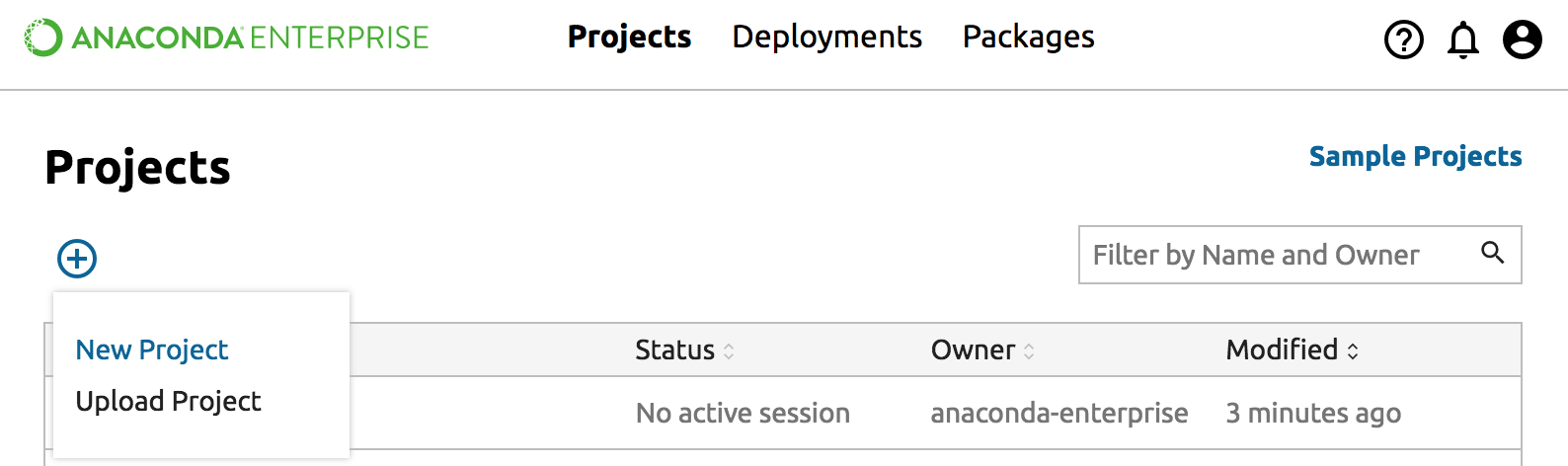
In the Name Project dialog box, type a descriptive name for your project and click the Next button.
Select the project type, whether Anaconda with Python 3.6, Anaconda with Python 2.7, Anaconda with Python 3.5, R language, SAS or Spark.
TIP: If you are unsure, select the default, Anaconda 3.6. You can always add more packages later.
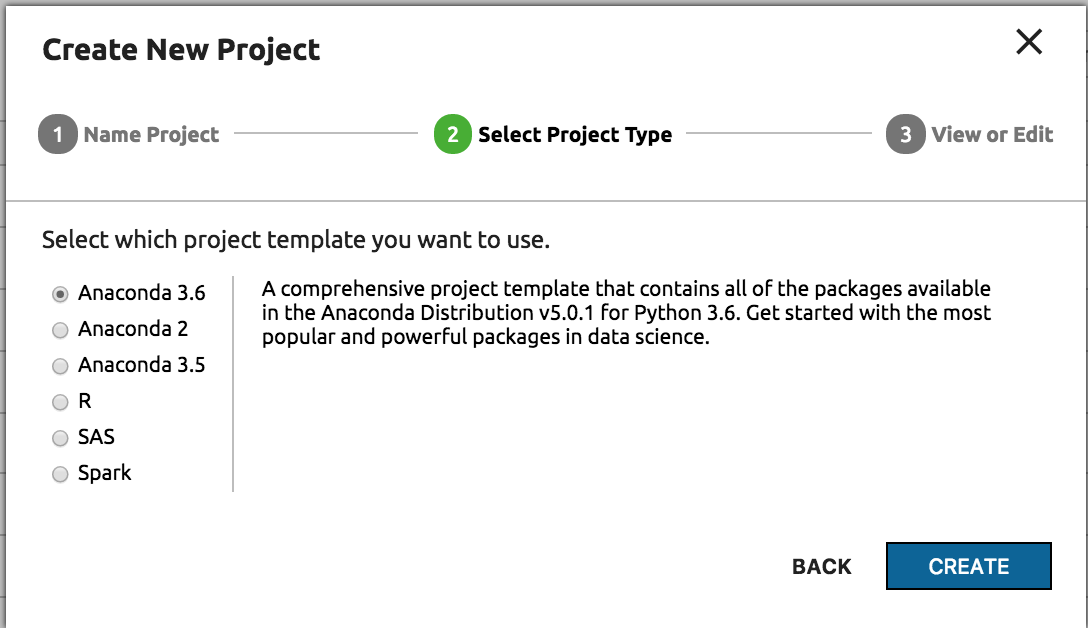
Click the Create button. While your project is being prepared, you see a spinner. Enterprise installs dependencies and the full Anaconda Distribution, if you selected it. This can take some time if you have a large number of dependencies. Feel free to close the dialog and do other work. You will be notified when the project is ready.
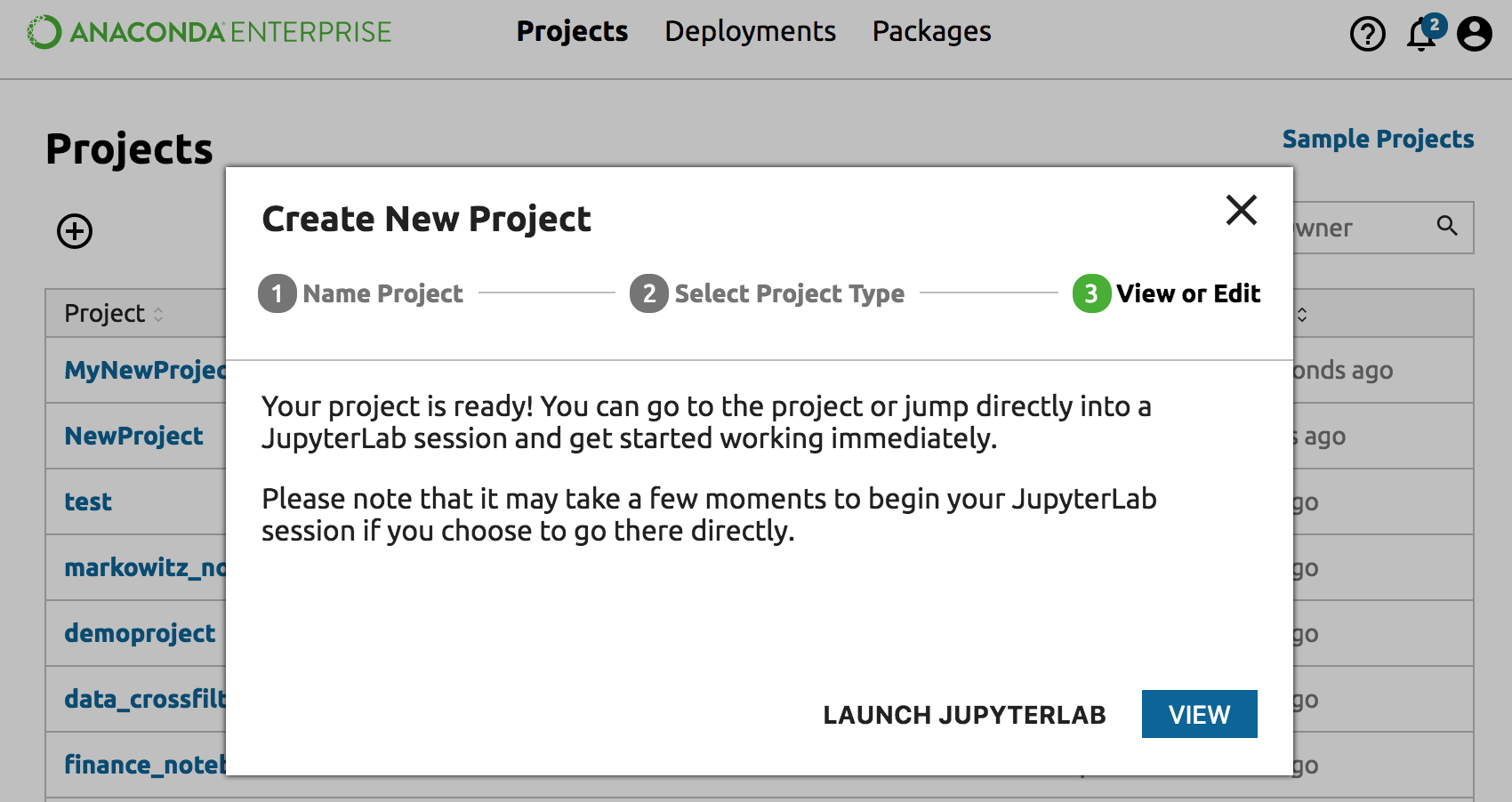
If the dialog is still open, click the Launch JupyterLab link to work with the project in JupyterLab. If the dialog is closed you can click on your new project in the Project page and access actions from the Project Detail page.