Deleting a project
To delete a project:
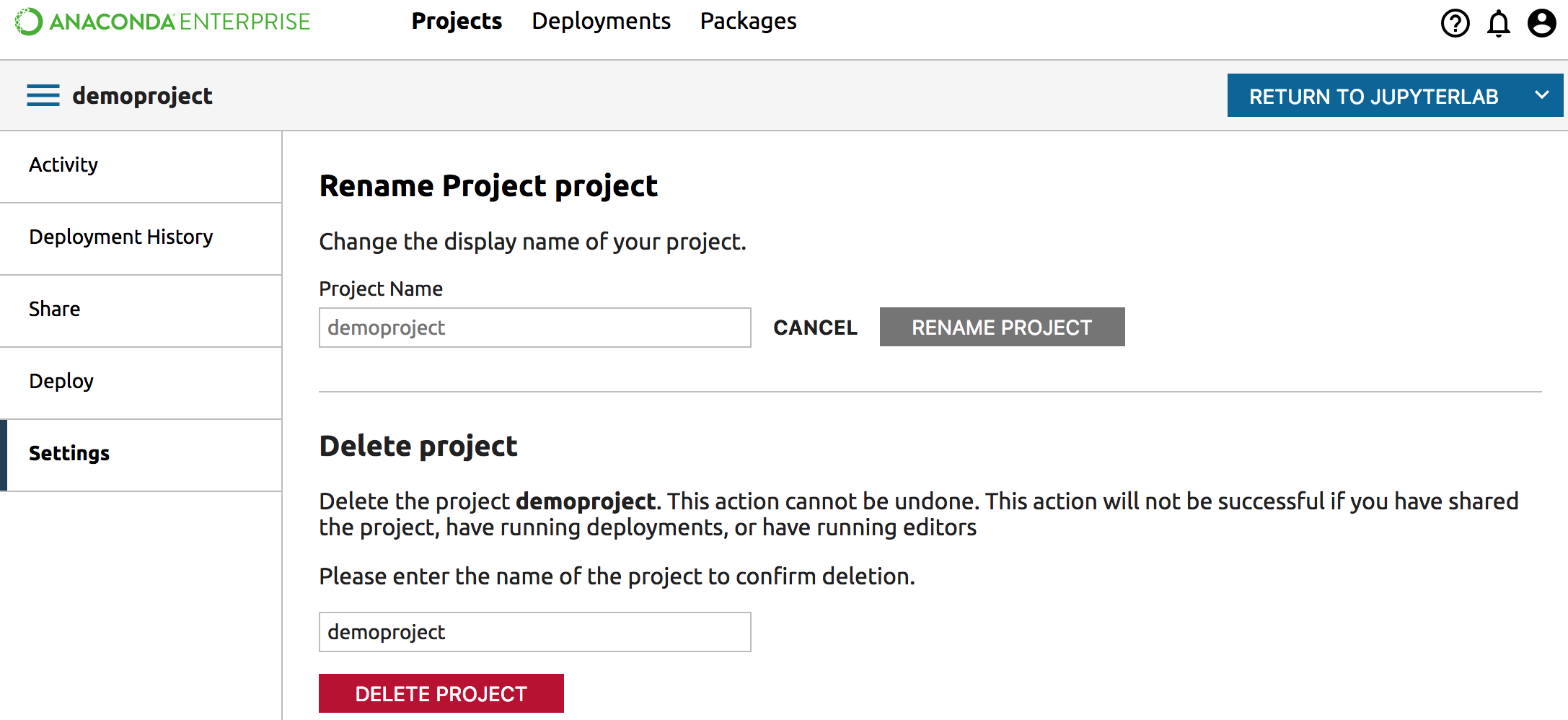
From the Projects list, click the name of the project you want to delete. This opens the Project Detail page.
Click the Settings pane in the left navigation.
In the Delete project section of the page, type or paste the name of the project in the confirmation box. When the name is typed correctly the gray Delete Project button turns red.
Click the Delete Project button.
After the project is deleted you will return to the list of other projects.
NOTE: Deleting a project is irreversible.
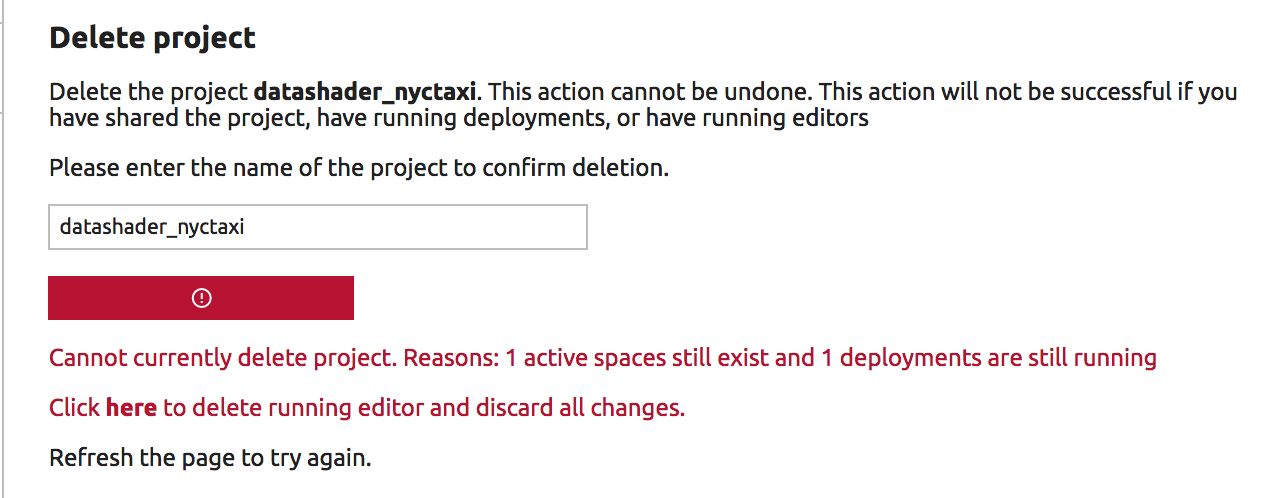
You can delete a project if it is not shared, and there are no active editing sessions or active deployments.
You may be able to manage these issues by clicking the shortcut link in the warning: