
Renaming a project
To rename a project:
Go to the Project Detail page of the project that you want to delete.
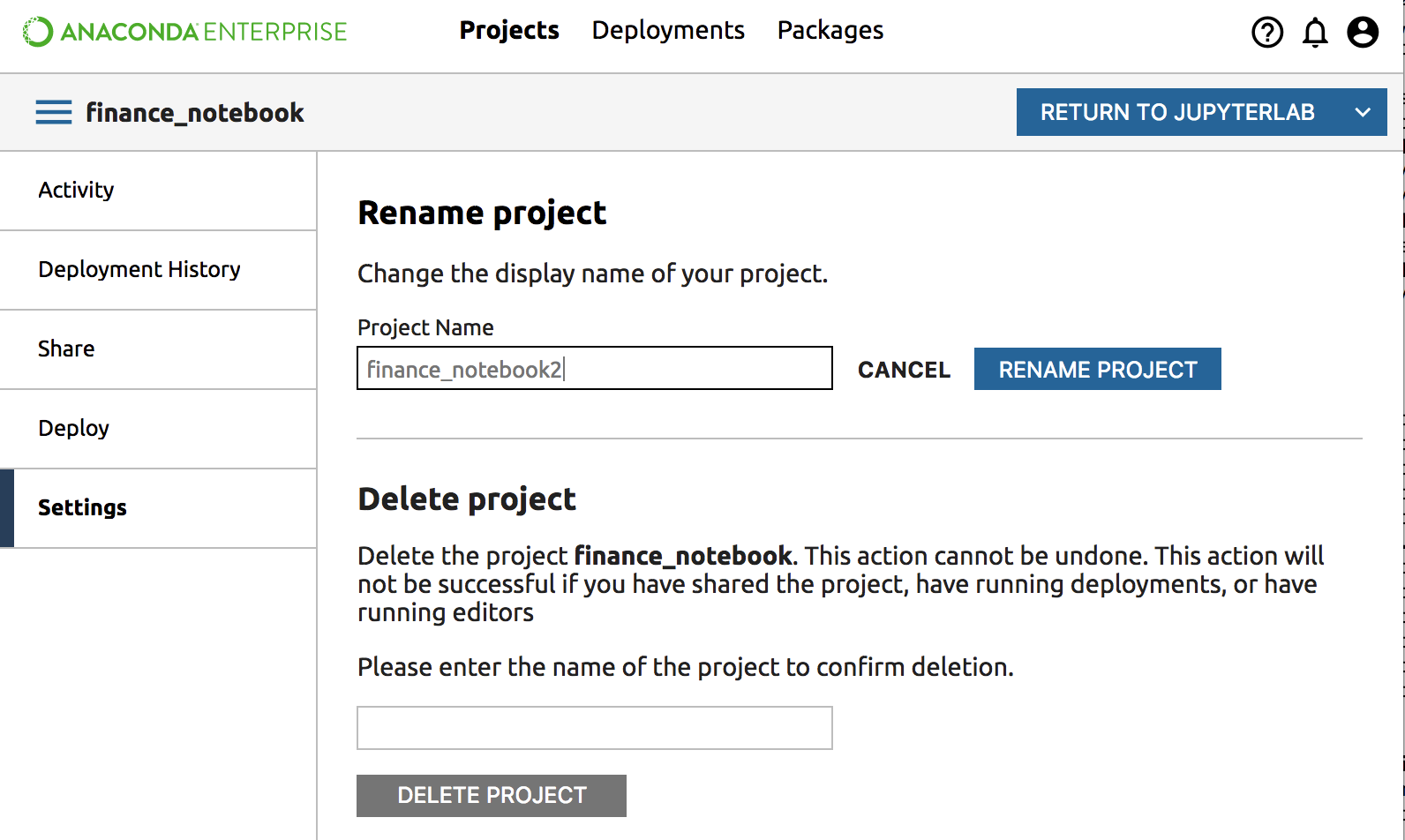
Click the Settings pane in the left navigation.
Type the name of the project in the Rename Project box. When the name is typed correctly the gray Rename Project button will turn blue.
Click the Rename Project button.
After the project is renamed you will see the new name in the top left corner.