
Sharing a project
After you’ve created an Anaconda Project, you can share it with collaborators who have an Anaconda Enterprise account.
From the Project list, click the name of the project you want to share. This opens the Project Detail page.
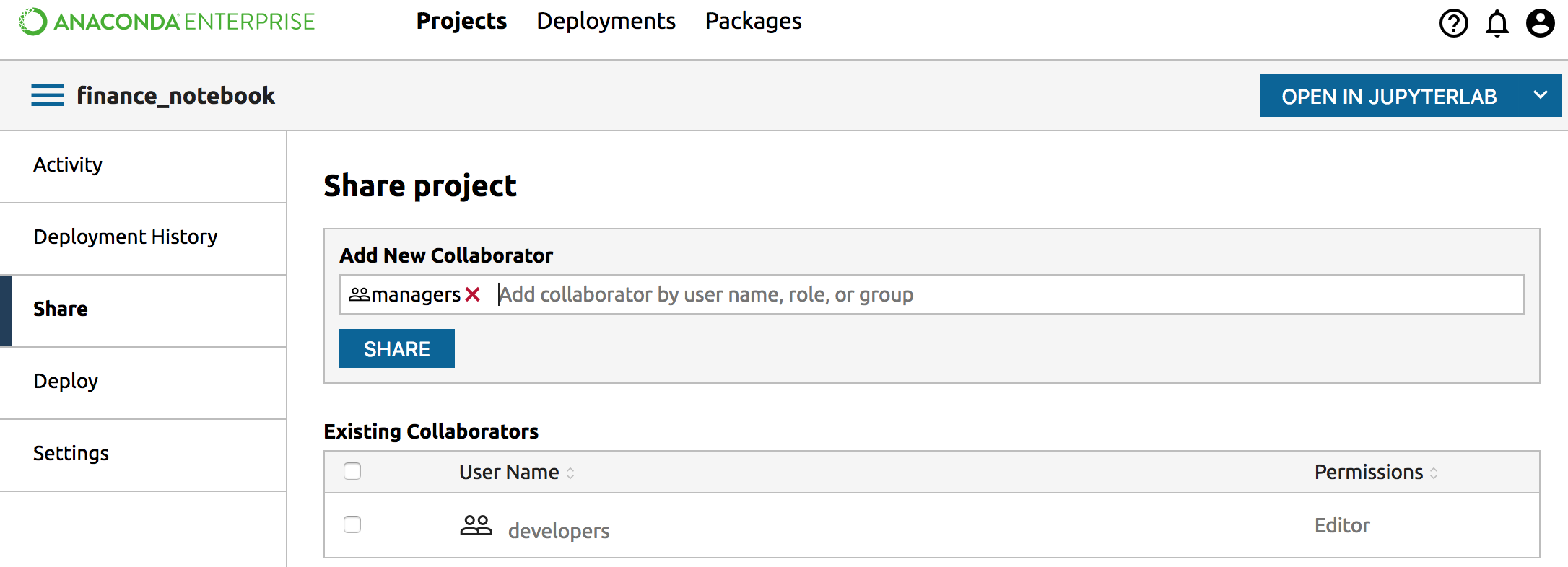
Click the left Share tab.
In the Add New Collaborator box enter the username, role name or group name with whom you want to share.
NOTE: Your system administrator creates roles and groups.
Select the name from the drop-down that appears.
Type again to select another name, or hit the red x to clear each selection.
When you are ready to share with the selected people, click the Share button:
Unsharing a Project
To remove a collaborator from the Existing Collaborators list, put a check in the box next to the name you want to remove, then click the Remove (-) button.