
Uploading a project
Only existing Anaconda Projects can be uploaded to Anaconda Enterprise. You may have downloaded a project from another source or a colleague, or created a project using an editor on your computer. To learn more about creating a project, refer to the tutorial Creating Project.
Note that project uploads are limited to 1 GB.
To upload a project:
From the Projects page, click the top left Add (+) button and select Upload Project from the dropdown options.
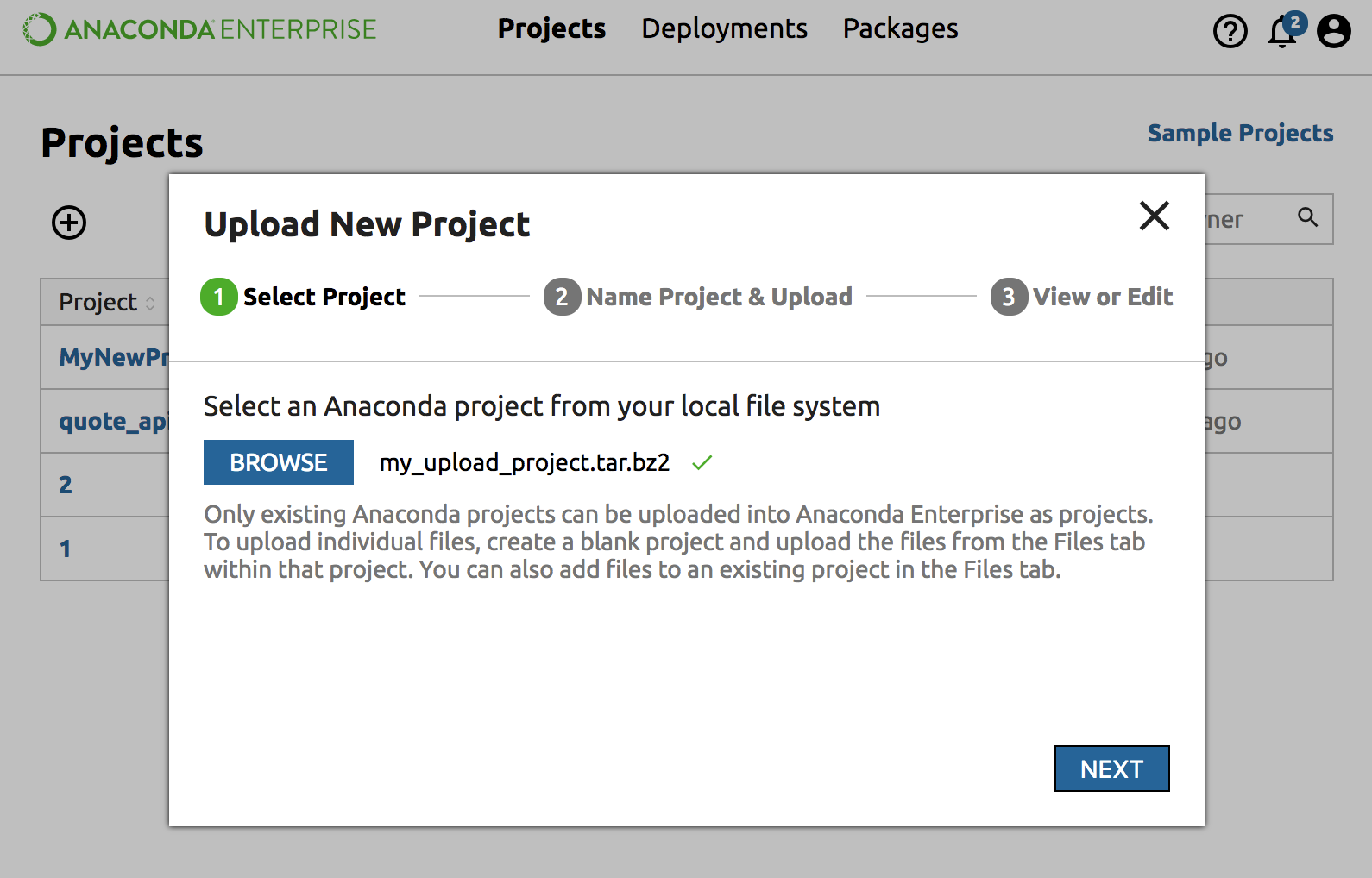
Click the Browse button and select a compressed (tar.bz2, tar.gz or zip) Anaconda Project from your local file system. Click Next.
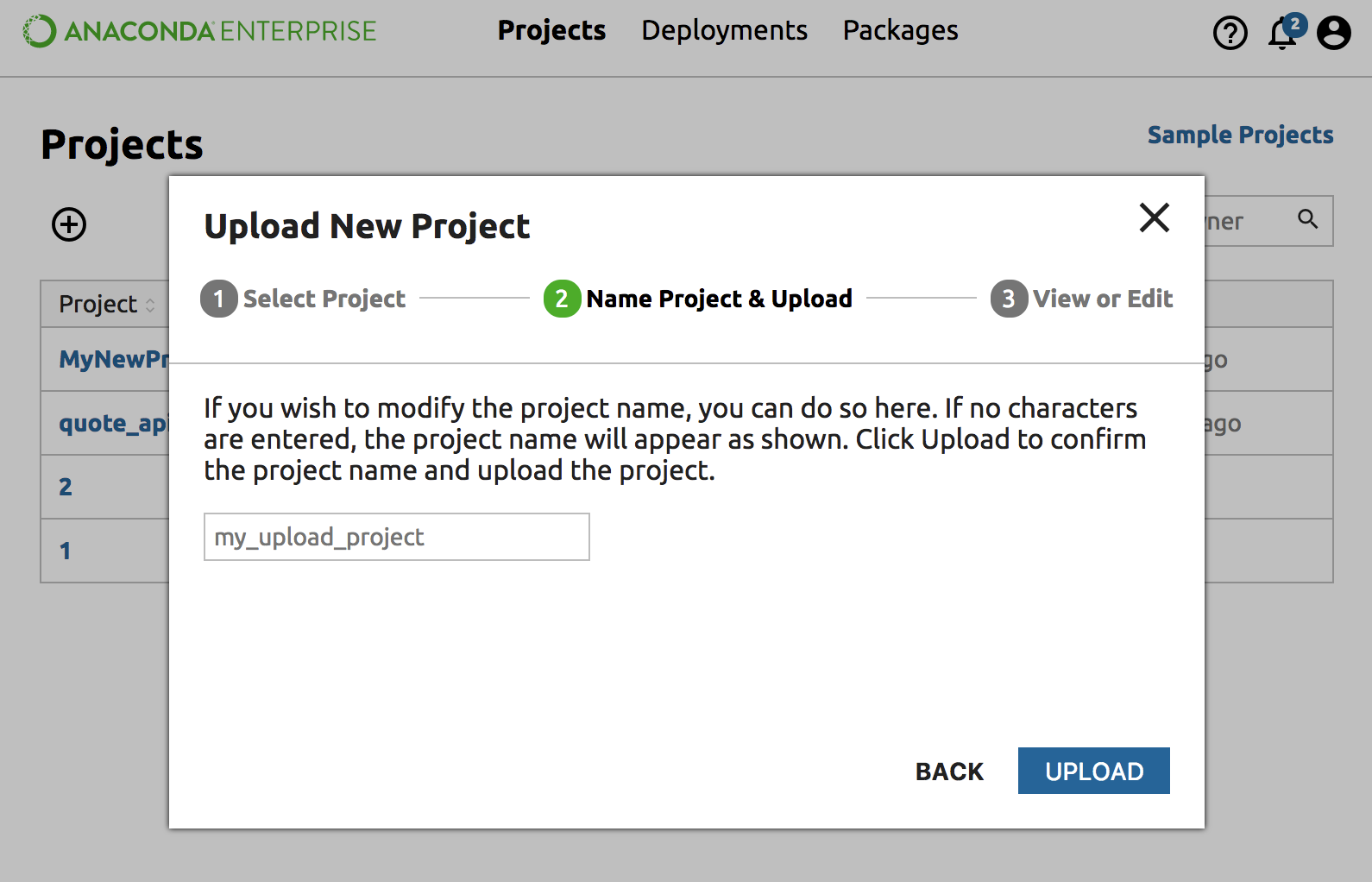
Modify the project name or leave it as-is and click the Upload button.
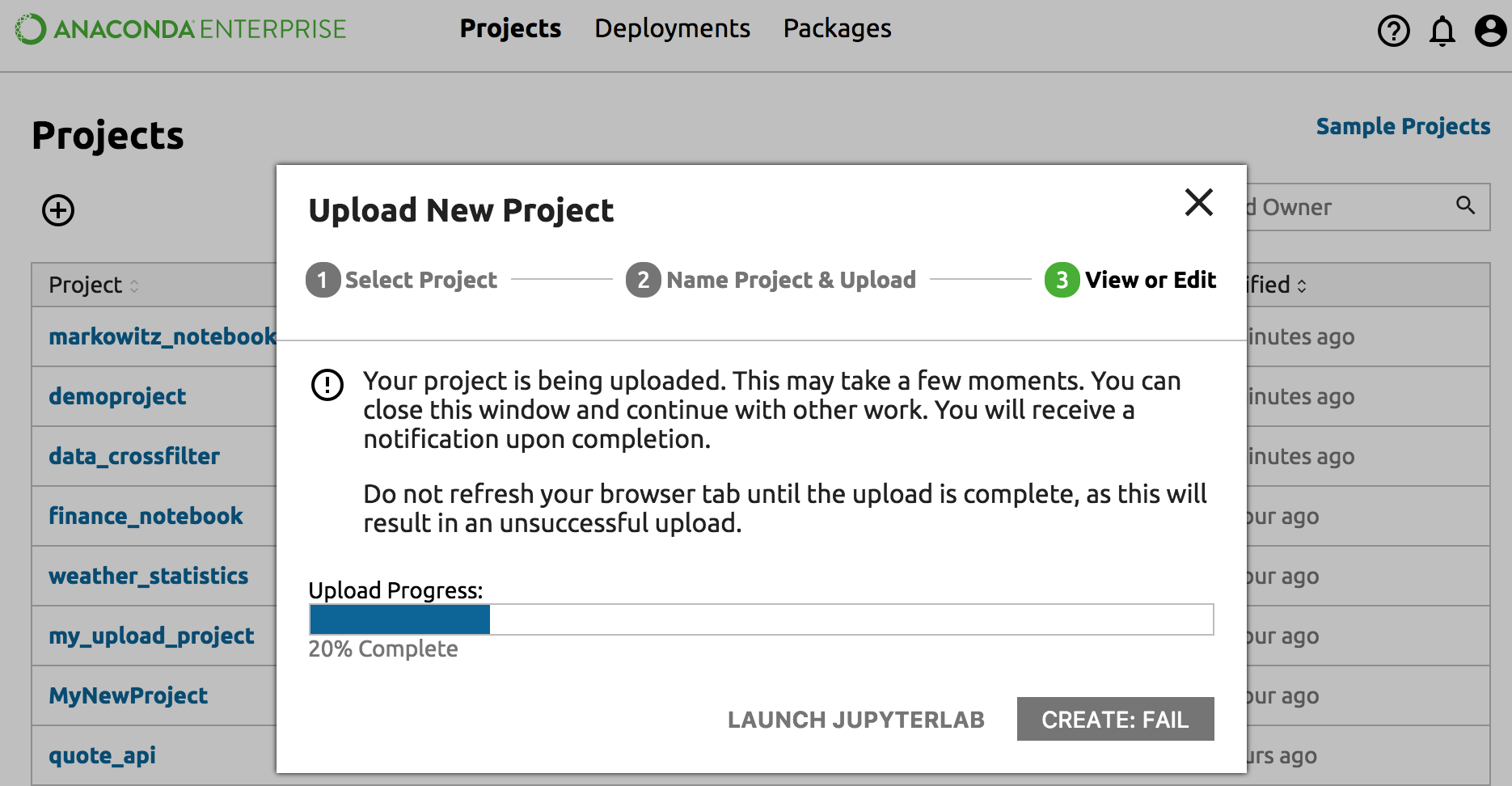
This may take a few minutes. You can close the dialog or leave it open and watch the progress bar.
When the project has been created you will receive a notification.
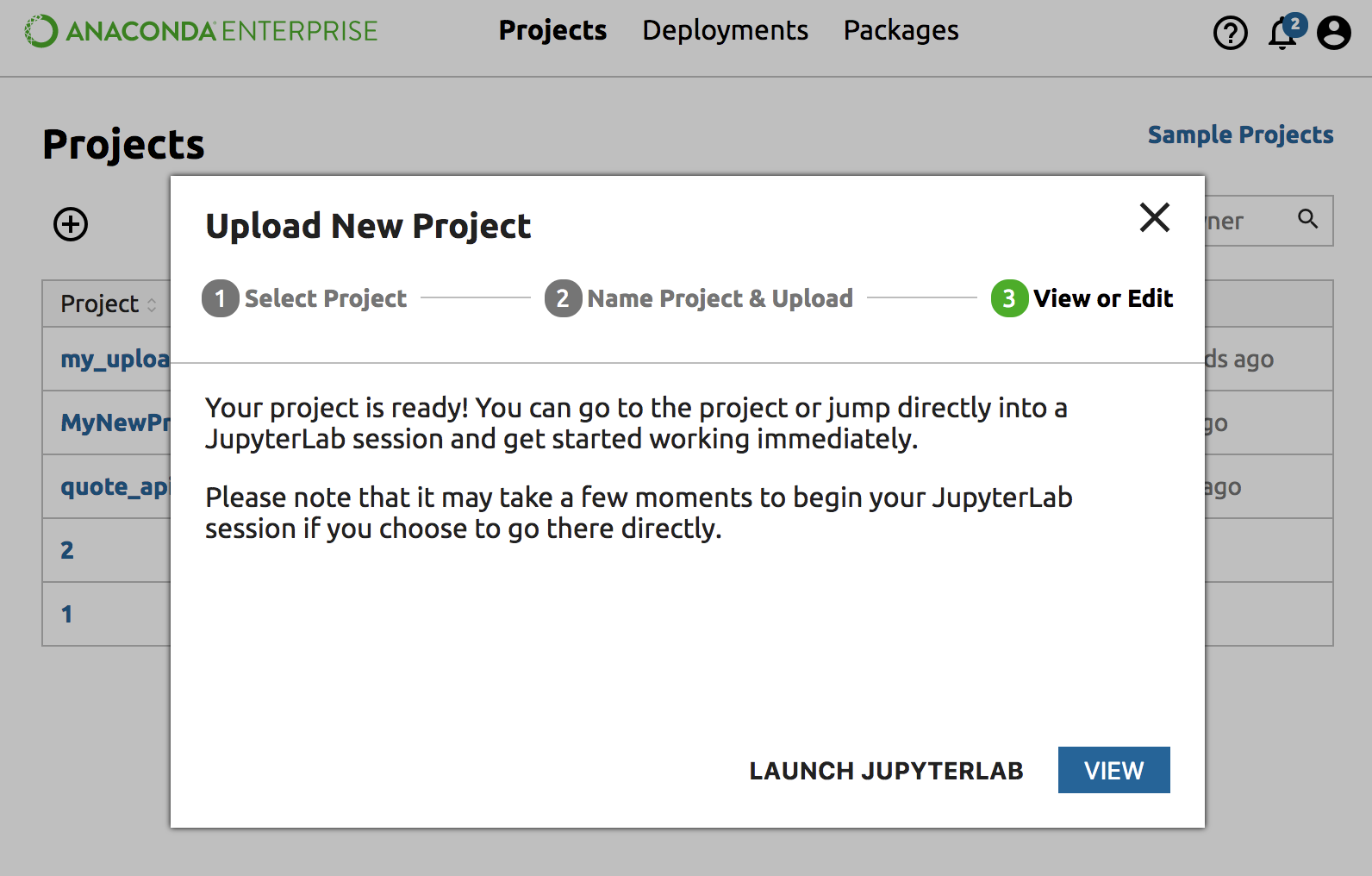
If the dialog box is still open, click “Launch JupyterLab” to work with the project in JupyterLab. If the dialog is closed you can click on your new project in the Project page and access actions from the Project Detail page.