
Start editing a project
To make changes to the content and files of a Project, or to save new versions of a project, edit the project using JupyterLab or Jupyter Classic.
JupyterLab is an integrated data science development environment. Jupyter Classic is an earlier version that many users are familiar with and may provide better support for certain browsers.
After you have either:
- Saved a sample project.
- Uploaded an Anaconda Project.
- Created a new Anaconda Project.
- Been added as a collaborator on someone else’s Anaconda Project.
You are ready to edit your project:
From the Project Detail page of the project that you want to edit.
Click the top right corner Open in JupyterLab button:
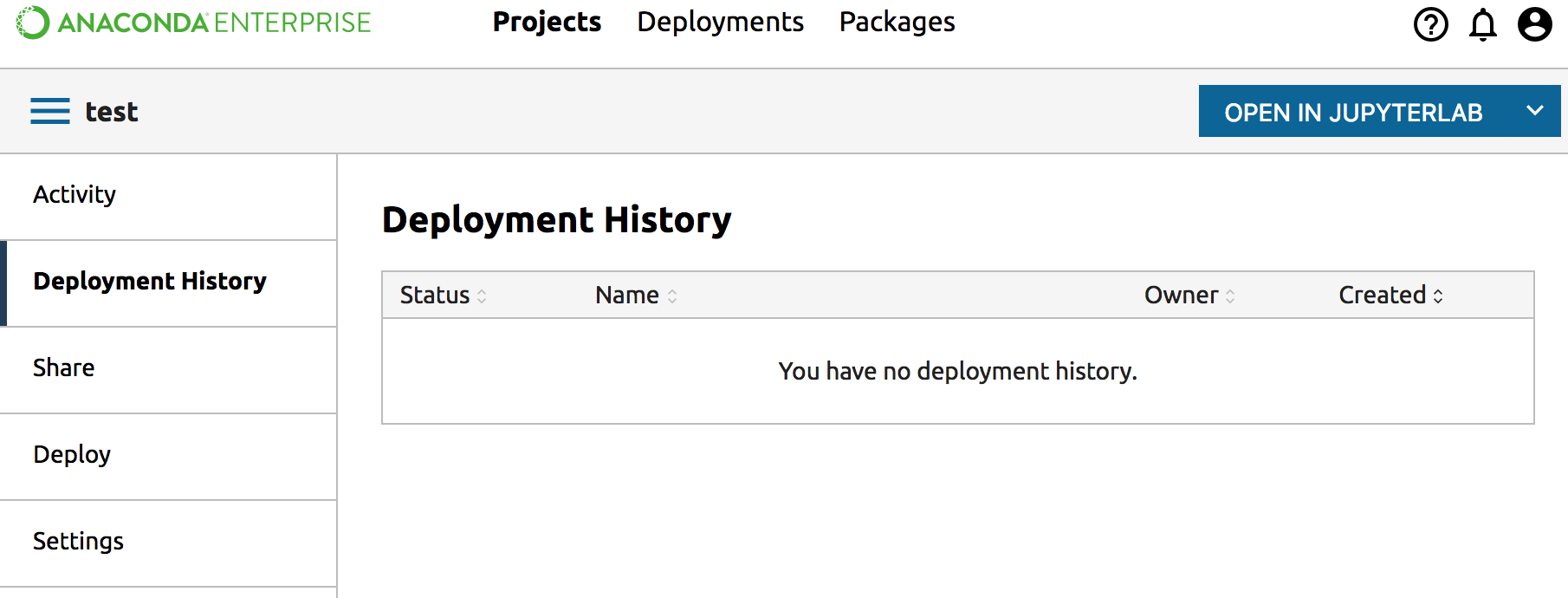
NOTE: To open the project in Jupyter Classic, click the dropdown to the right of the Open in JupyterLab button, and select Open in Classic Notebook.
Learn more about editing your project.
When you are done editing. You can Commit changes to your project and Stop Editing Session.