Viewing sample projects
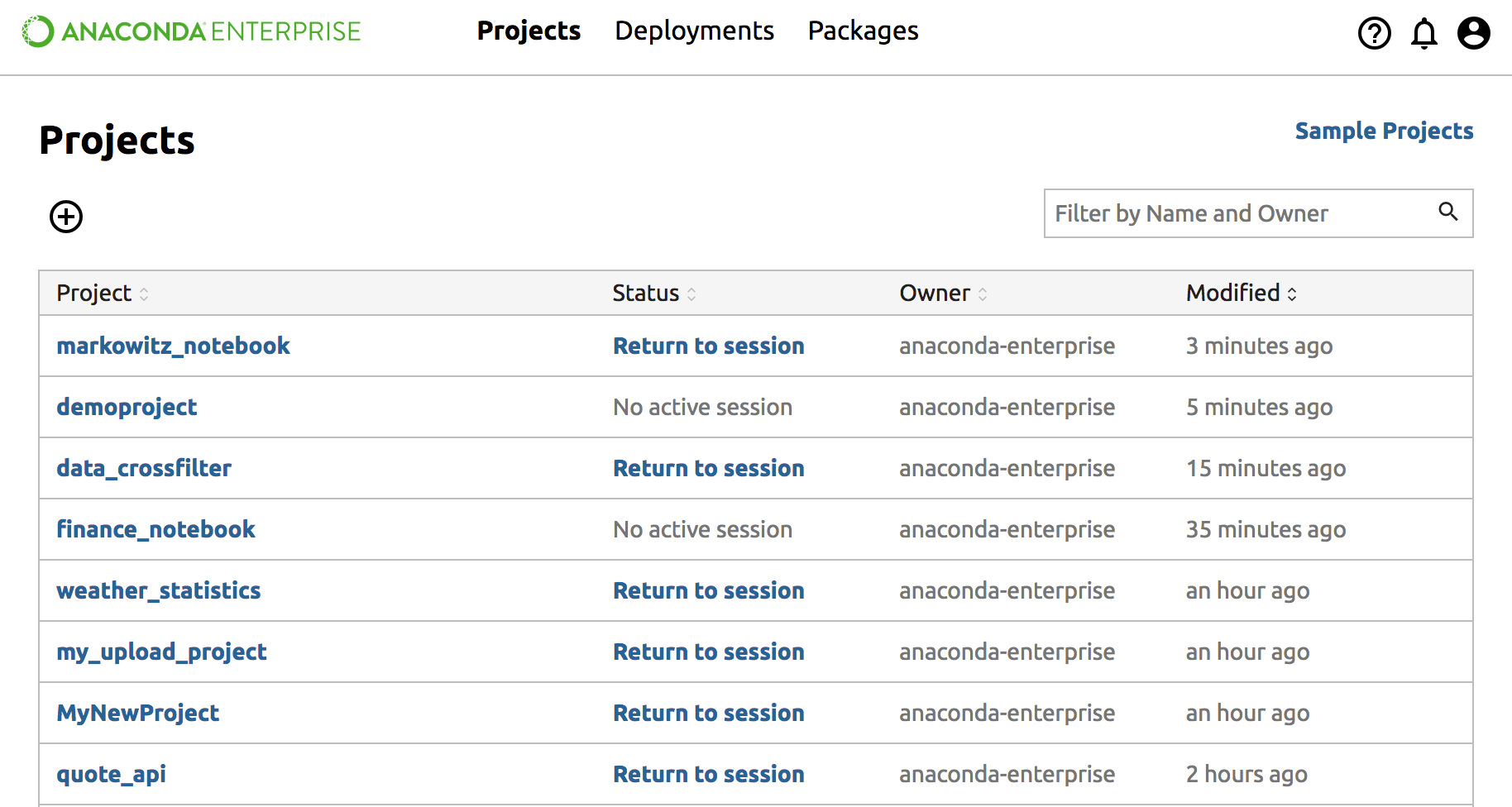
From the Projects page on the top right, click the Sample Projects link.
On each Project card you can choose “Download” or “Save to My Projects”.
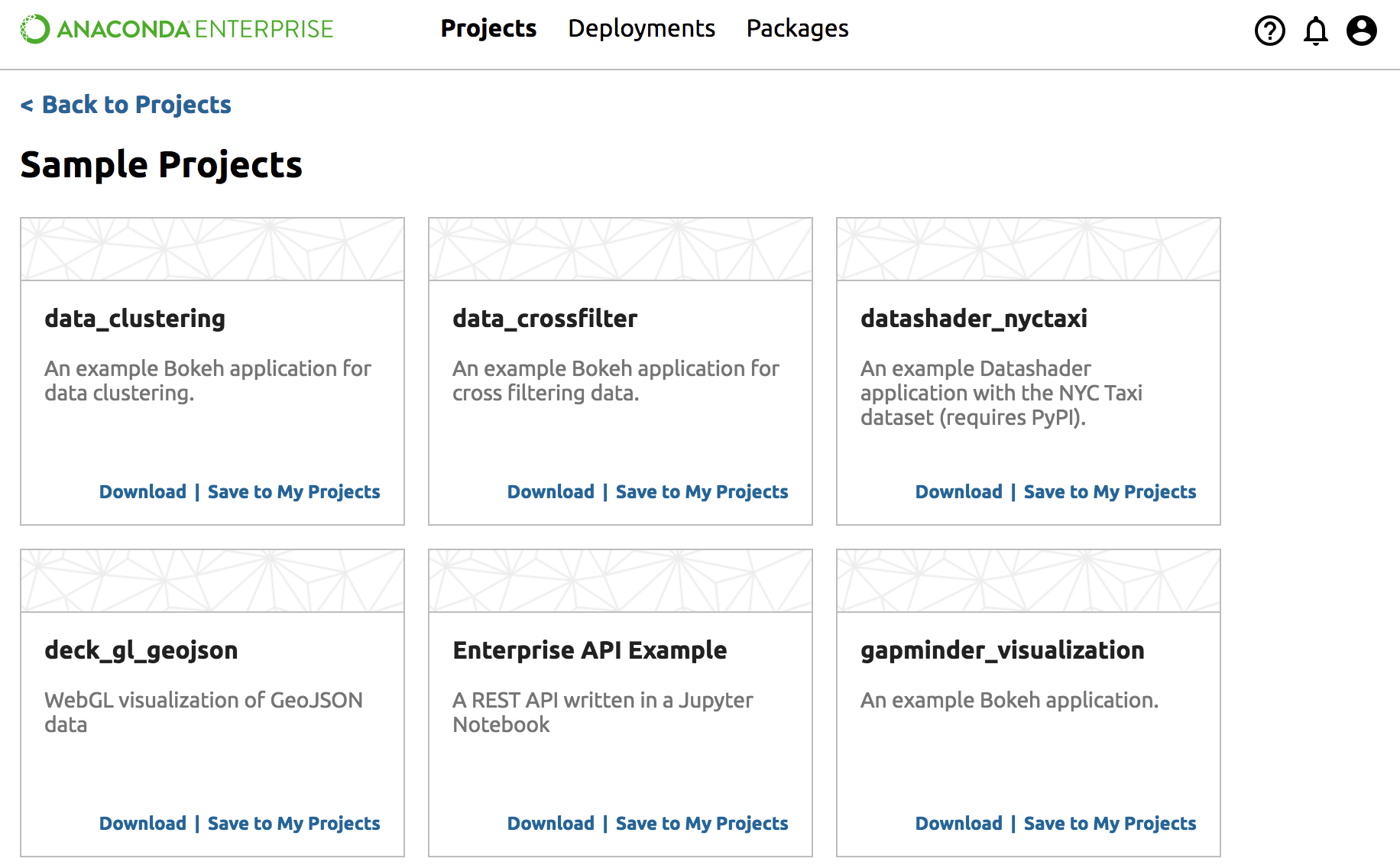
Click “Save to My Projects” to add the sample project to your Project page.
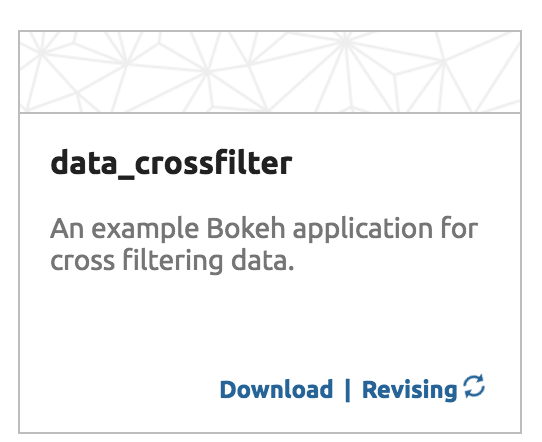
NOTE: Saving will take a minute and go through the steps: saving, uploading, revising and cleaning. When it is finished, the link text will change to View Project.
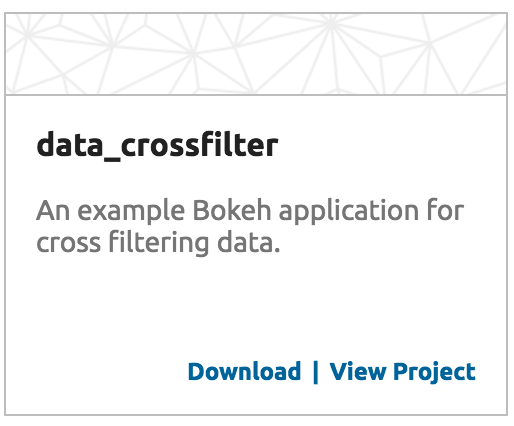
Click View Project to open the Project Detail page.