
Stop editing session
Stop a session on an inactive project to free up space on your server. Before stopping a session, please make sure that you have Committed changes to your project.
From the Projects page:
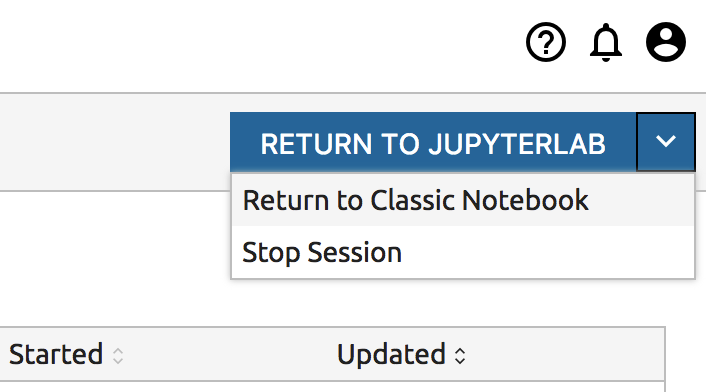
Click the name of the project that has an editing session running. You can tell that a session is running because the button at the top right will read “Return to Jupyterlab”.
Click the dropdown button on the “Return to JupyterLab” button and select “Stop Session”.
Hit “Stop Session” in the dialog.
From JupyterLab:
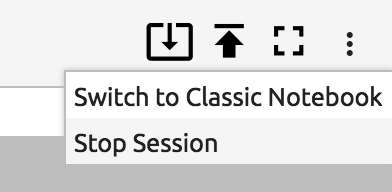
Click the More icon at the top right and select “Stop Session”.
Hit “Stop Session” in the dialog.